Launch offer: all Silver listings are free.

Create invite links for buyers, send them, and handle offers on both sides.
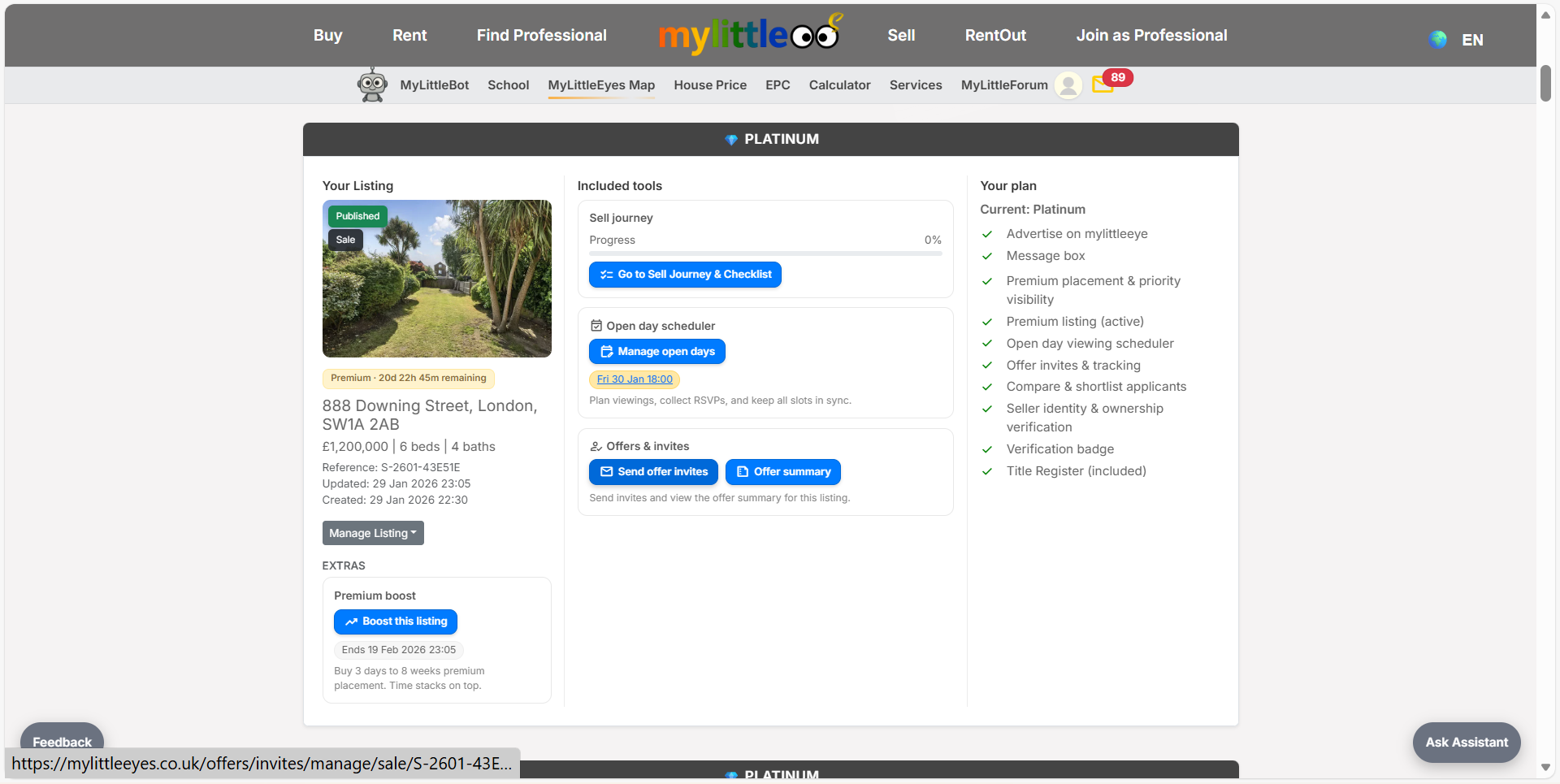
From your listing tools, open Offers & invites to manage buyer invites.
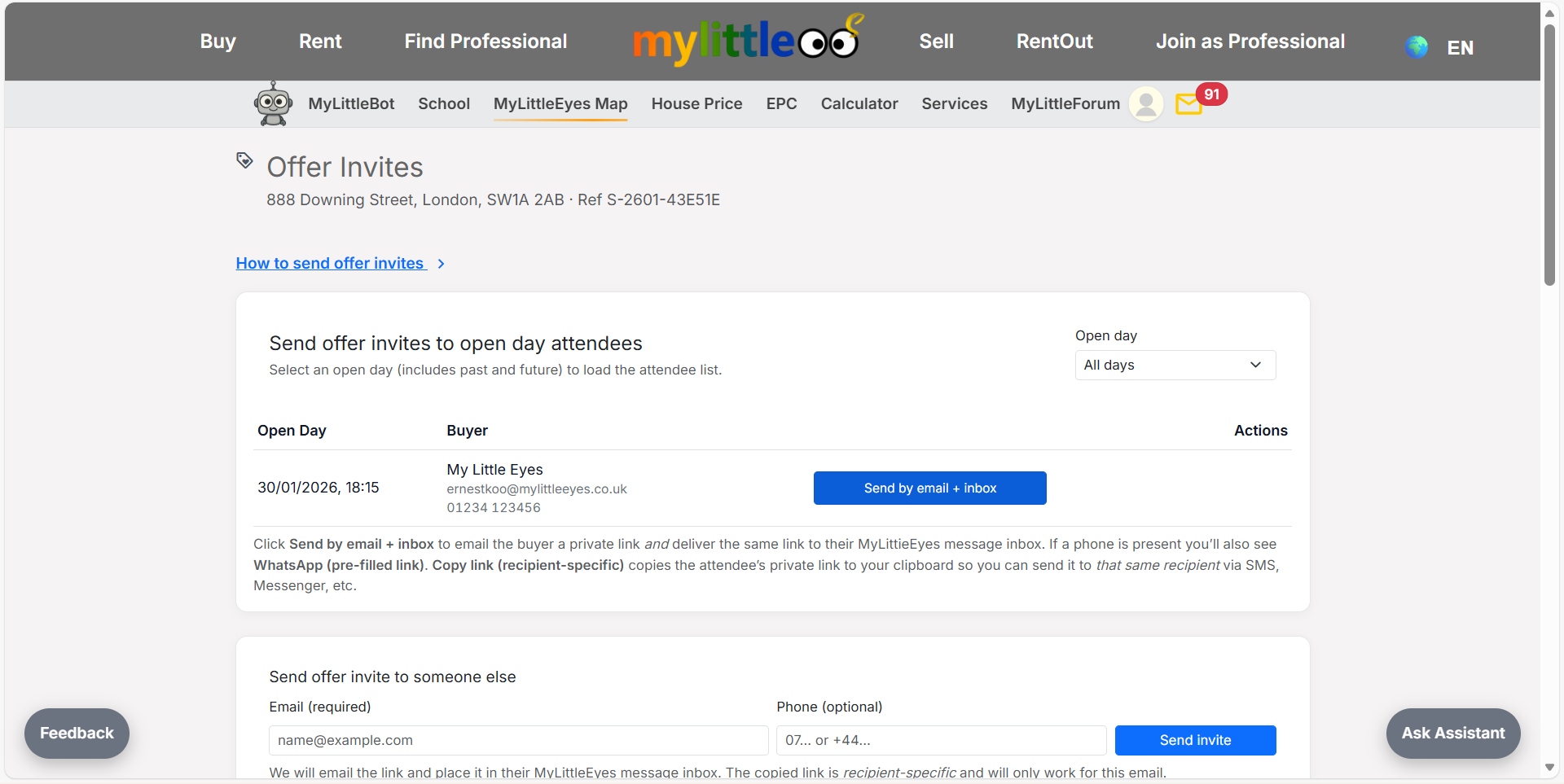
Select the open day date and pick attendees; send links by email/inbox or WhatsApp.
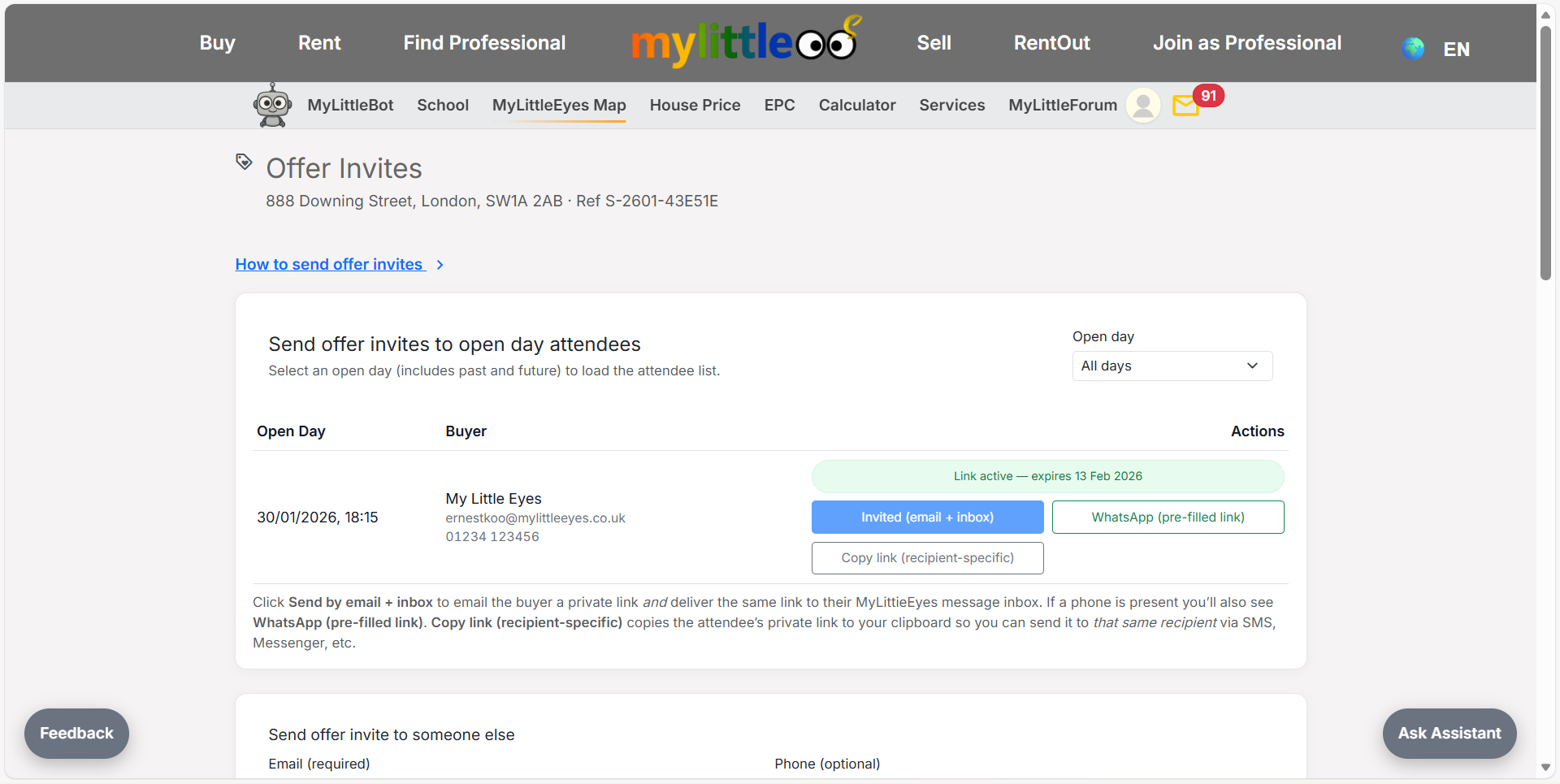
Send or copy the attendee-specific link so the buyer can respond to your invite.
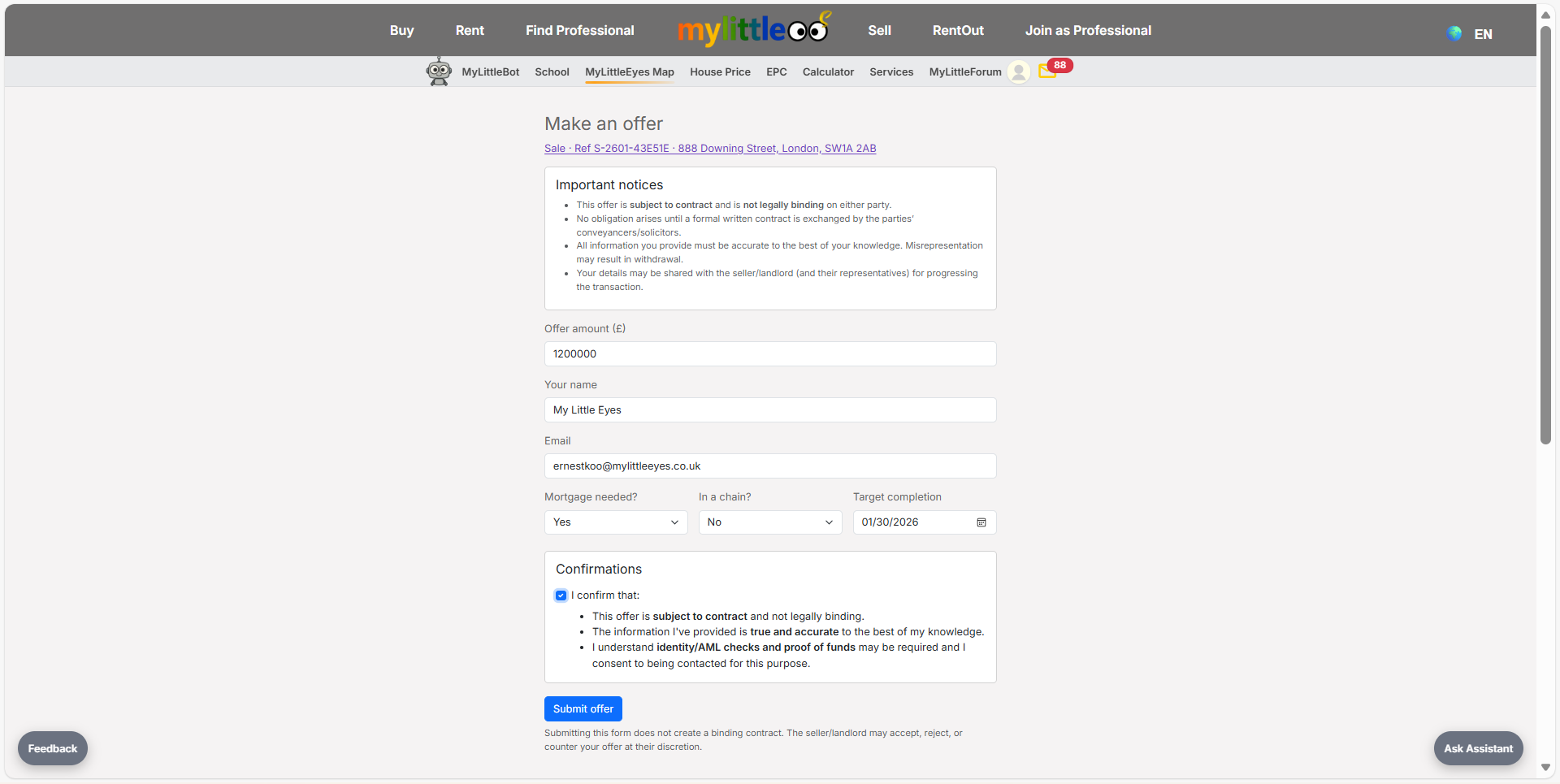
Buyer completes the offer form with amount, timeline, and confirmation details.
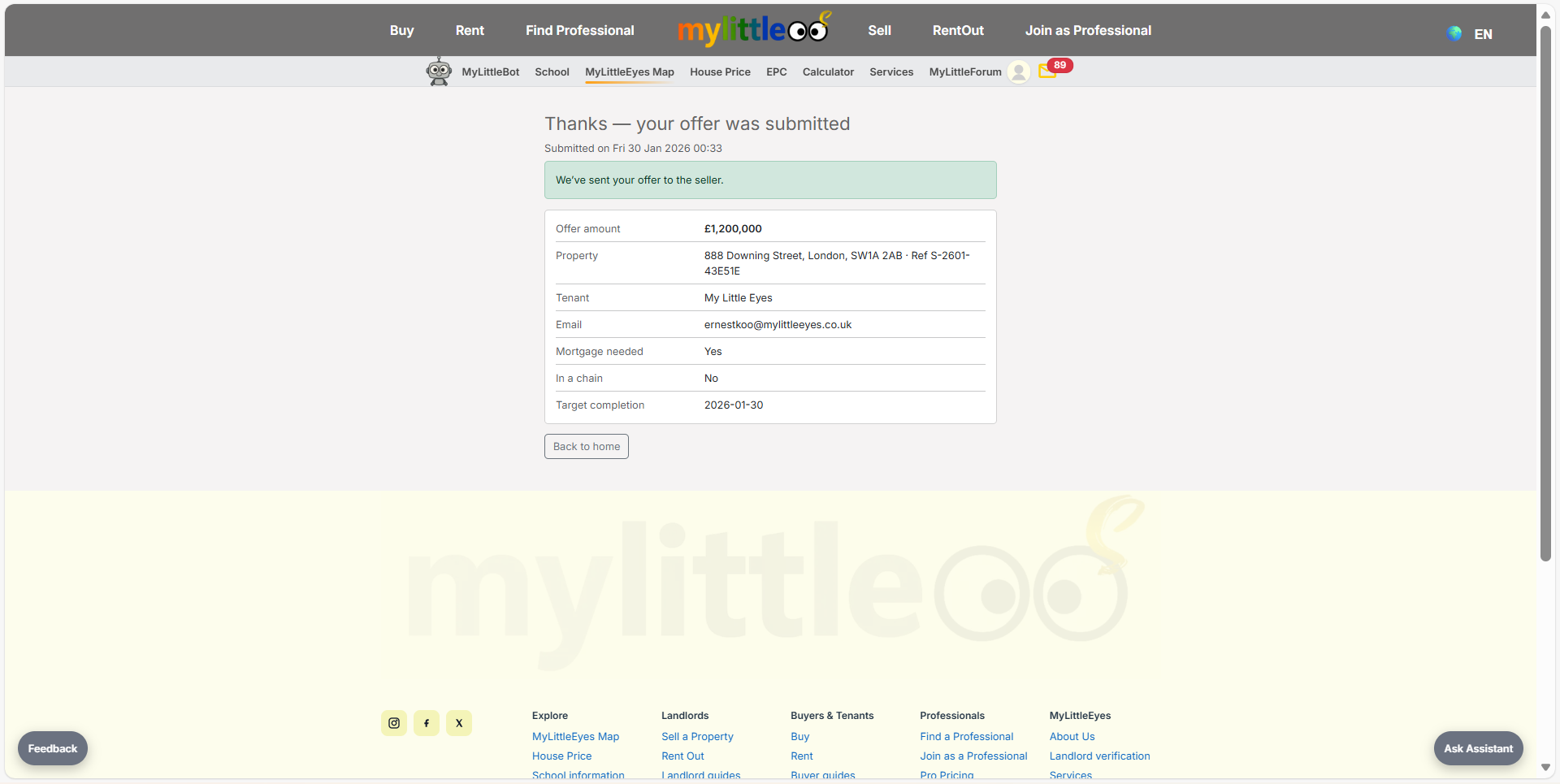
Buyer receives a confirmation showing the submitted offer and details.
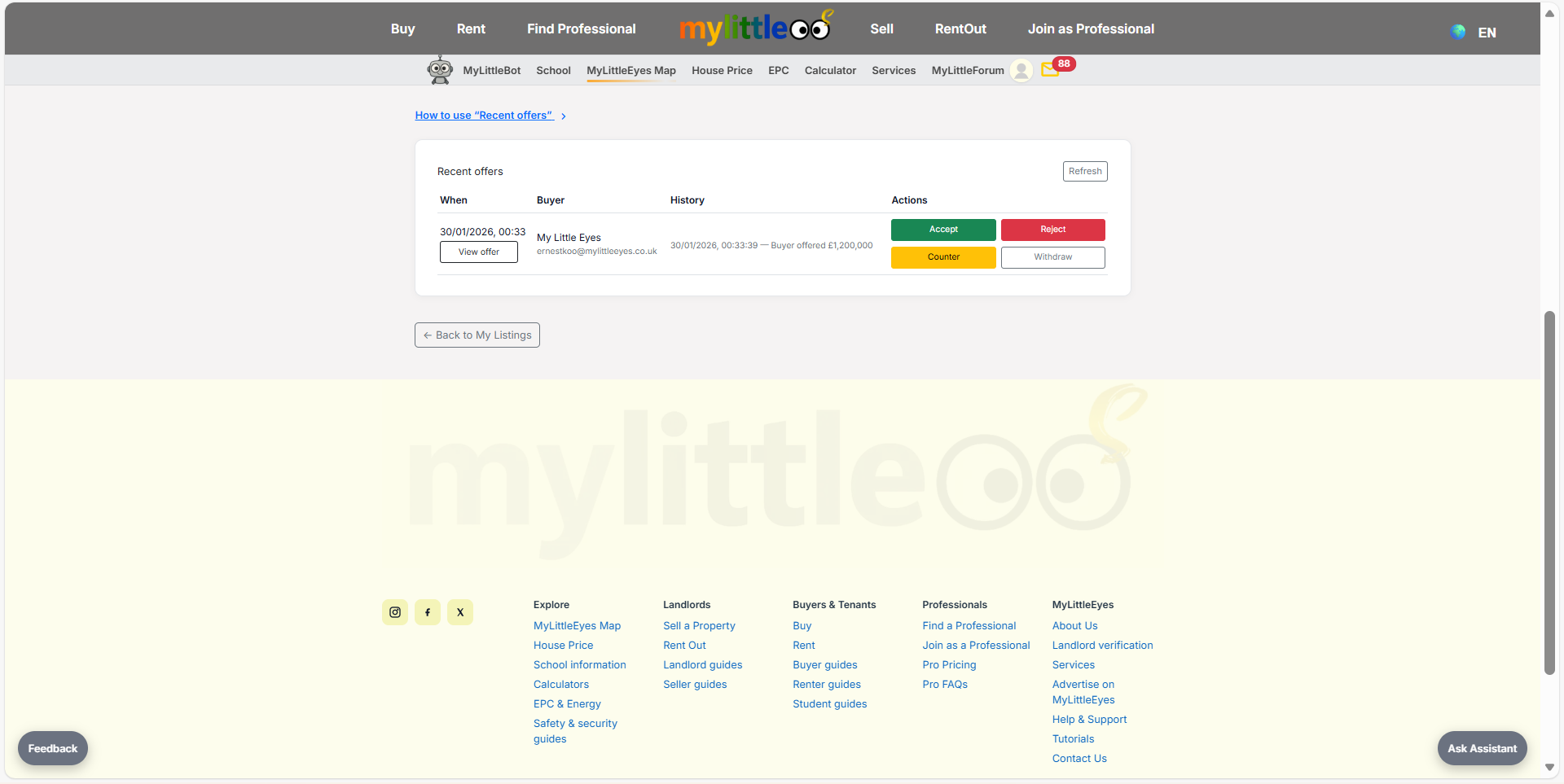
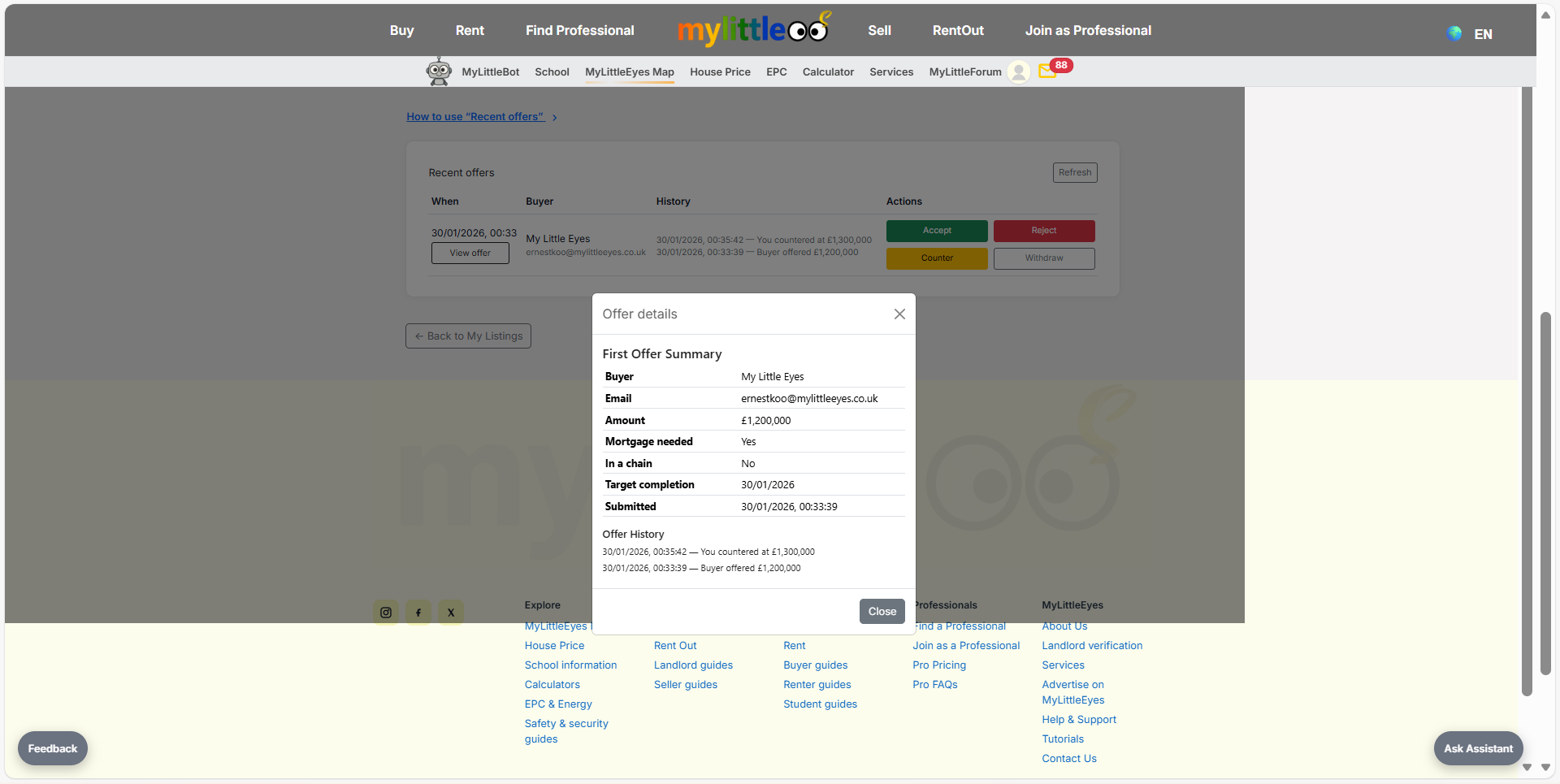
In your offers console, review the buyer’s offer and available actions.
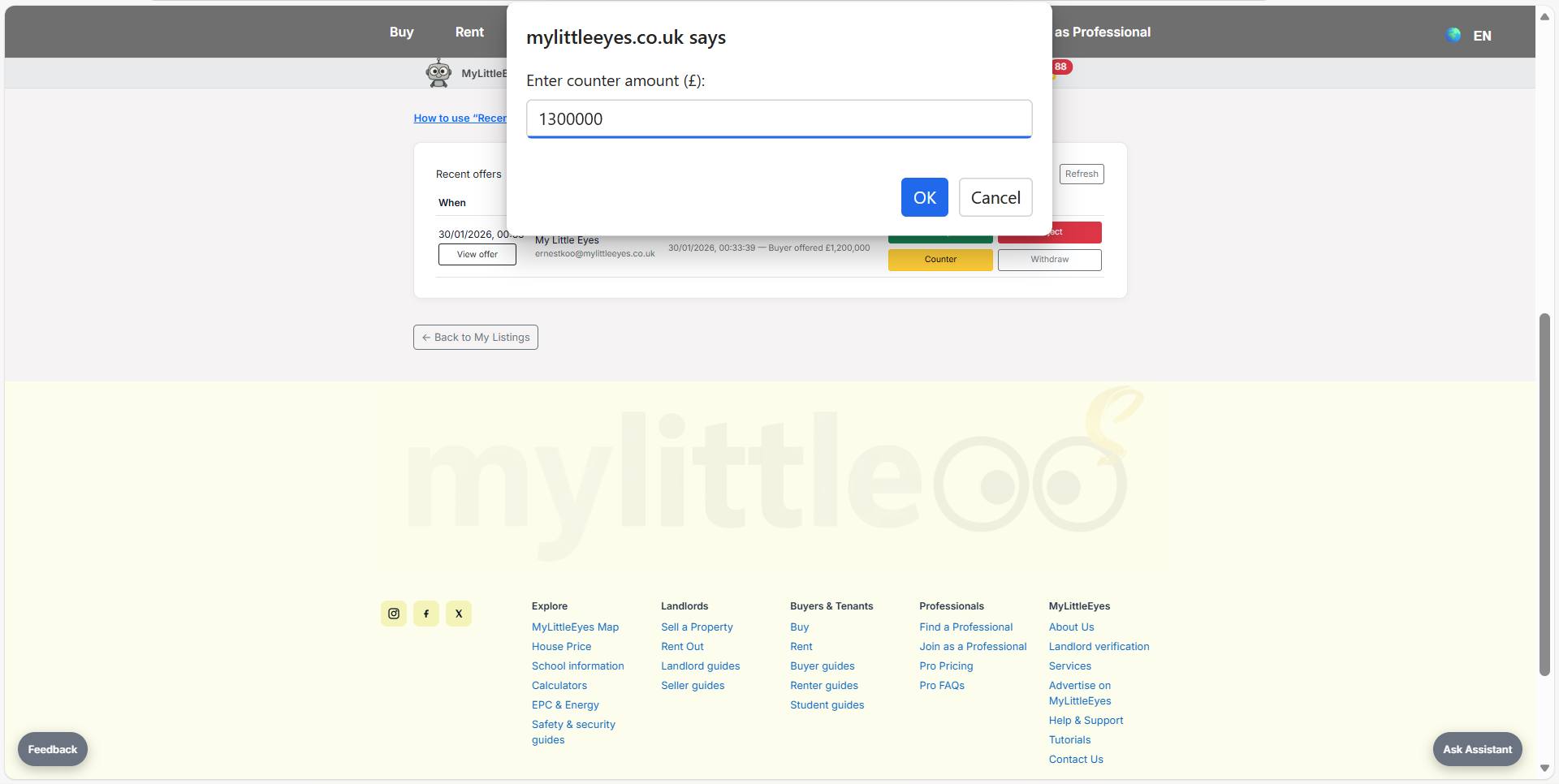
If needed, set a counter amount instead of accepting or rejecting outright.
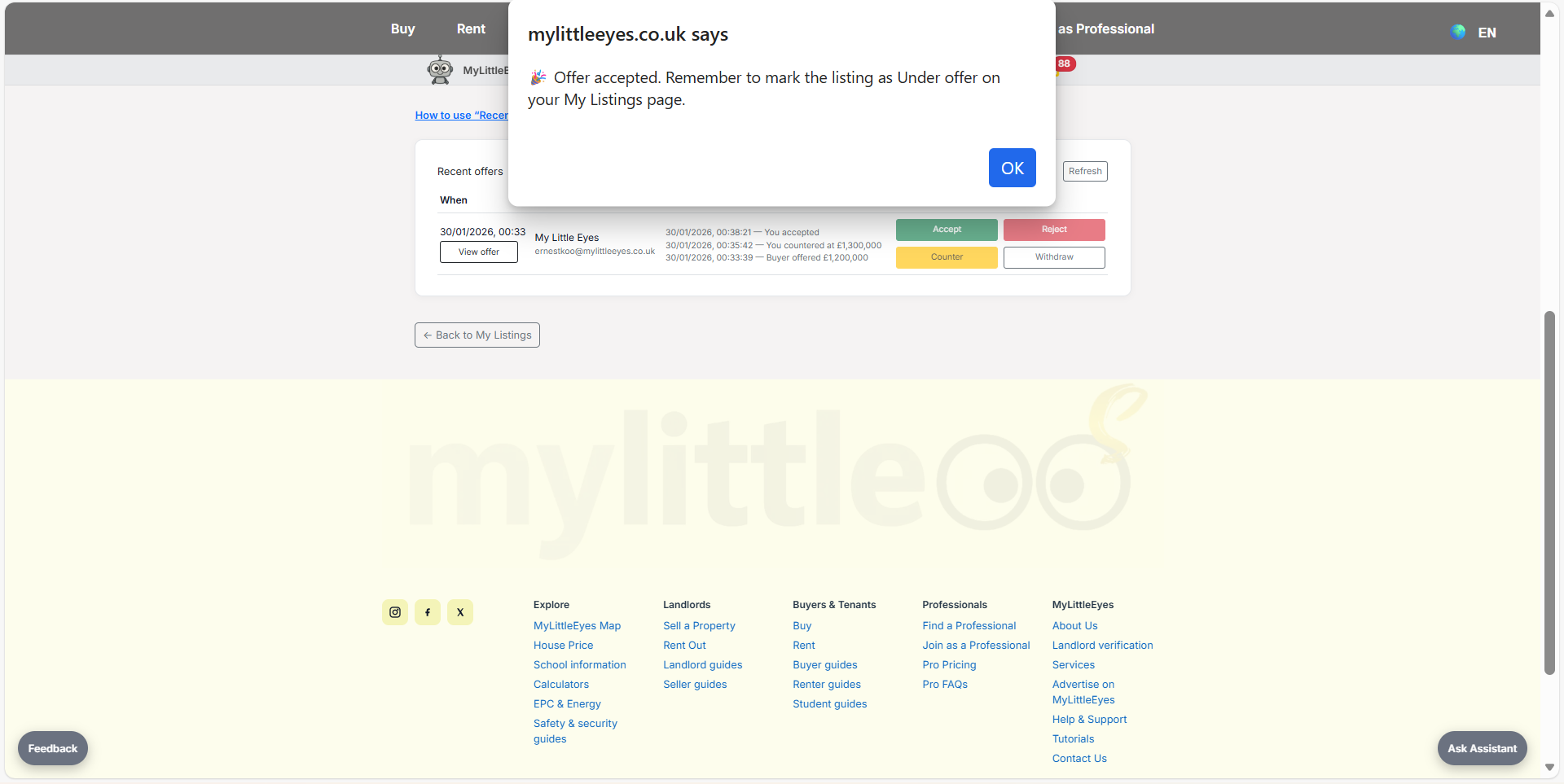
Open offer details to see the full history of offers and counters.
When you accept, note the prompt to mark the listing appropriately in My Listings.