Launch offer: all Silver listings are free.

Add sale address details, upload media, choose a package, and publish your for-sale listing.
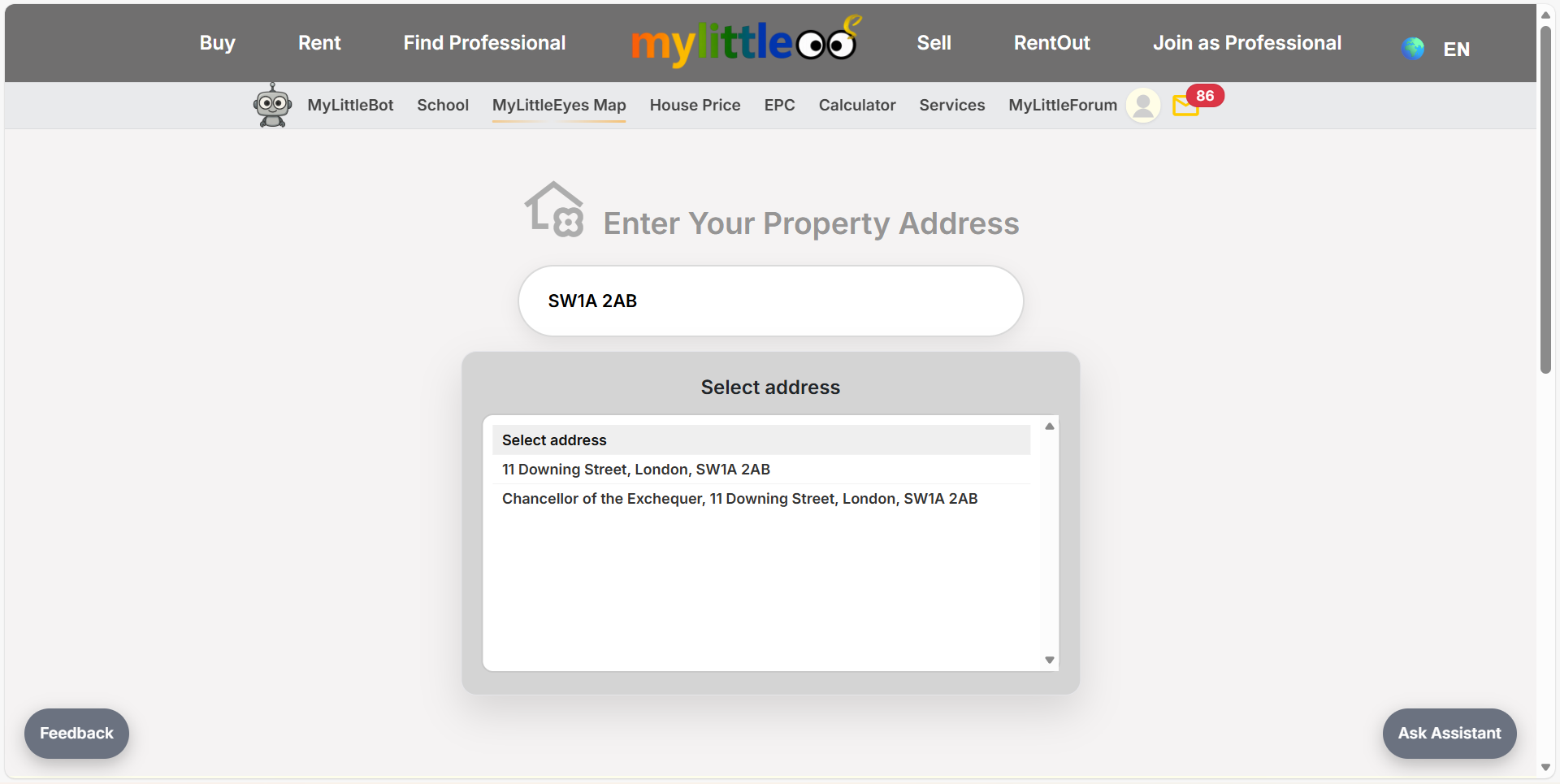
Open Start Sale, type your postcode, and pick the correct address to begin.
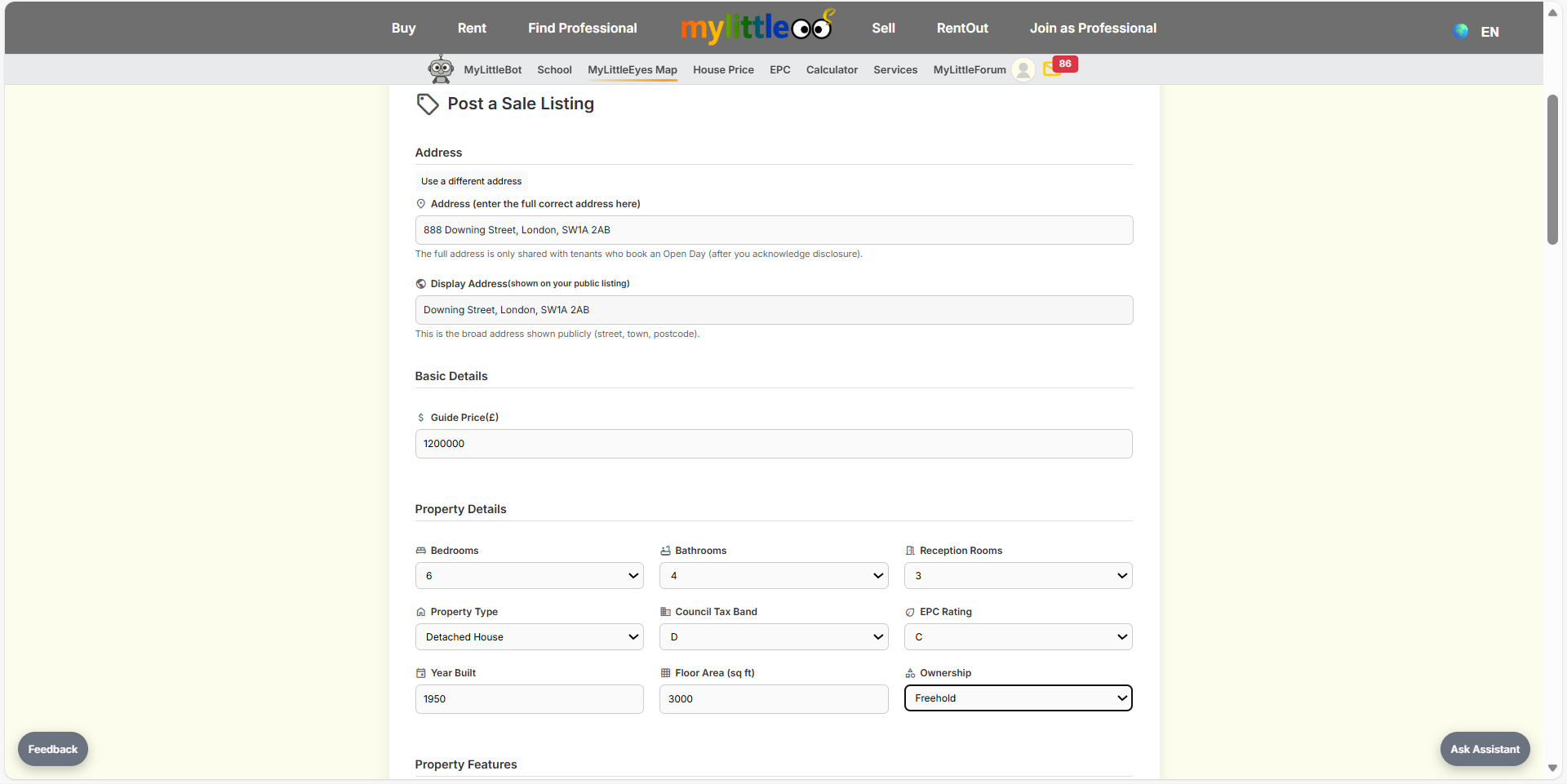
Fill the address fields, guide price, beds, baths, reception rooms, tax band, EPC, floor area, and ownership.
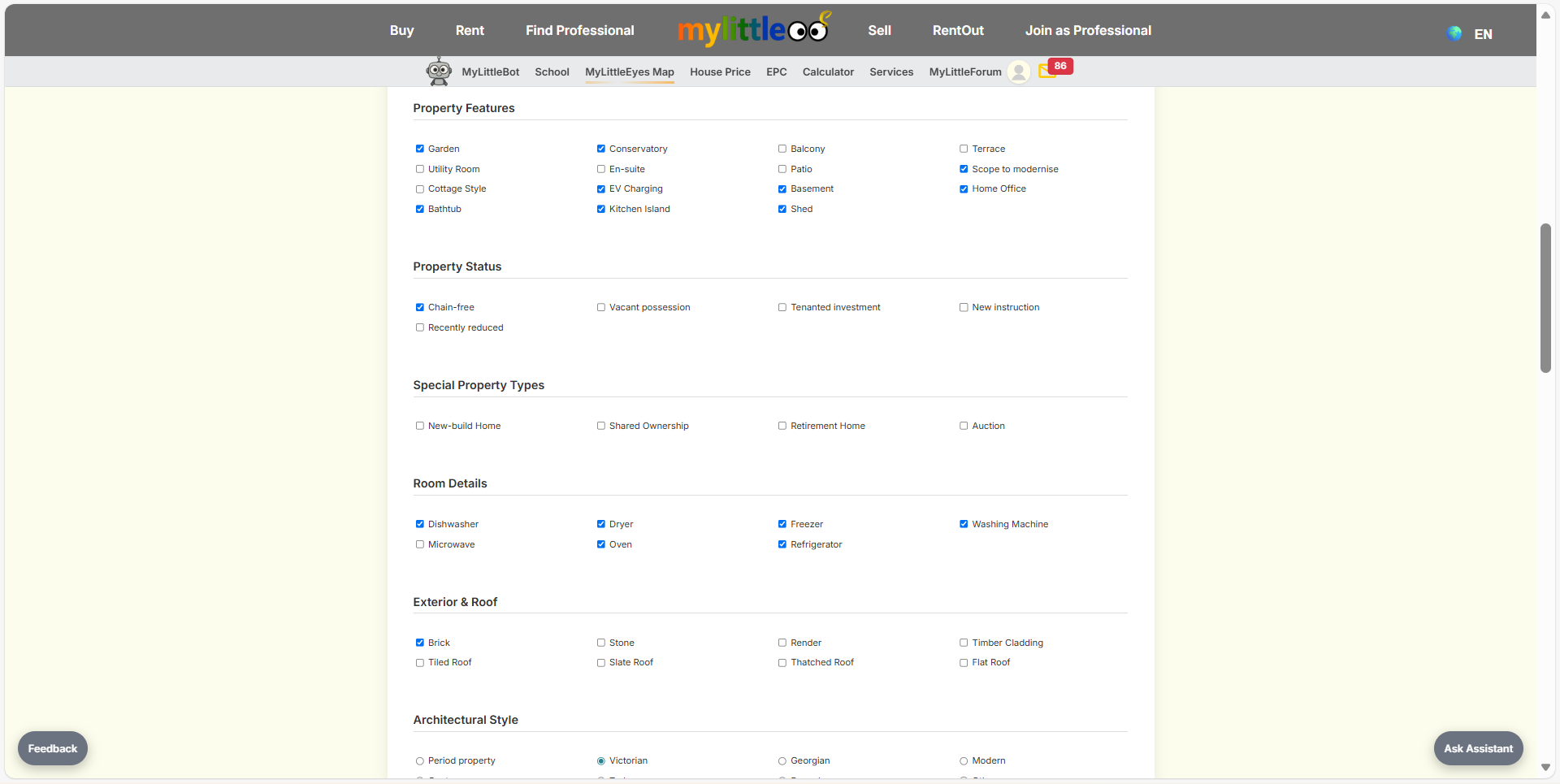
Tick property features, status, special property types, room details, exterior and roof materials, and architectural style.
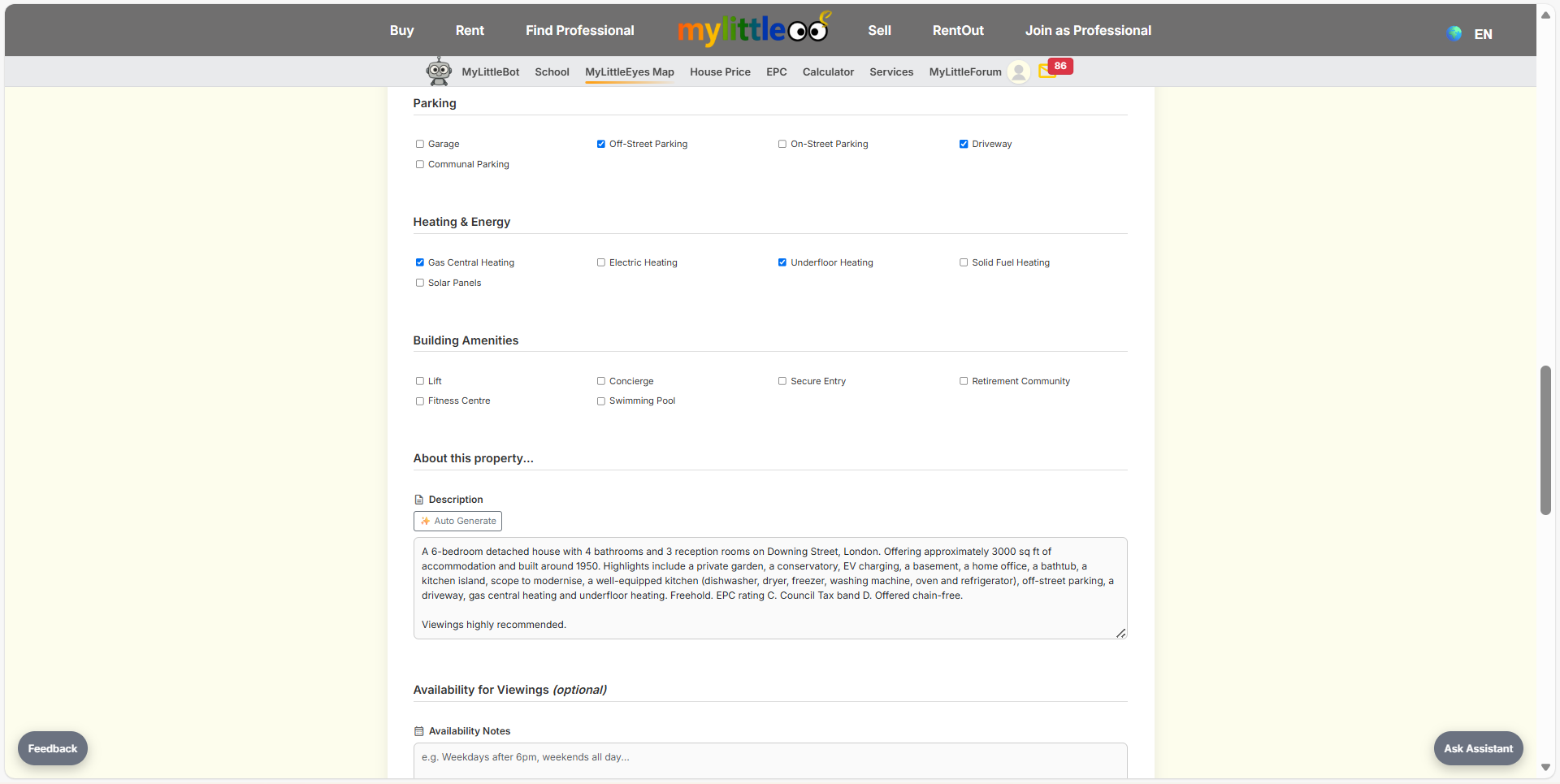
Add parking and energy details, building amenities, and a clear description; add availability notes if needed.
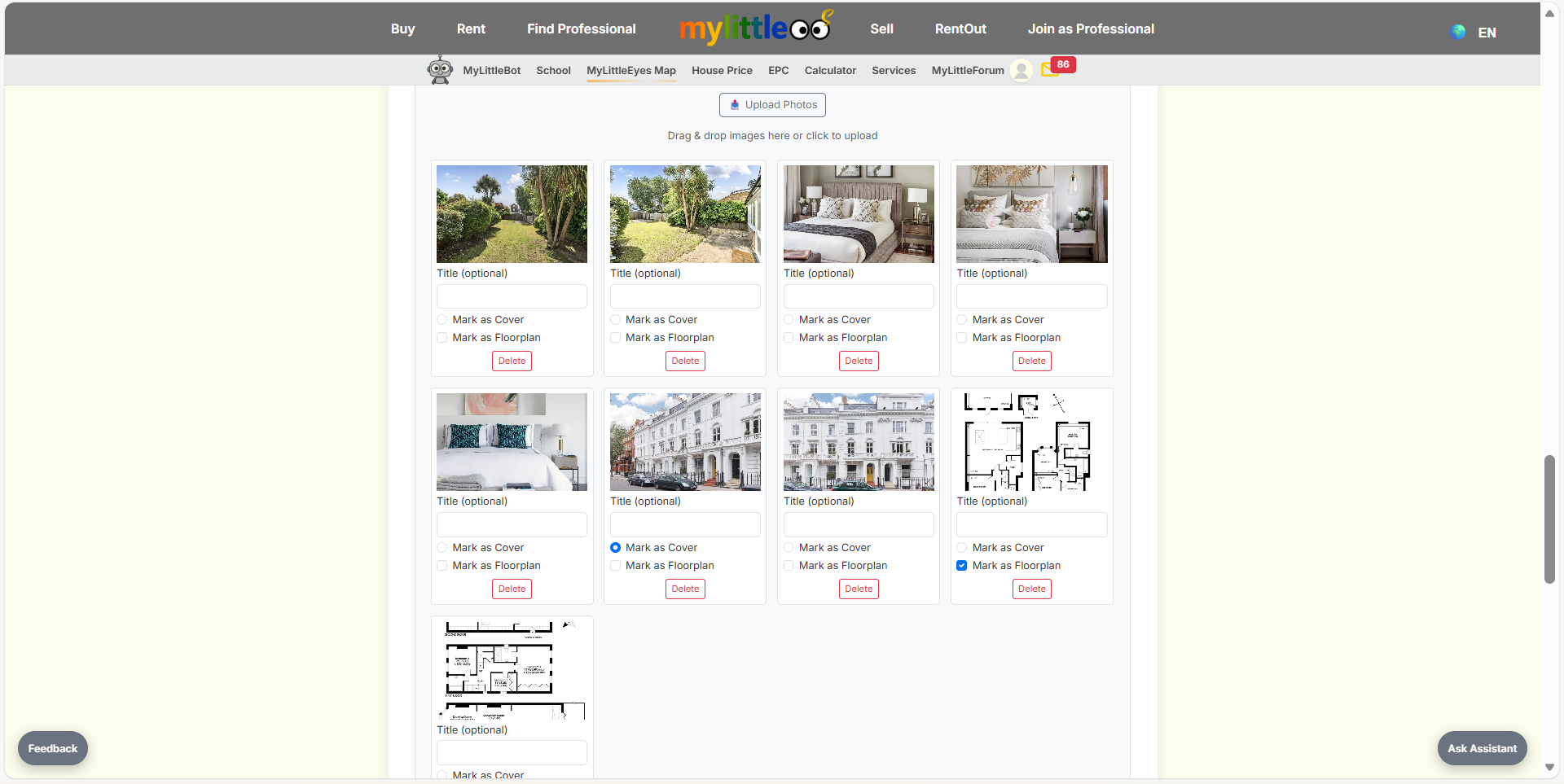
Upload images, choose a cover, and tag floorplans so buyers see the right shots first.
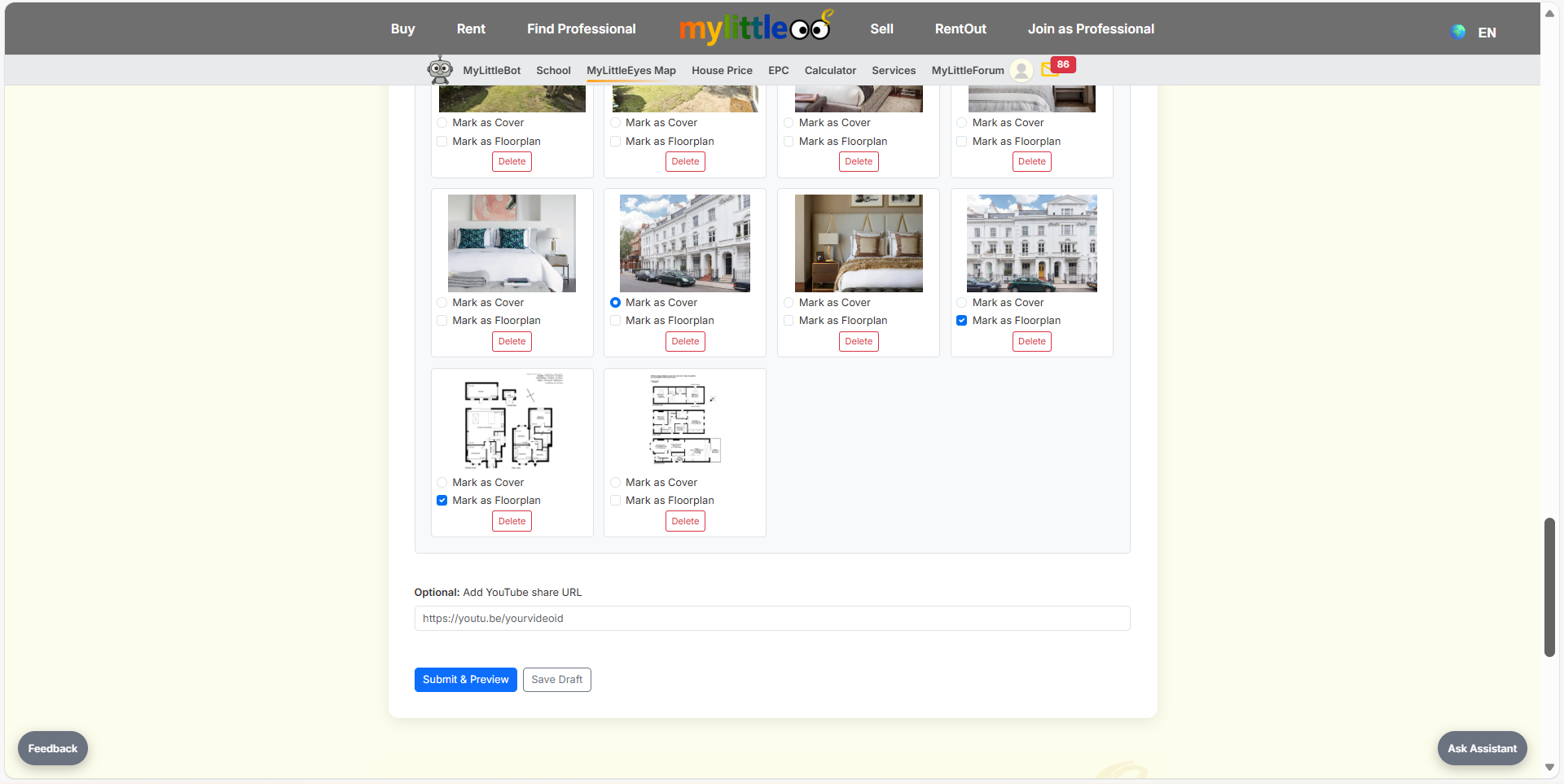
Complete photo and floorplan uploads, set cover/floorplan flags, and Save Draft or Submit & Preview.
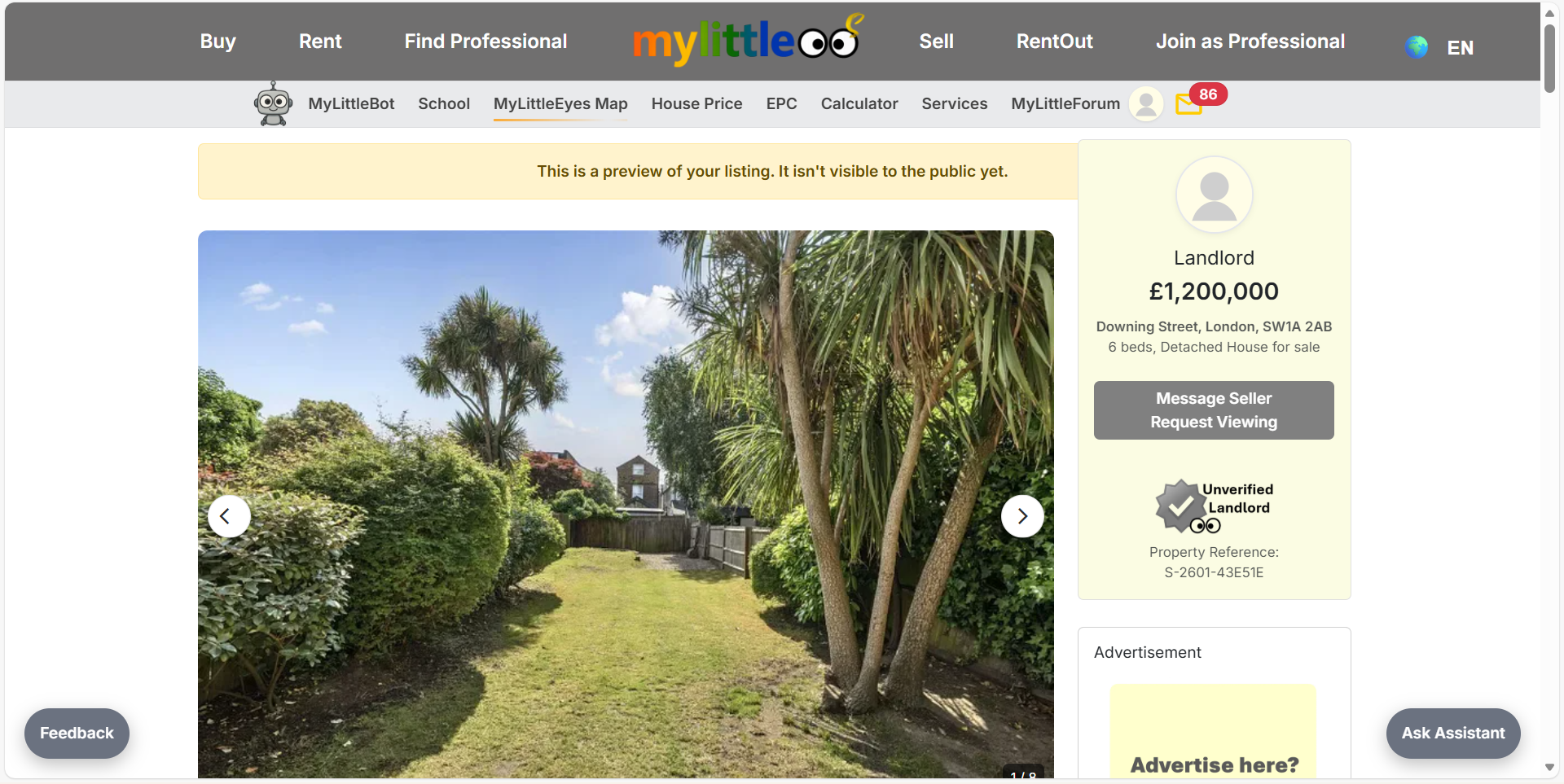
Review the preview page to verify gallery, price, address, and actions look correct before going live.
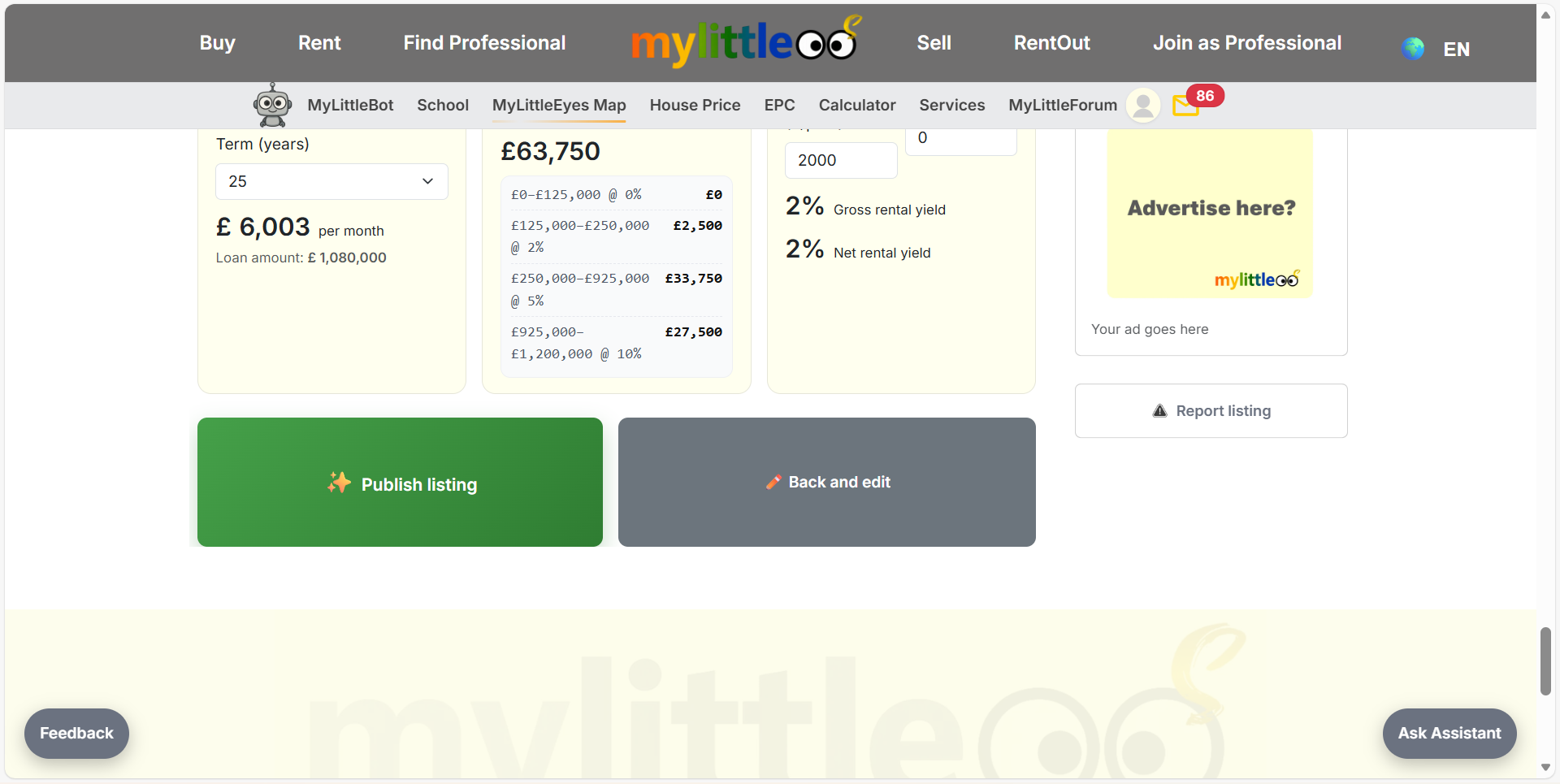
Review the auto-calculated yield and mortgage figures, then pick Publish listing or Back and edit to make changes.
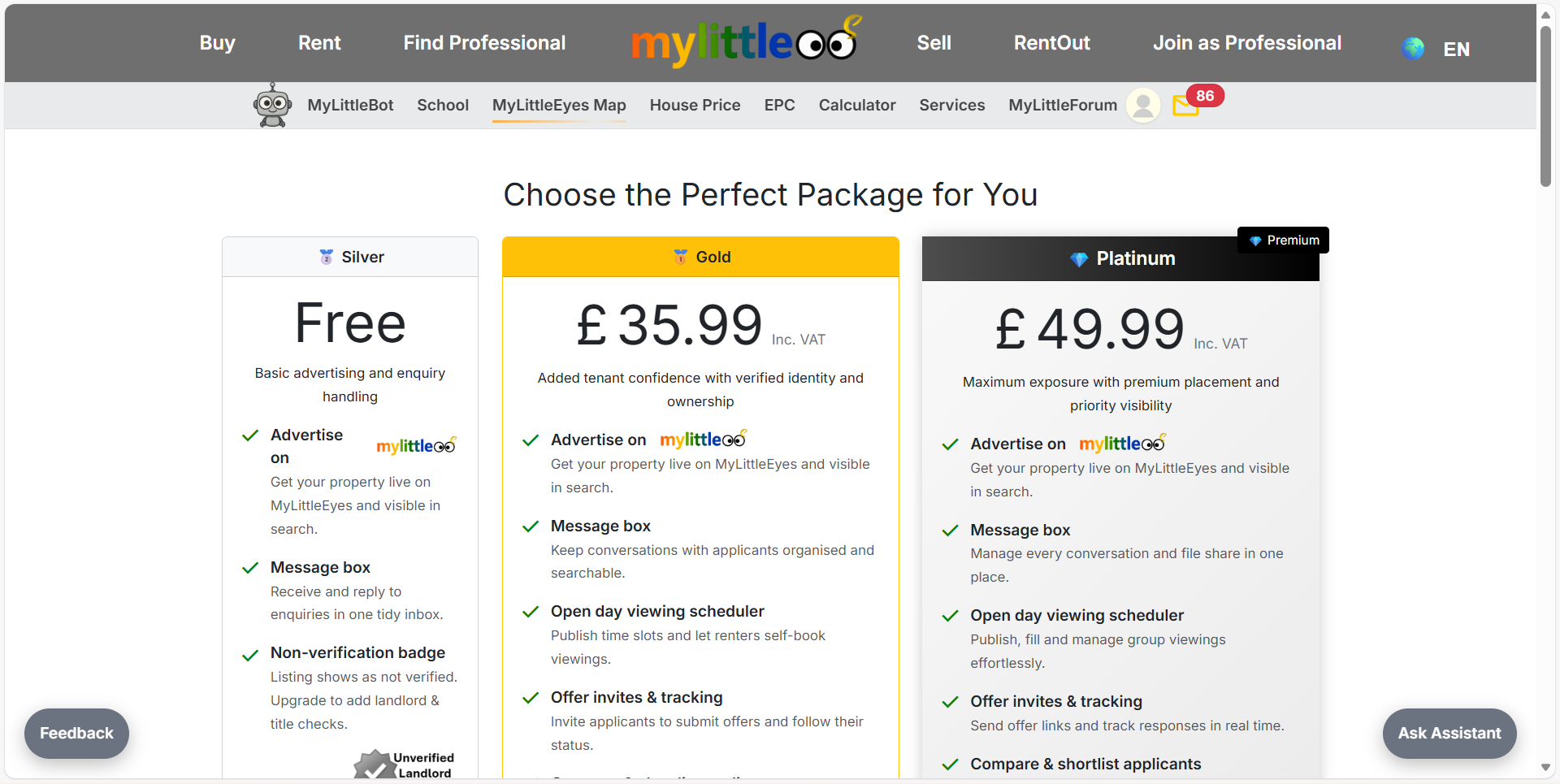
Select Silver (£4.99 listing fee - waived for early users), Gold, or Platinum placement for your sale listing and proceed to checkout.
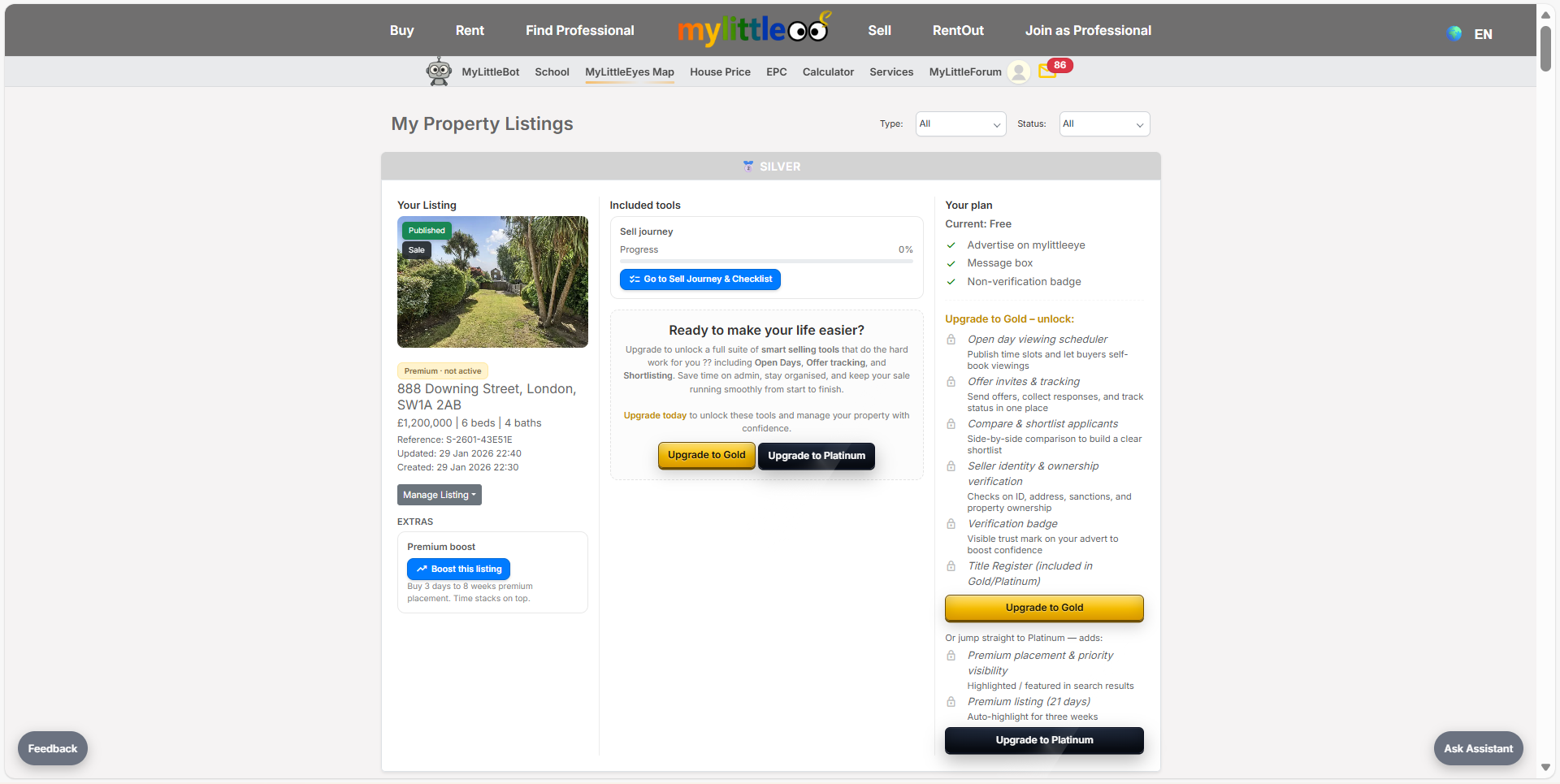
Open My Listings anytime to view, manage, or upgrade your sale listing and track its status.