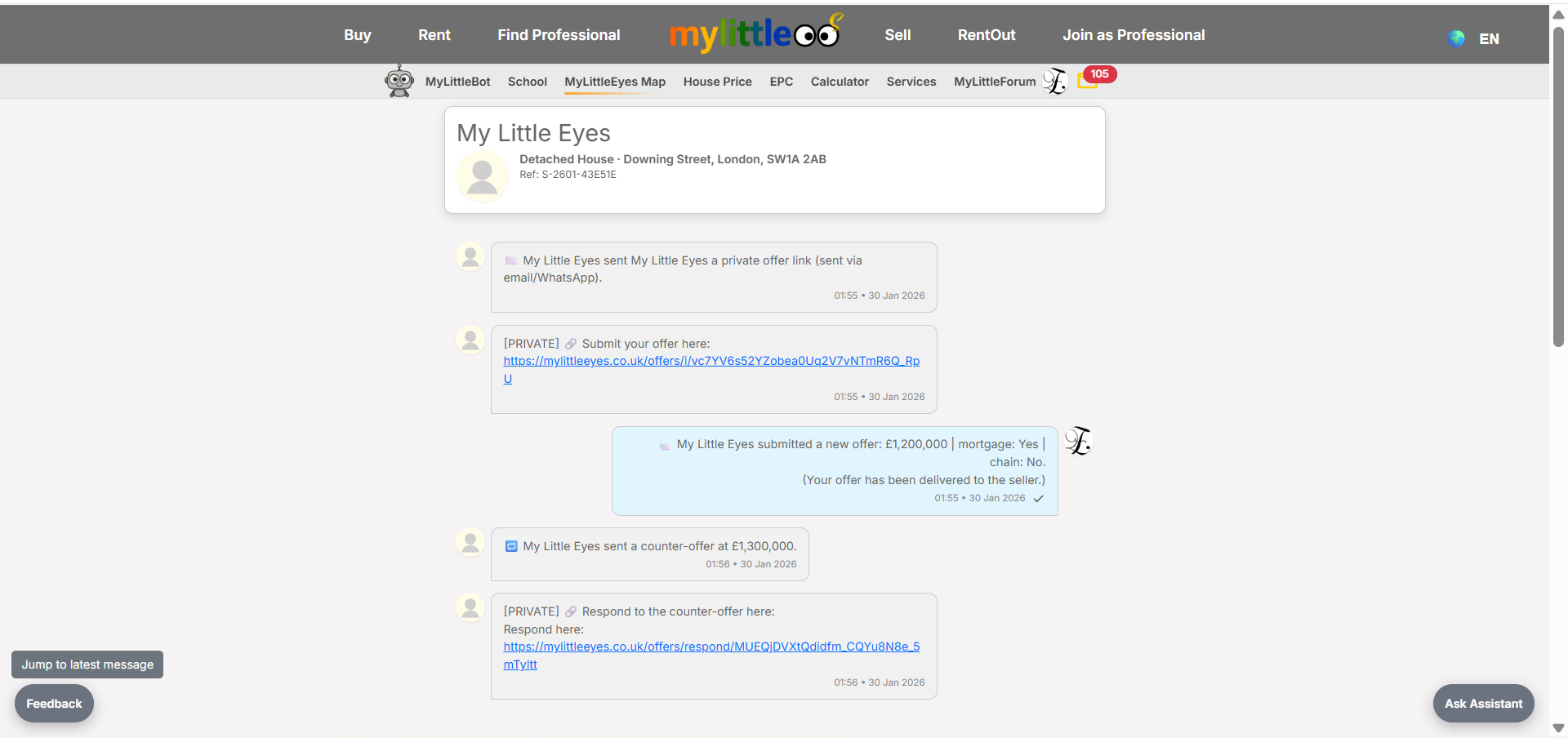
Launch offer: all Silver listings are free.

Submit or update your offer using the invite link; works for sale or rental invites.
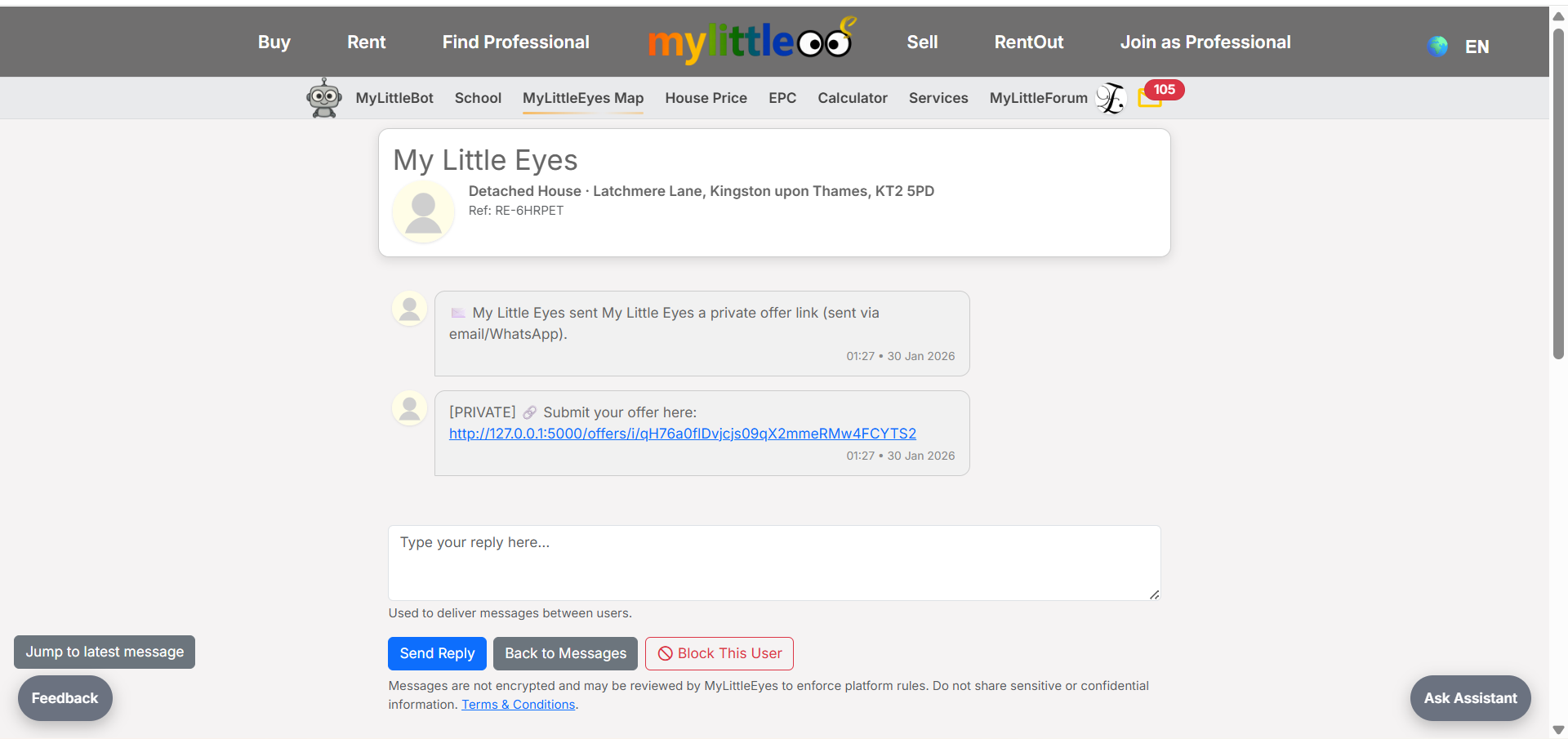
Follow the private invite link from the seller (email, inbox, or WhatsApp) to open the offer form.
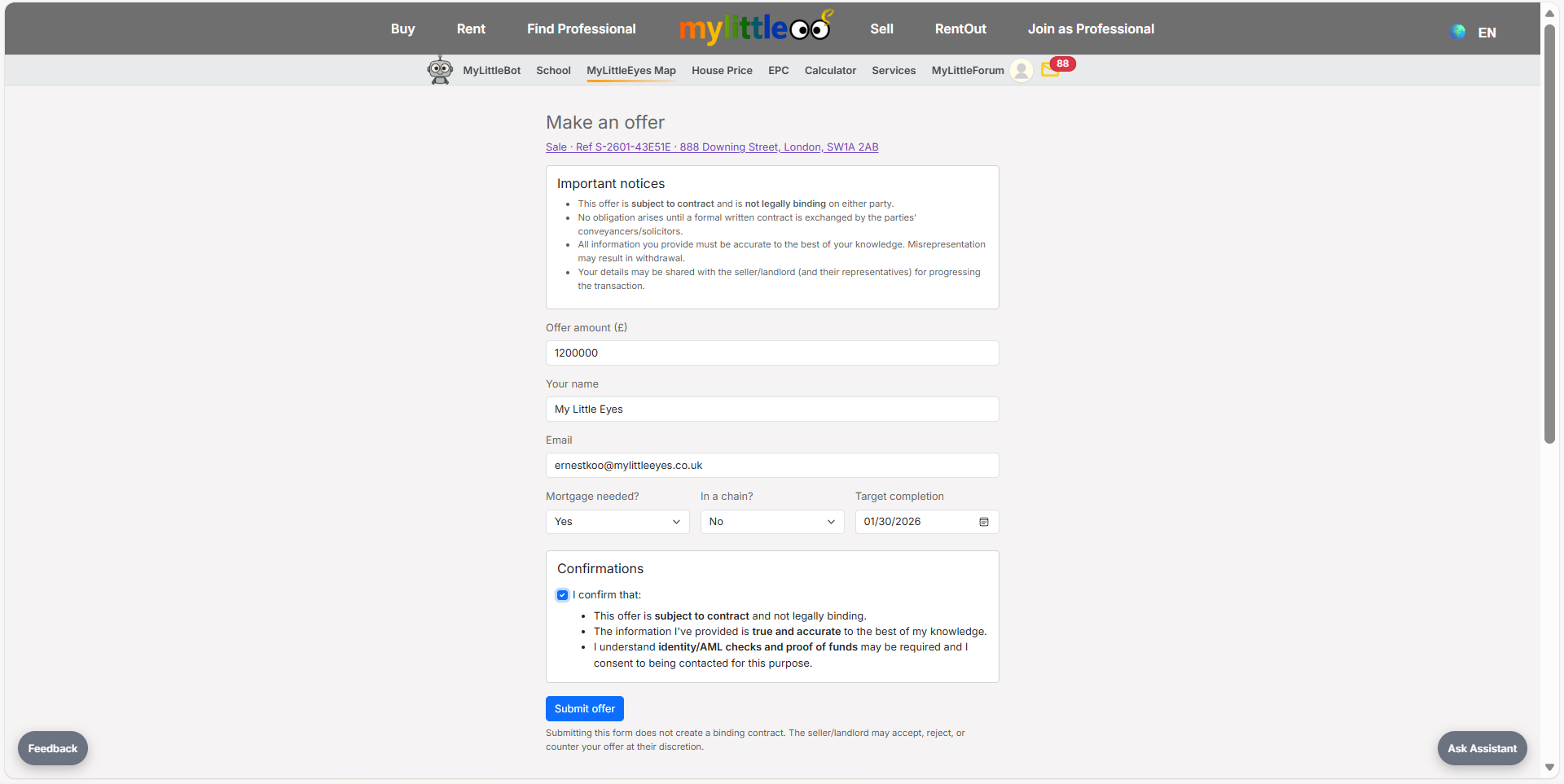
Fill in price, contact info, mortgage/chain status, and target completion, then confirm the declarations.
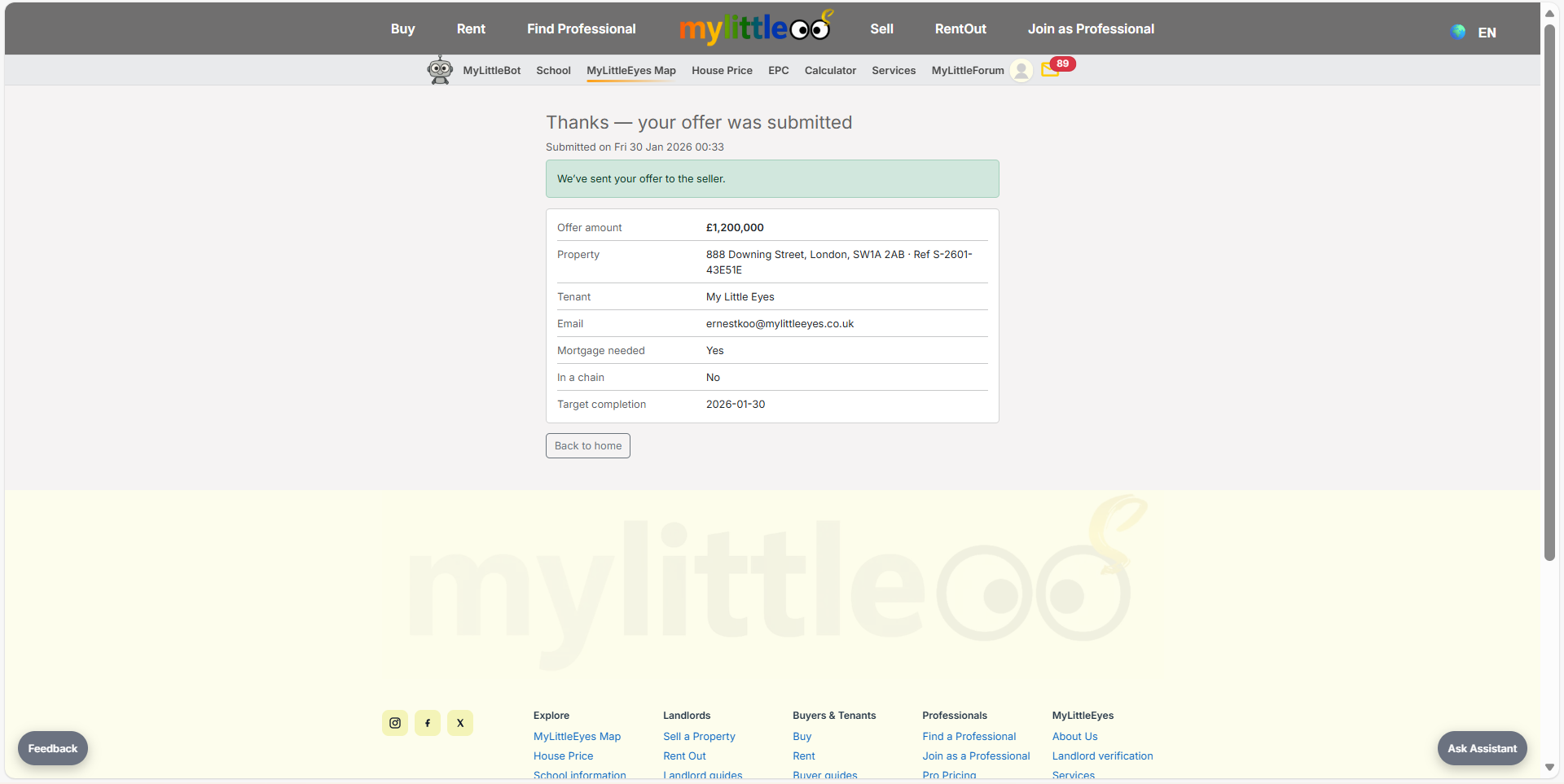
Submit the offer and check the confirmation screen with your submitted details.
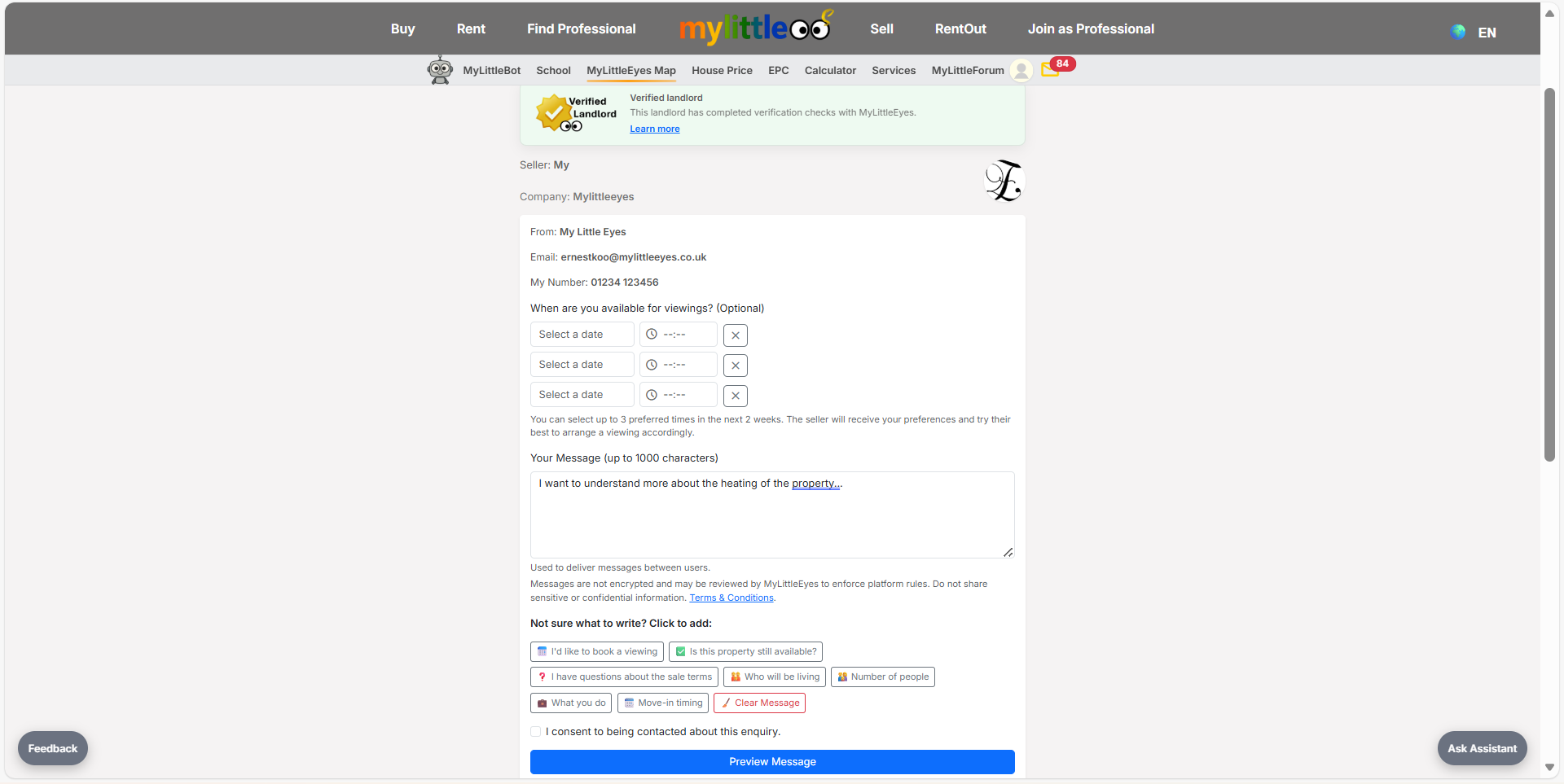
Use the contact seller form if you need to add context or ask questions (works the same for rentals).
Watch for updates in your MyLittleEyes inbox or email; you’ll see seller actions or counter-offers there (sale and rental invites behave the same).