Launch offer: all Silver listings are free.

Complete the AST form, generate the agreement, and send for e-signature.
Open the AST builder and load your listing details if available.
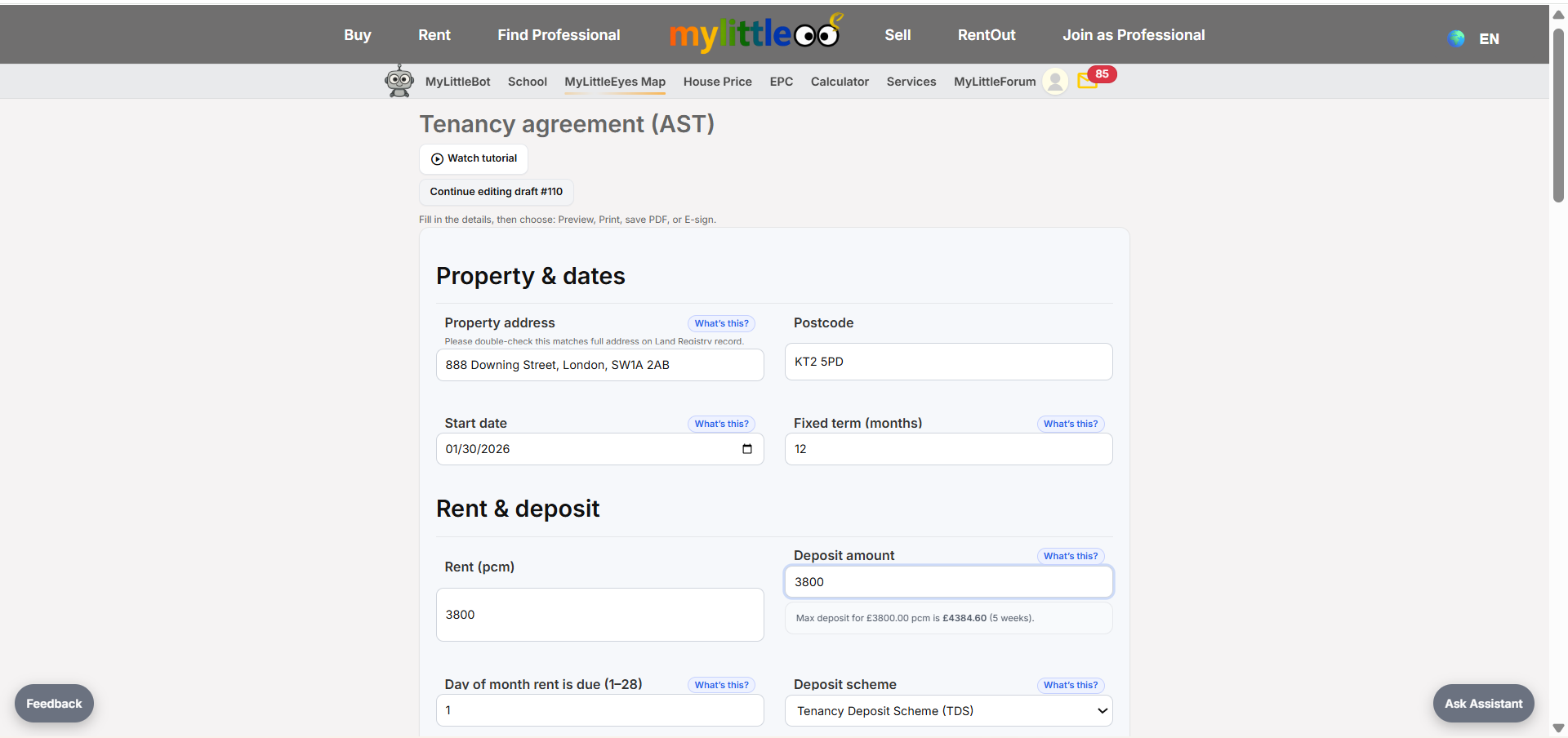
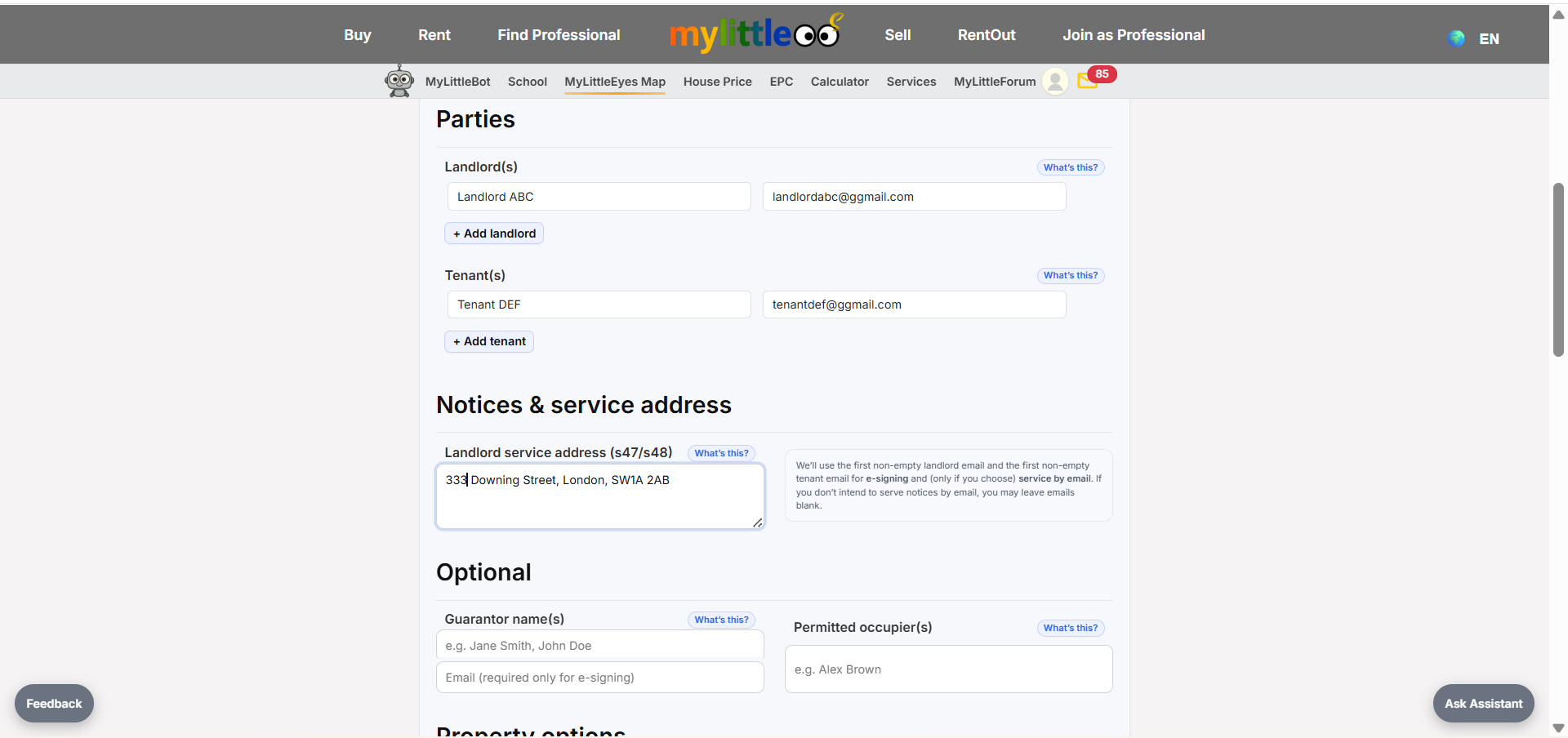
Add landlord/tenant names, rent, term length, and payment details.
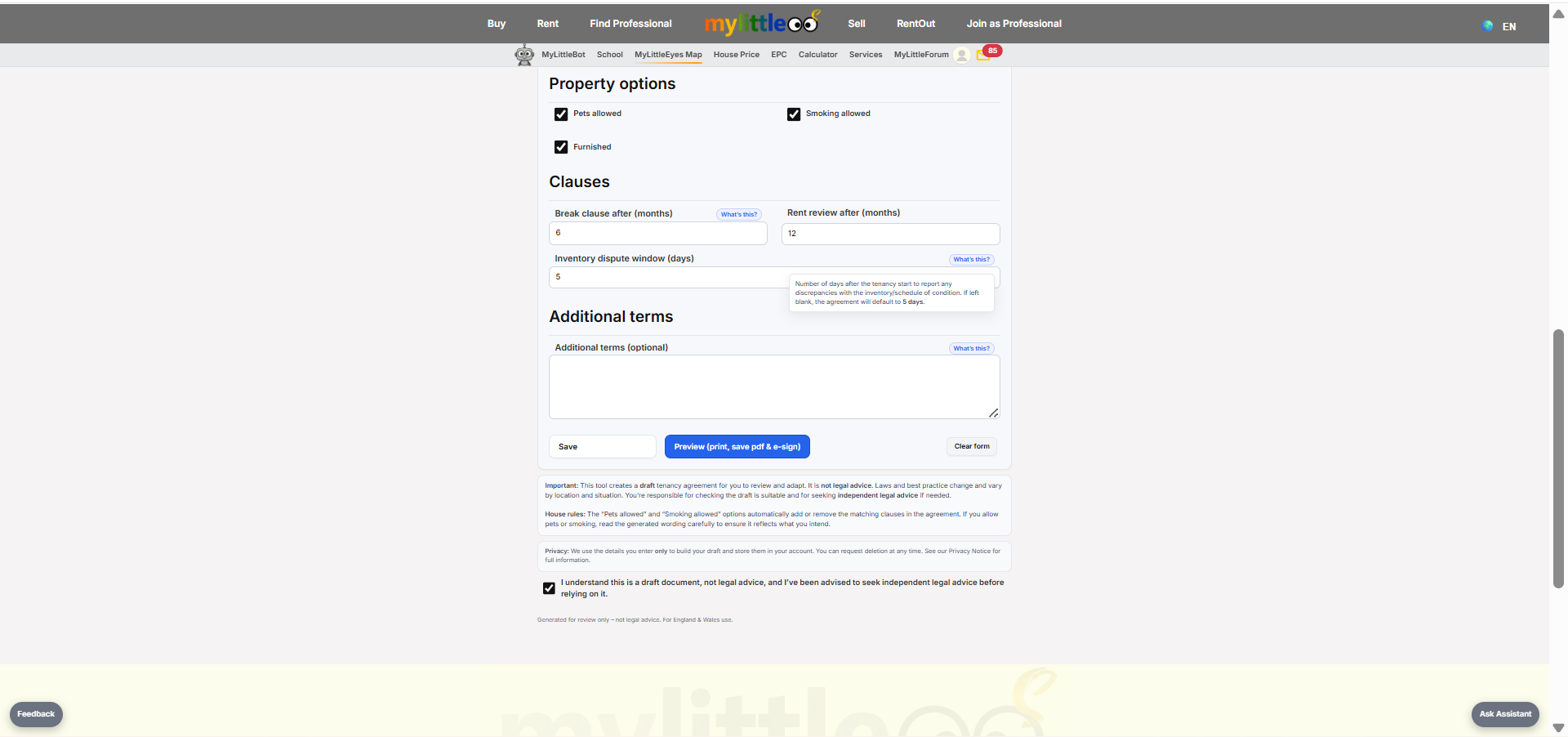
Tick the terms box to acknowledge and move forward to preview.
Check the AST PDF preview carefully to confirm every detail.
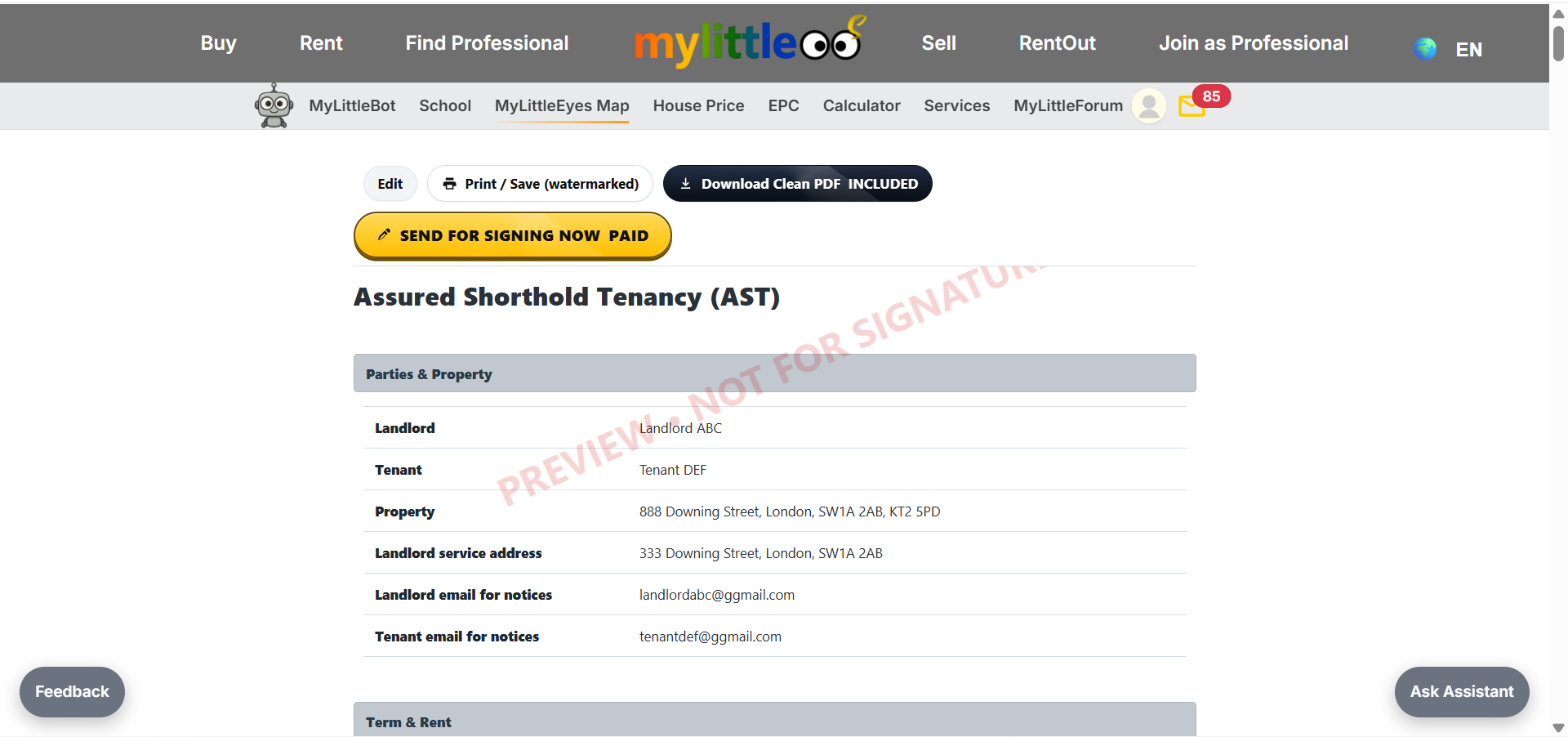
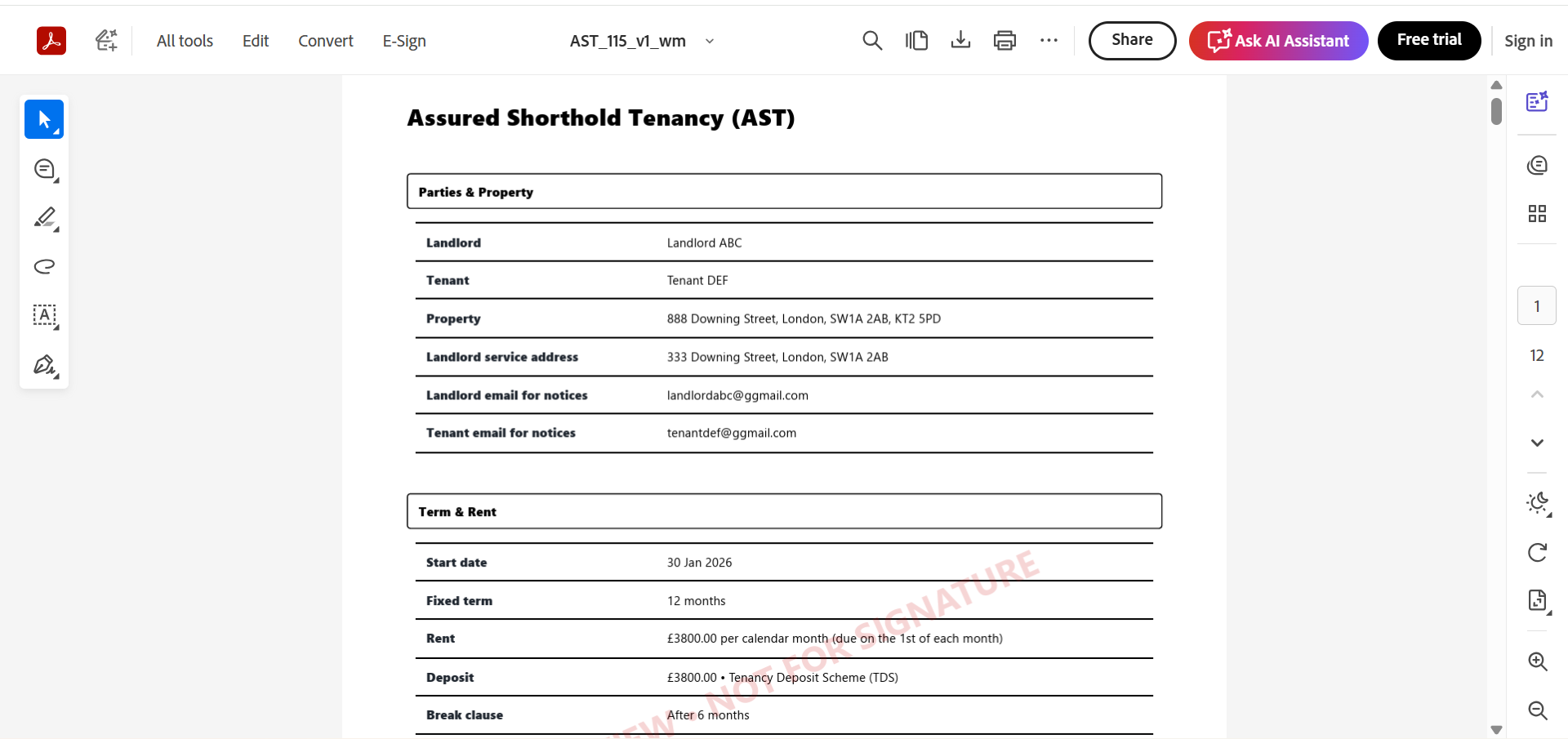
Use the watermarked PDF as a reference copy with a watermark.
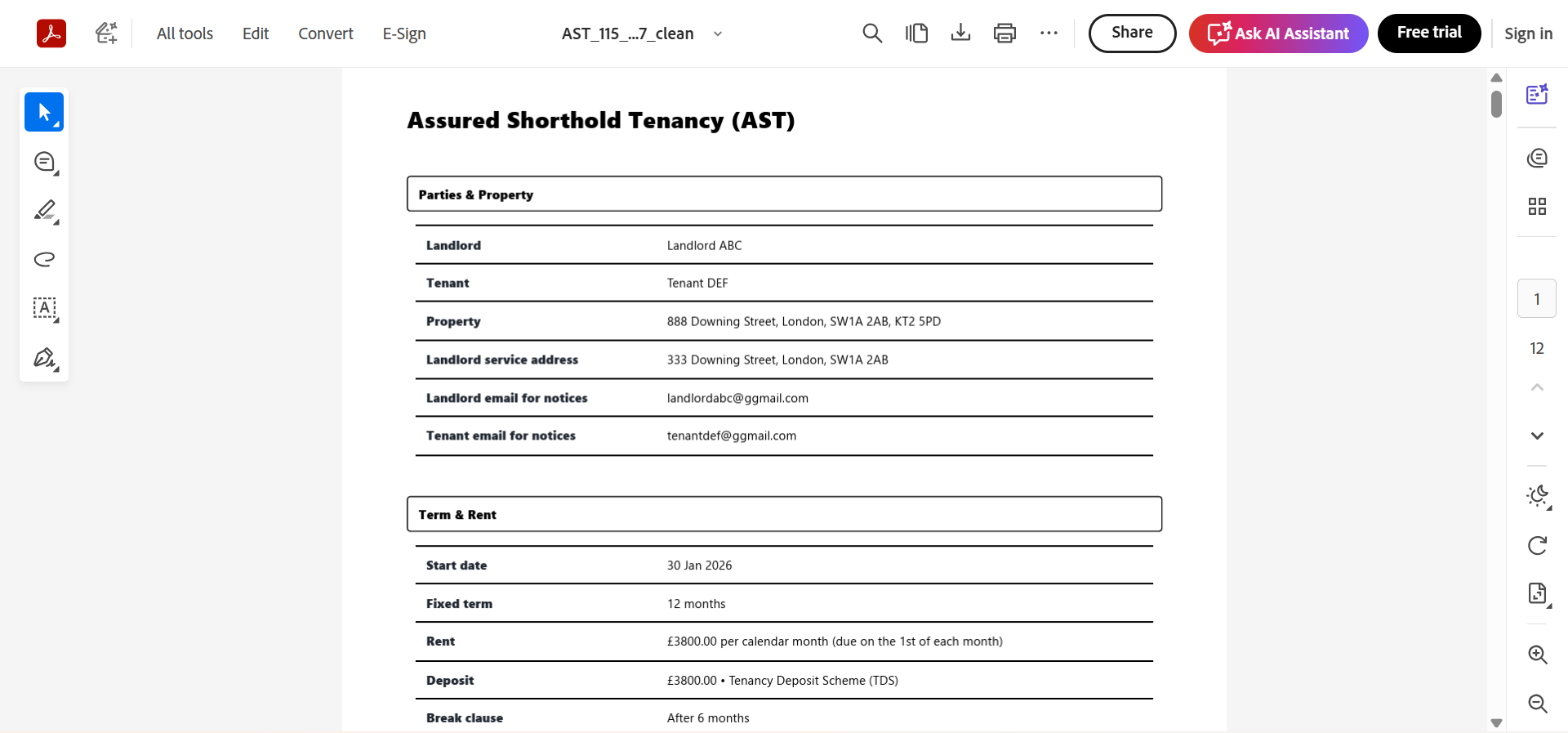
Get a clean PDF without watermark if you prefer to print and sign.
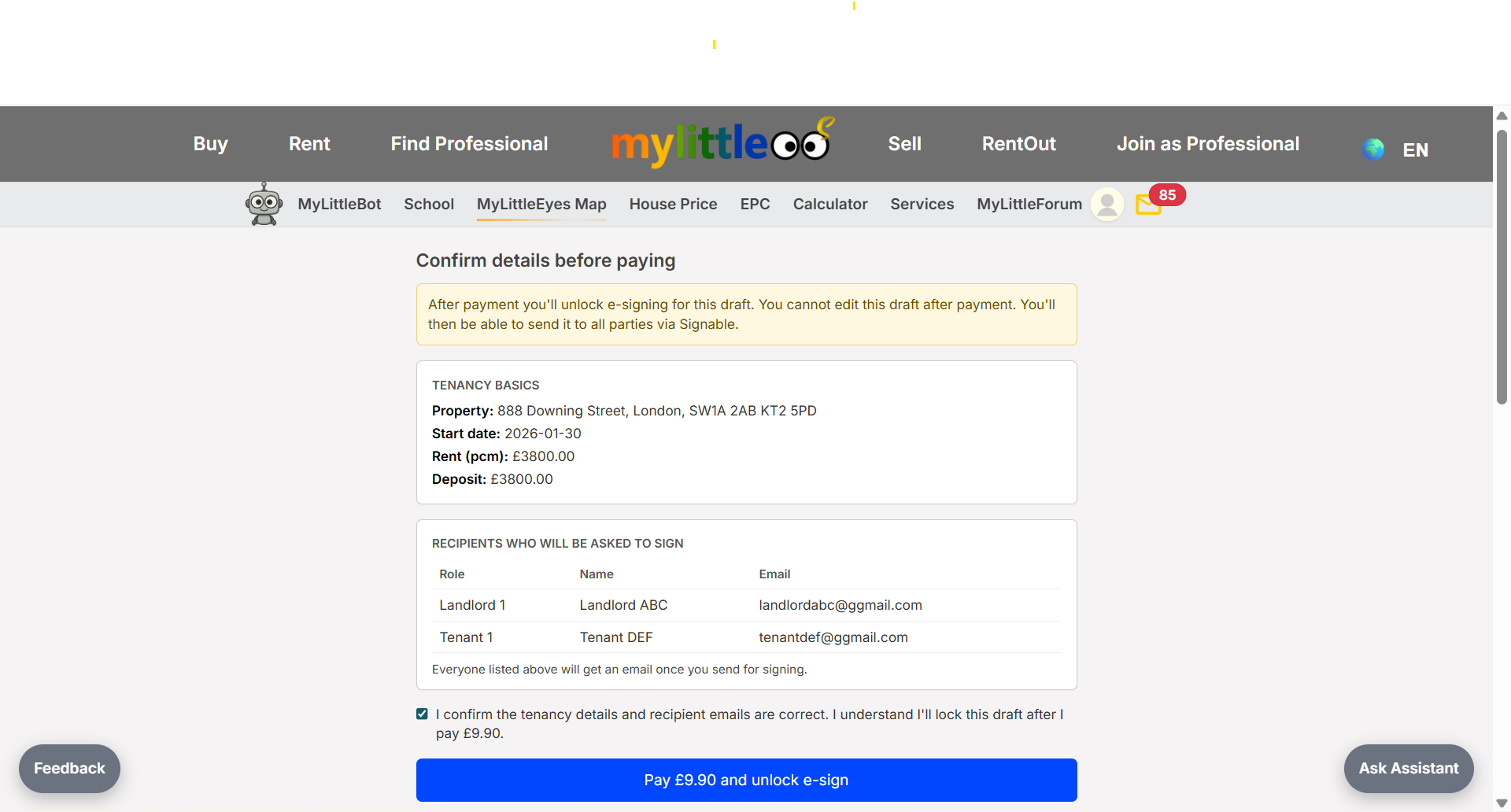
If using e-sign, double-check recipient names/emails before proceeding.
E-sign emails go to all parties; click View status to see progress.
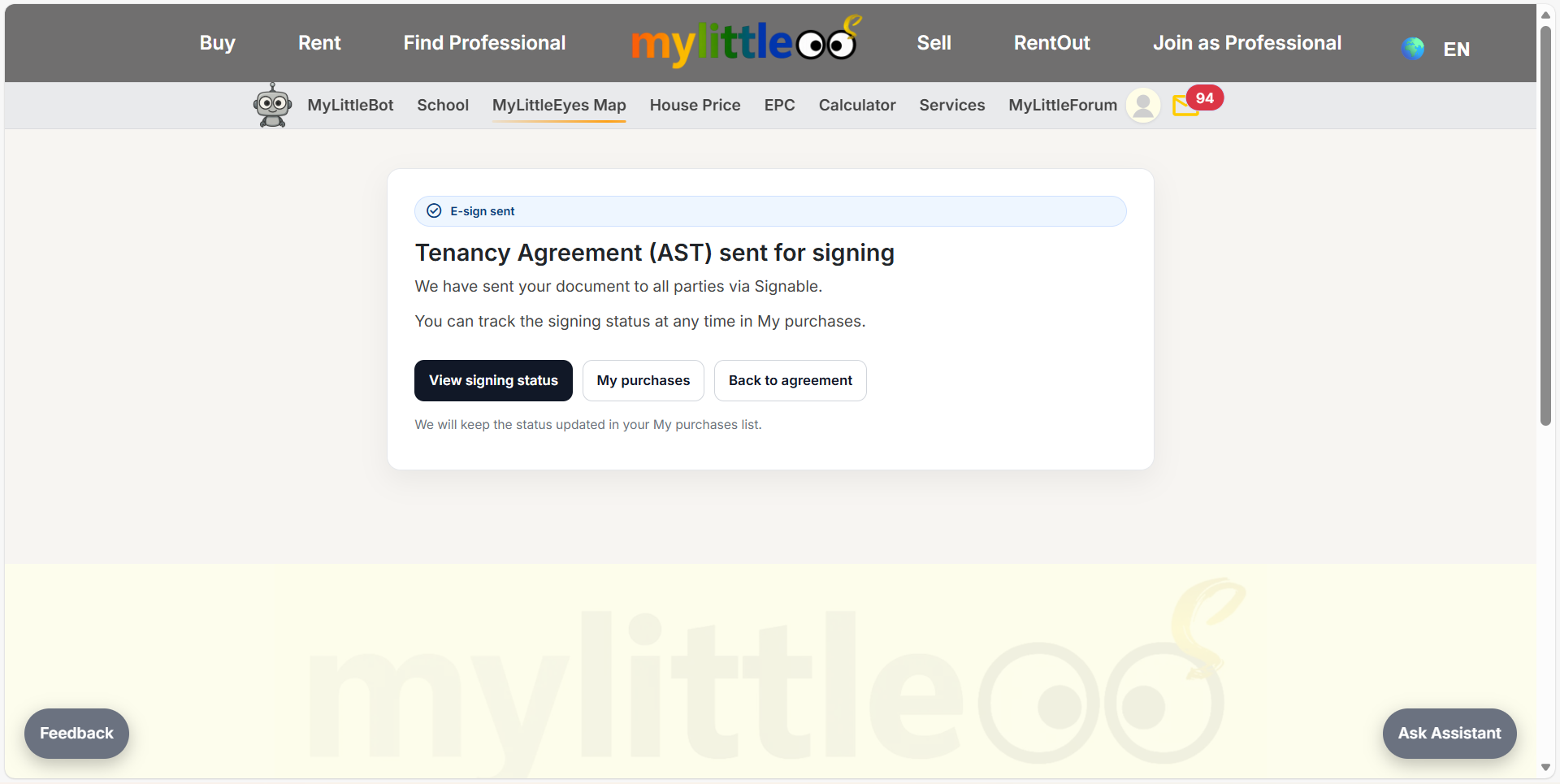
Status updates as parties sign; once complete, the e-signed document is ready to download.
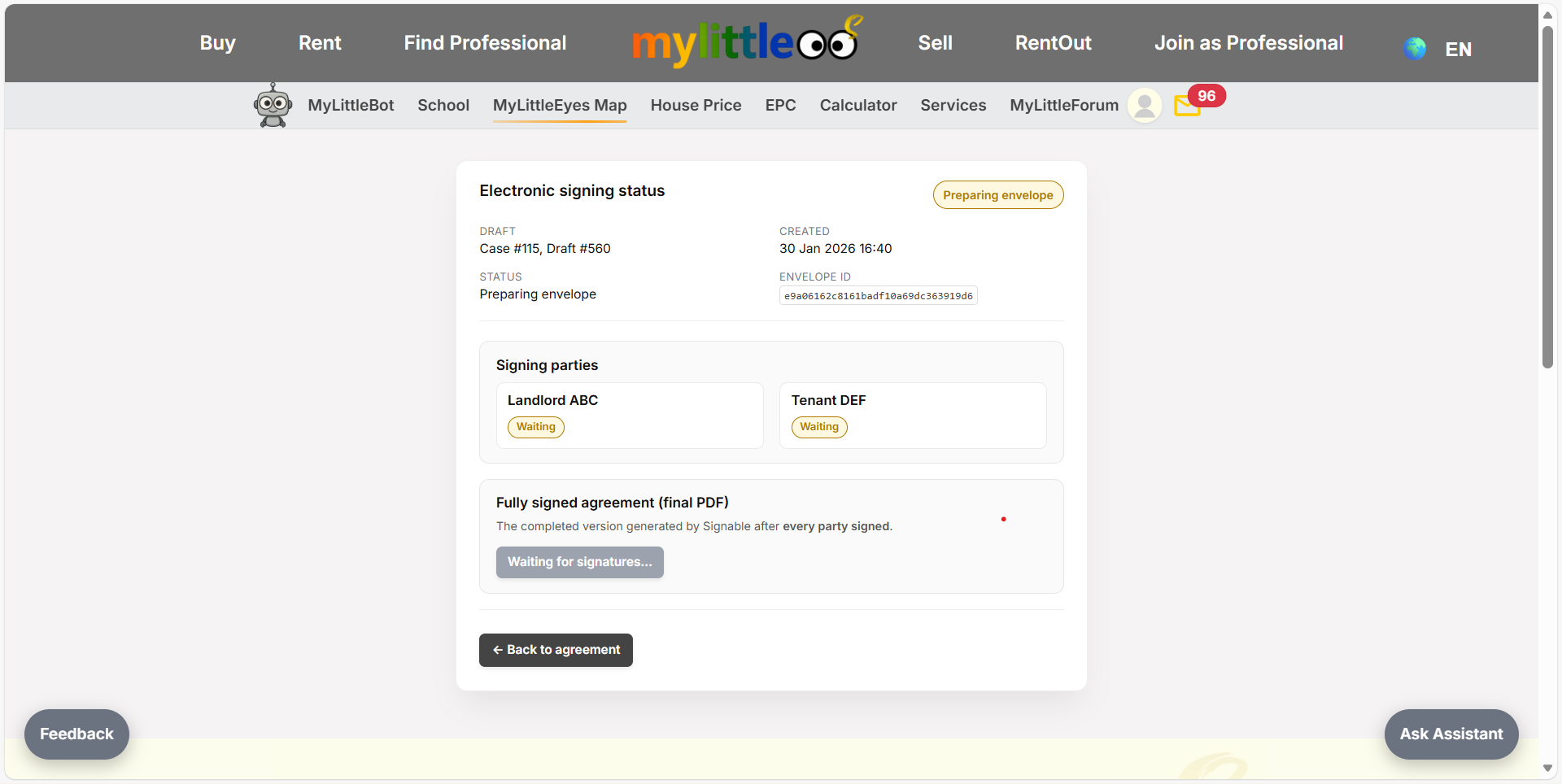
Signable sends the e-sign link to both landlord and tenant to sign.
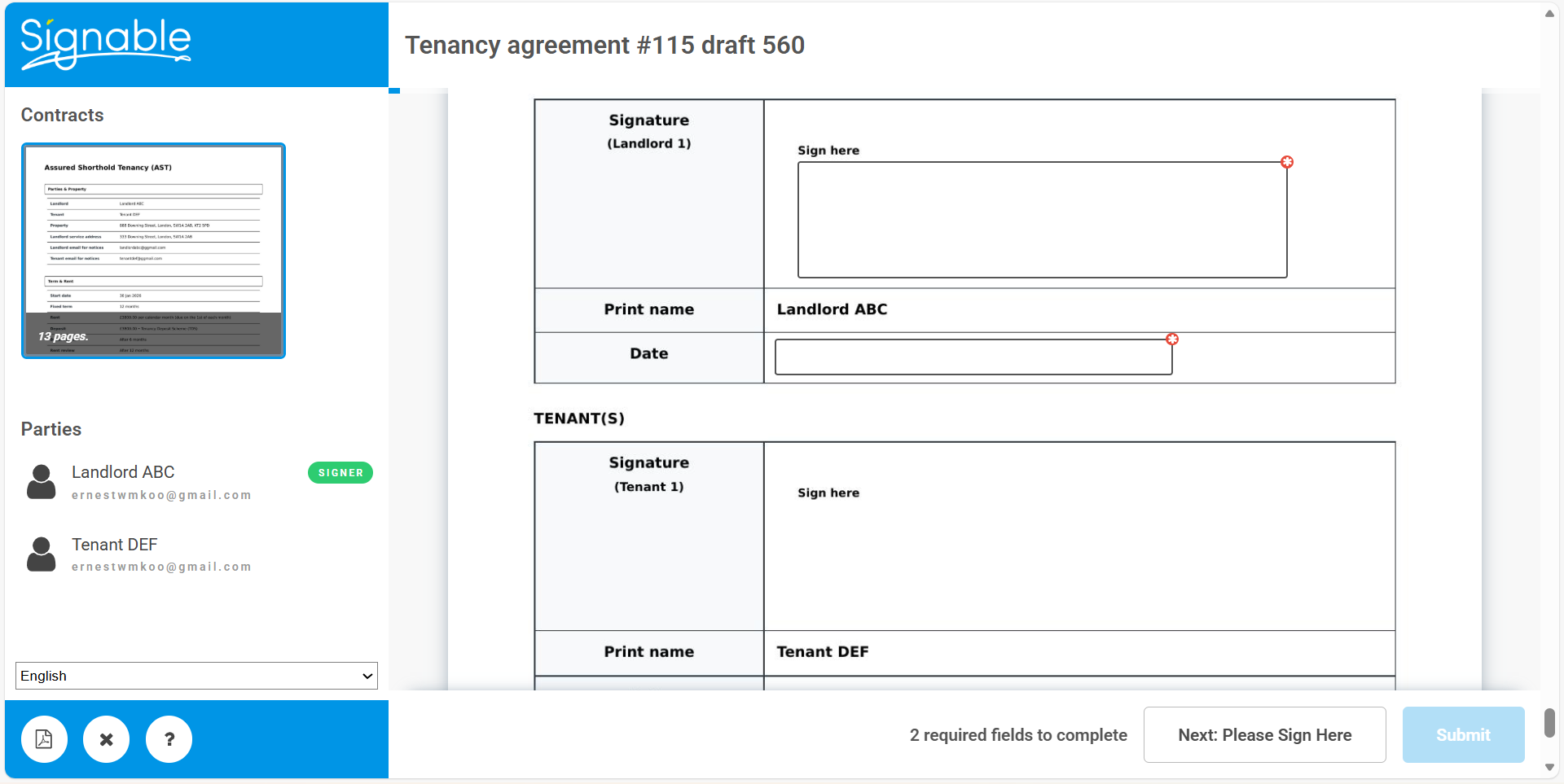
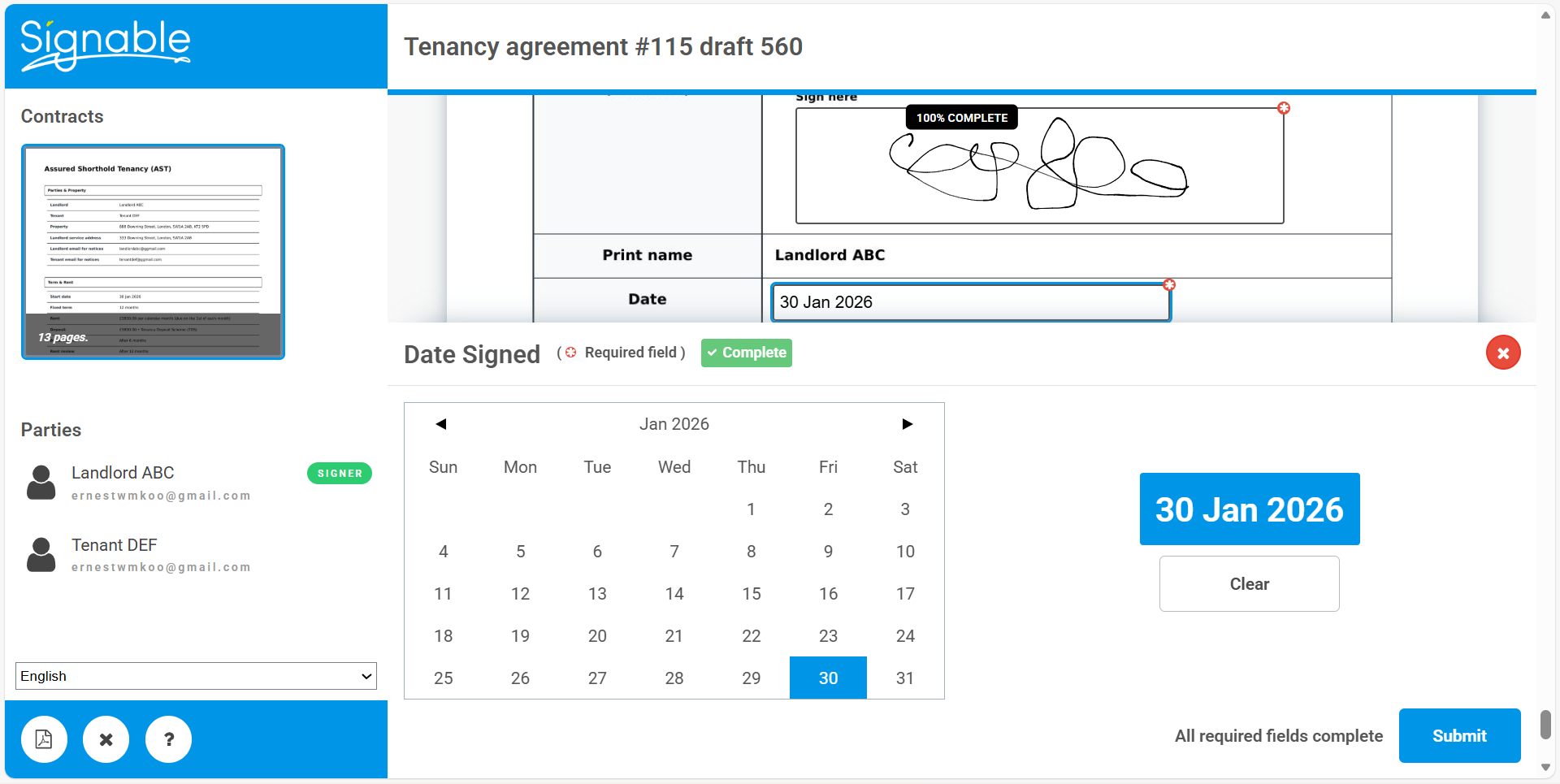
Each signer completes their fields and confirms the signing date.
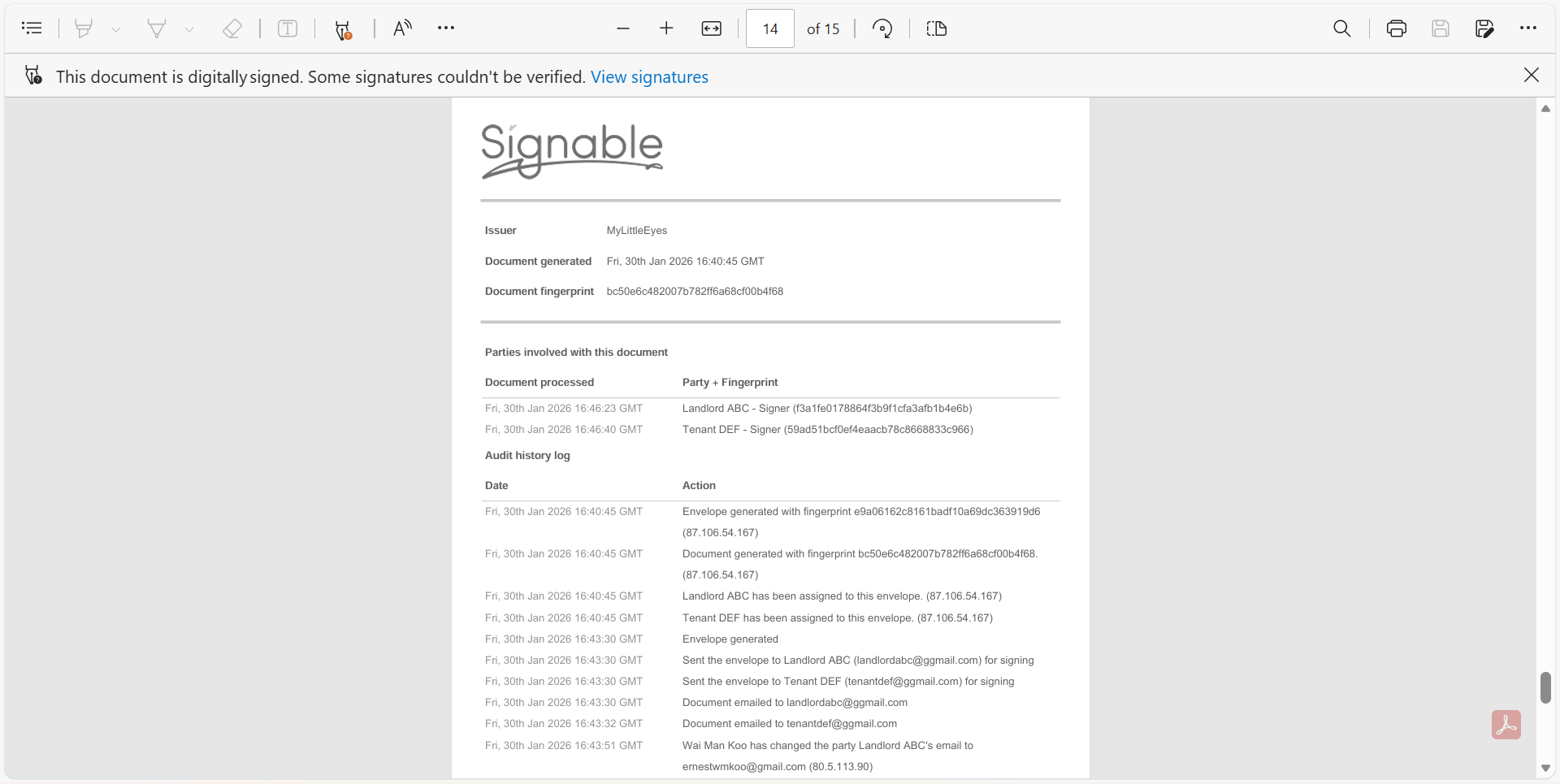
Once all parties sign, use the Signed option to download the final AST.
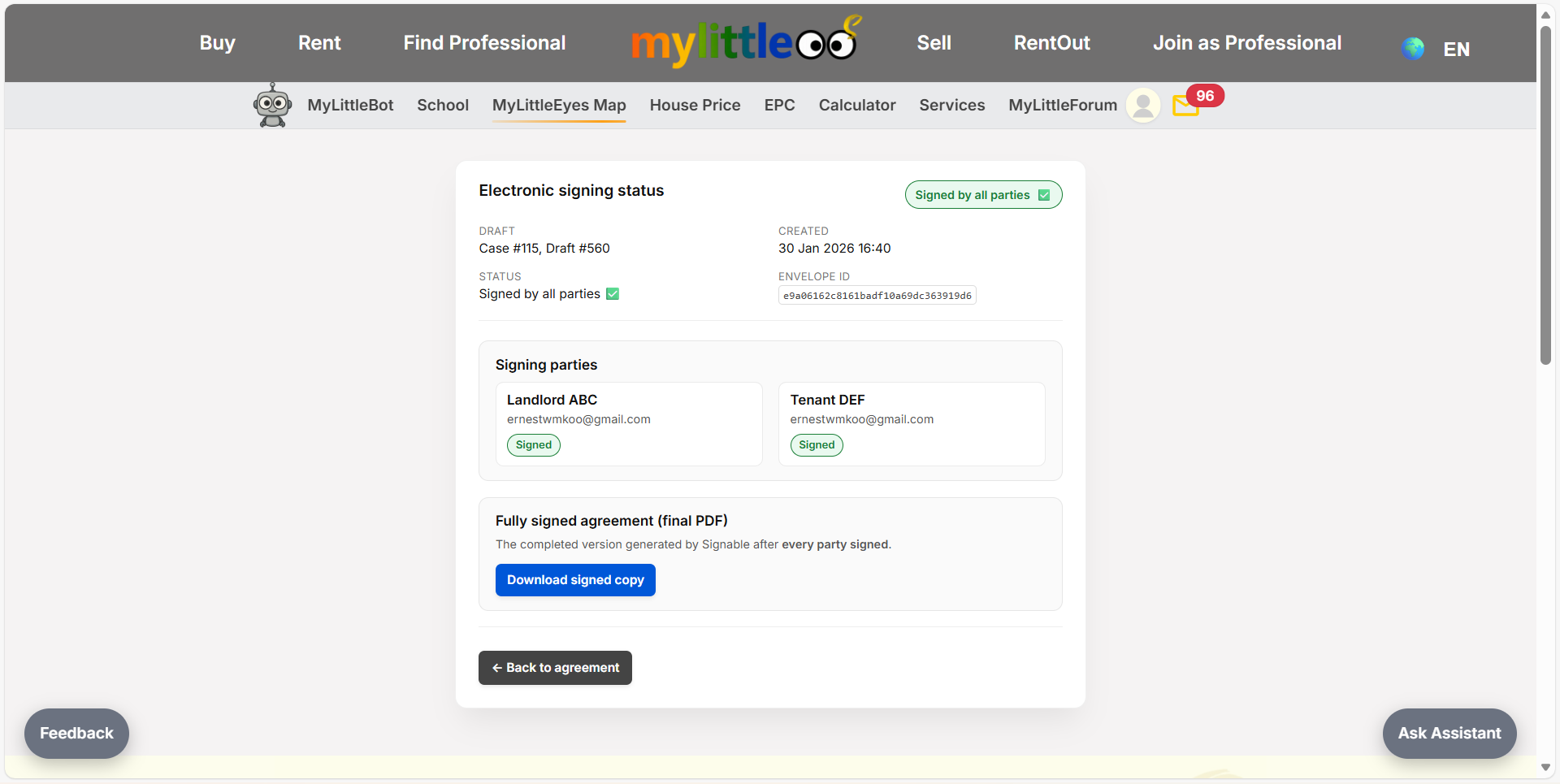
Open the downloaded AST to see both parties’ signatures and agreement details.
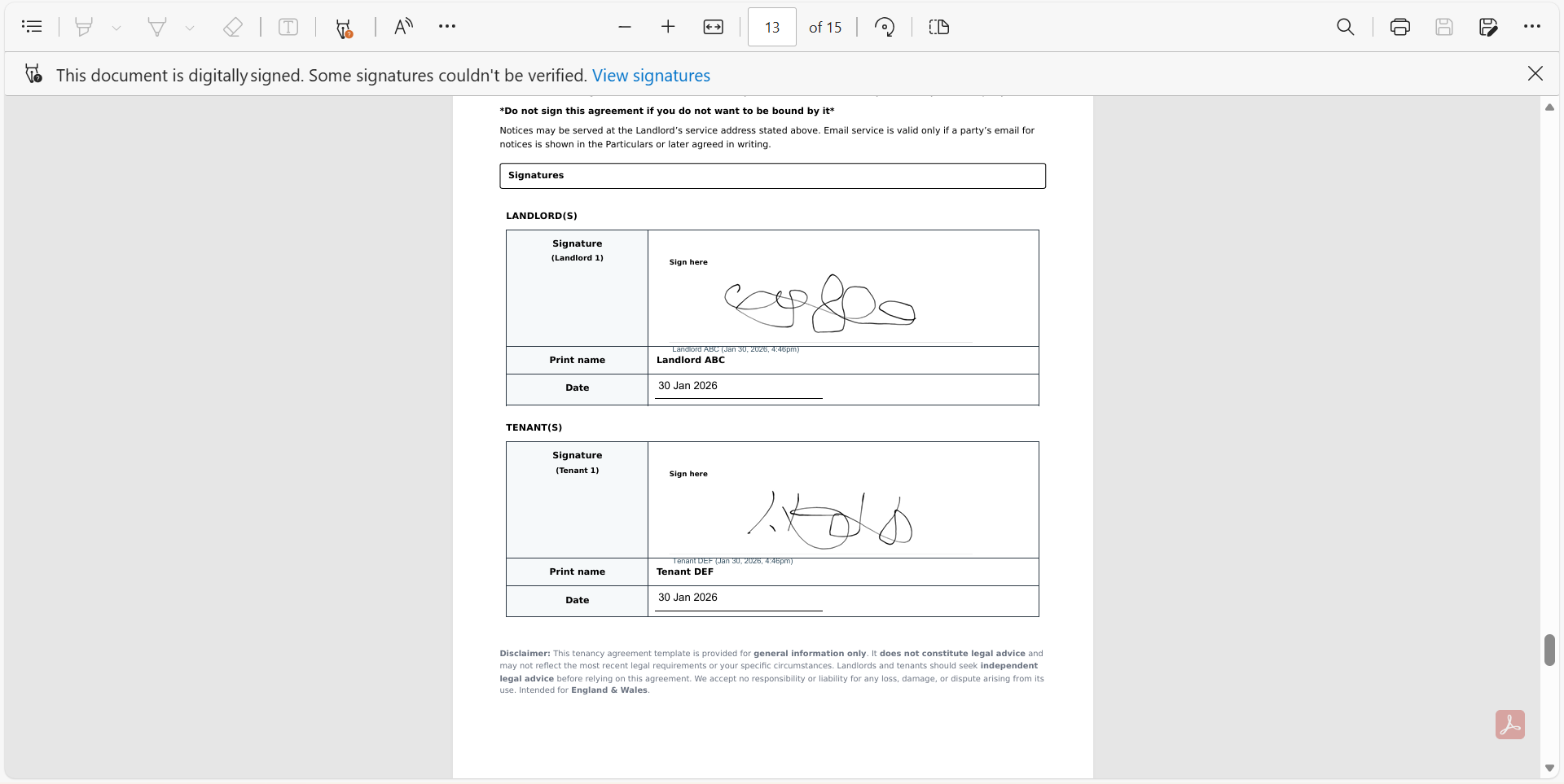
Save the final e-signed AST PDF, which includes signature details and timestamps.