Launch offer: all Silver listings are free.

Add rooms and items, attach photos, and send the check-in pack for signatures.
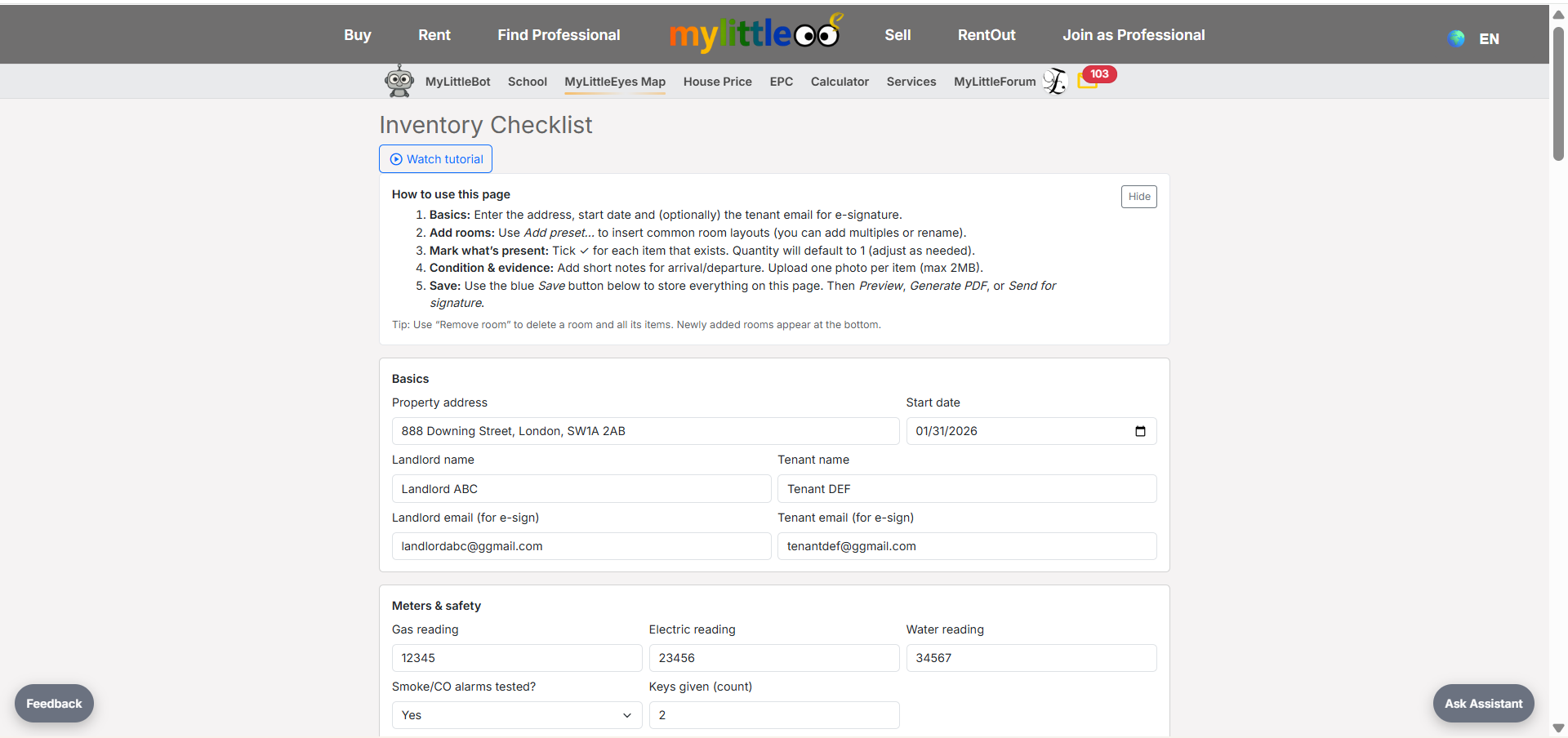
Go to the inventory editor, enter the address/start date, and add landlord/tenant emails for signatures.
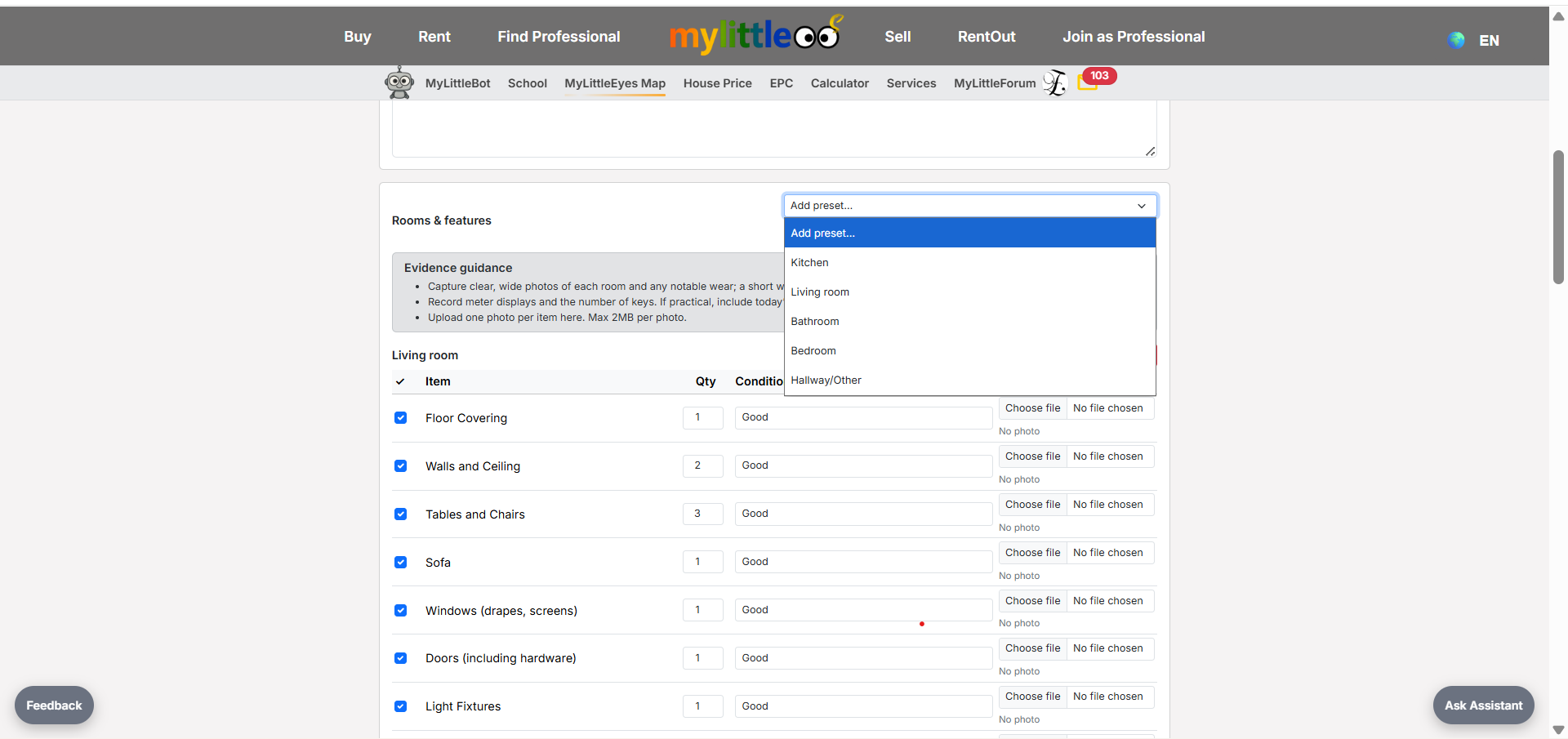
Use presets to add common rooms (kitchen, living room, bathroom, bedroom, hallway) quickly.
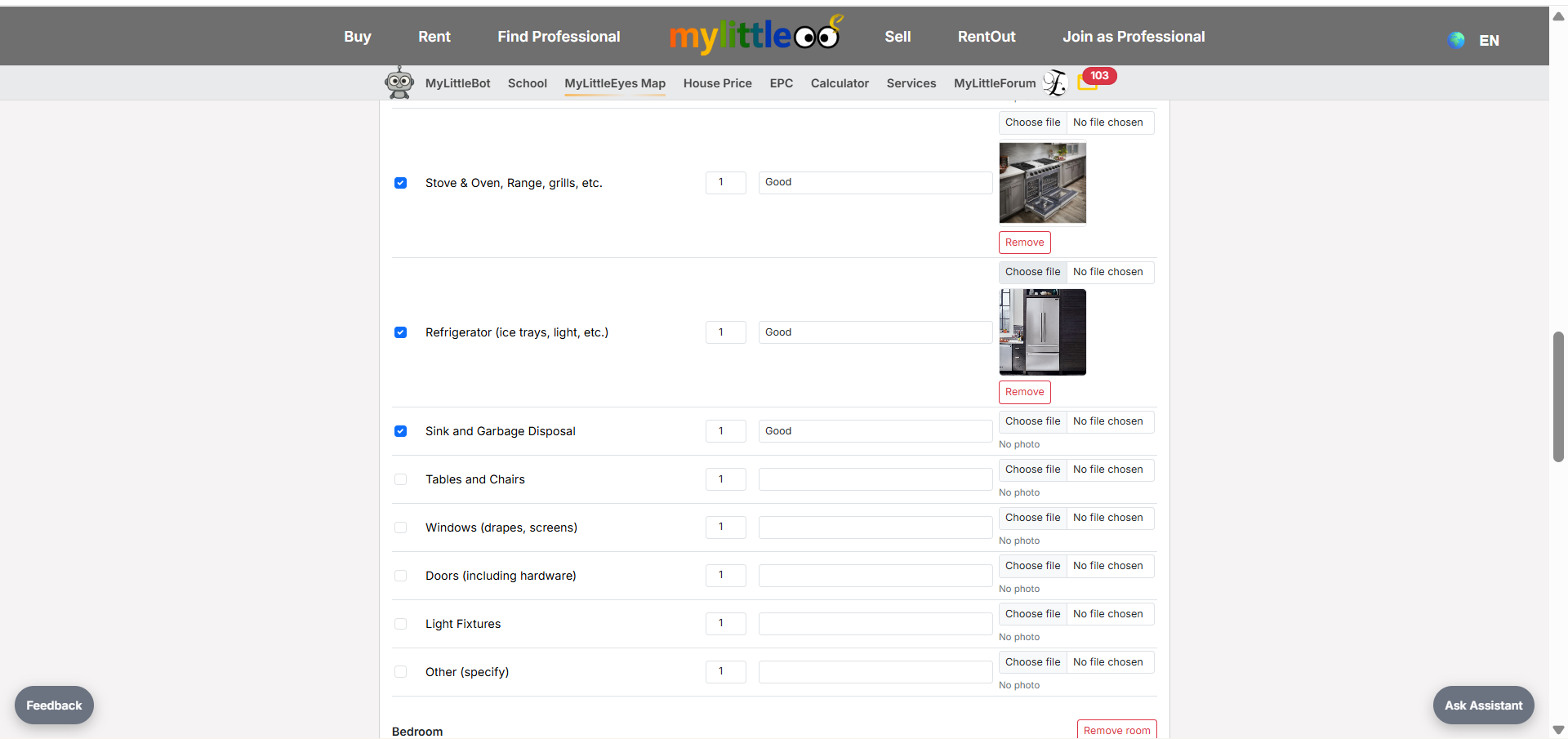
Tick items, set quantity/condition, and attach photos for each room.
Tick the terms box and click Preview to proceed.
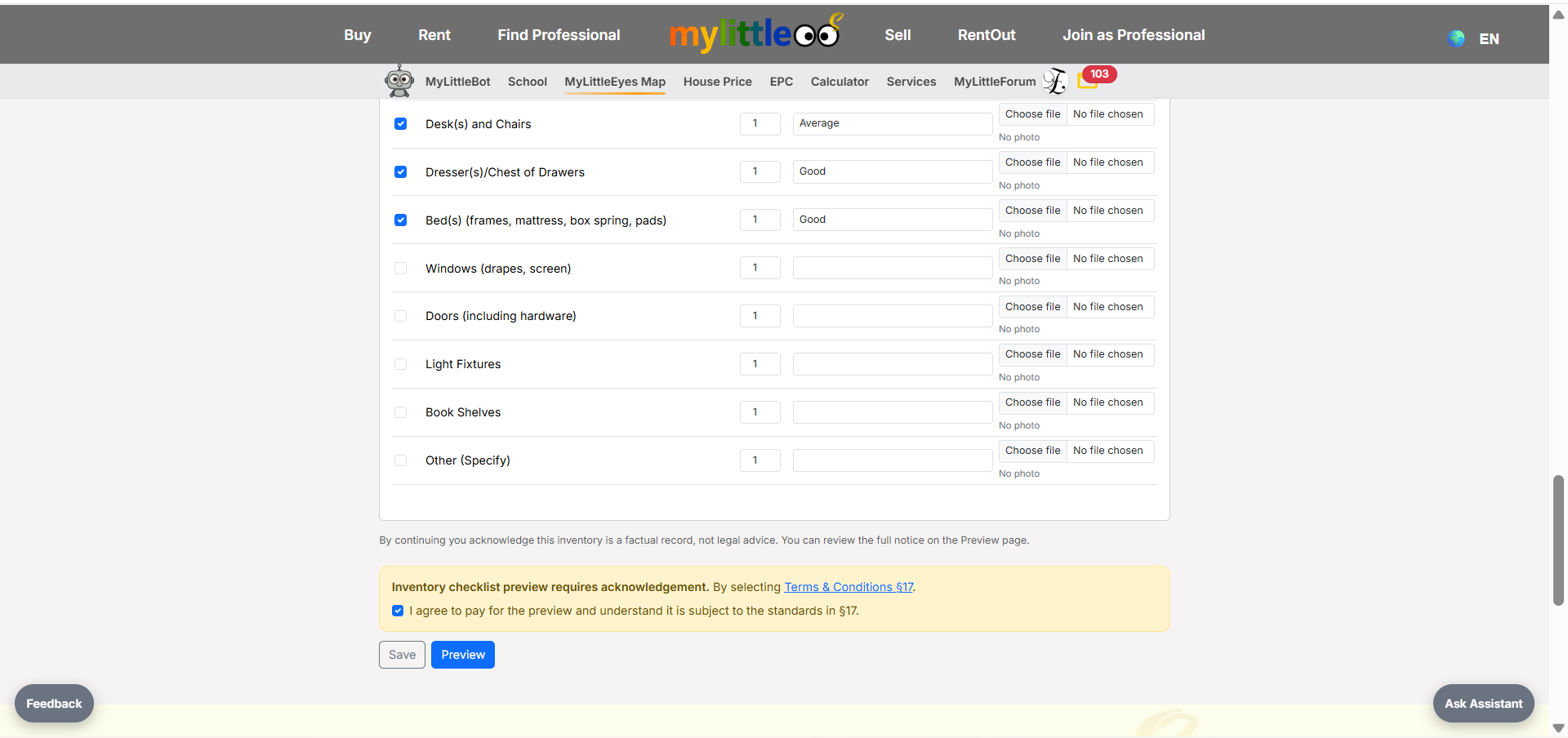
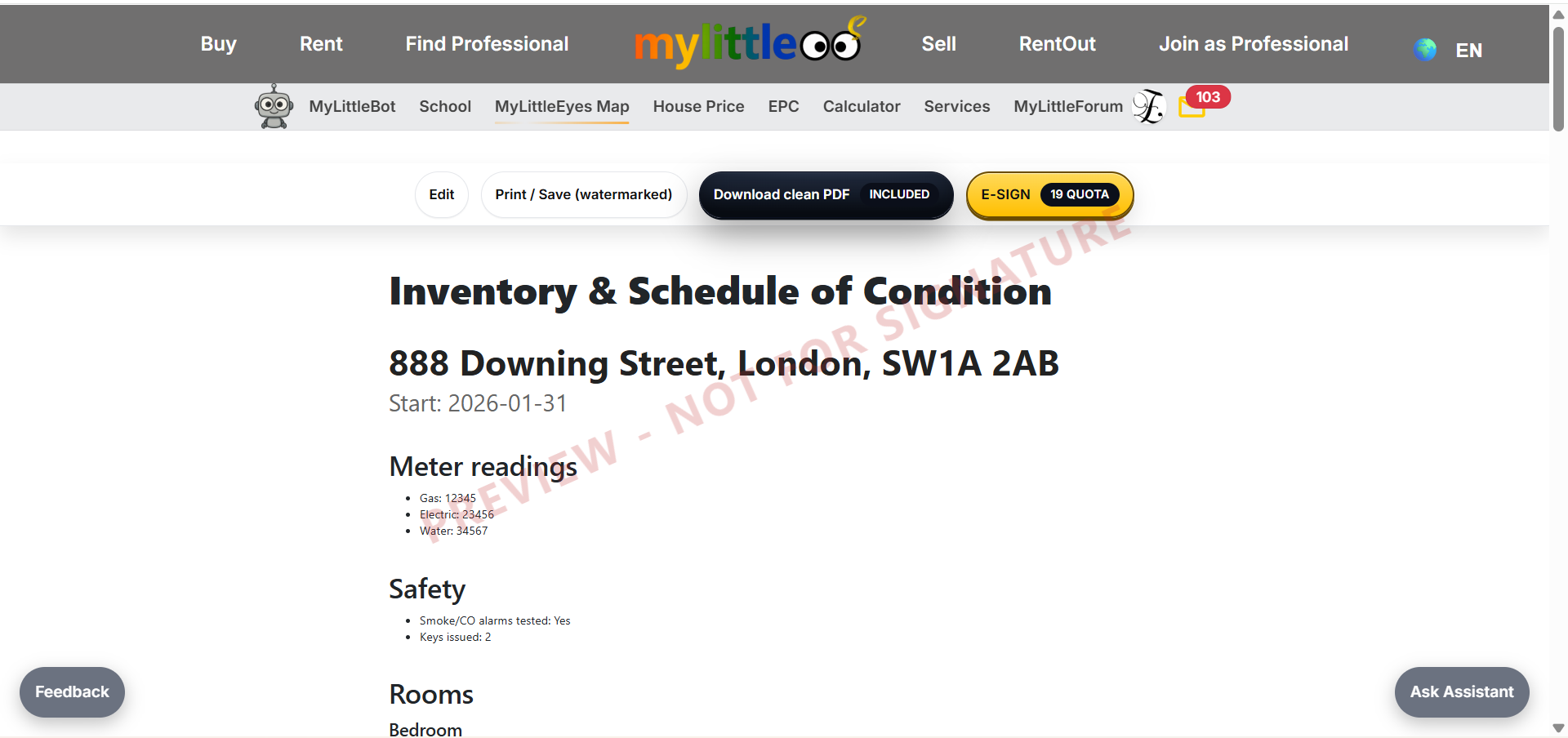
Review the inventory/schedule preview to ensure everything is correct.
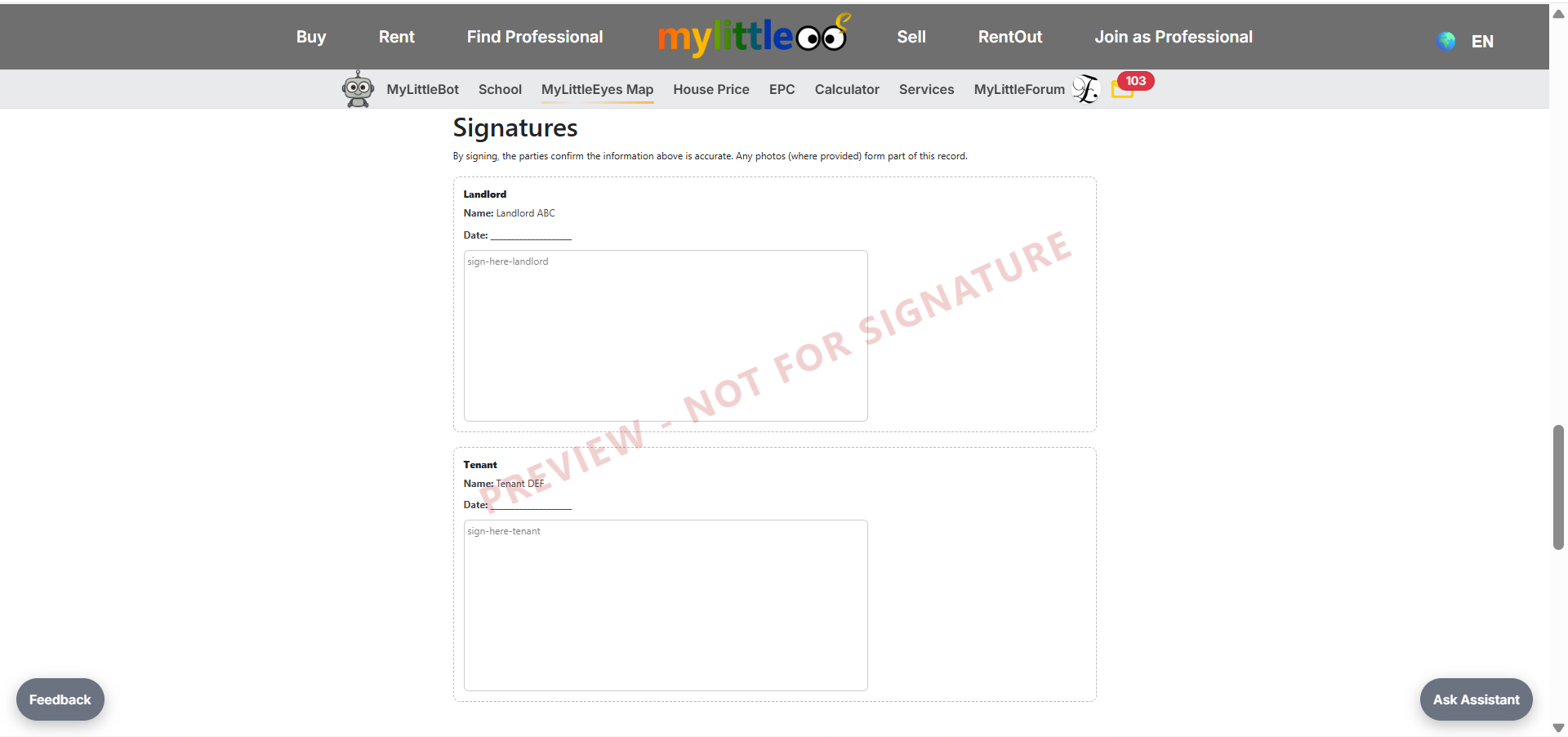
Signature blocks are at the end of the agreement—confirm they’re present.
Download the watermarked version for free as a reference copy.
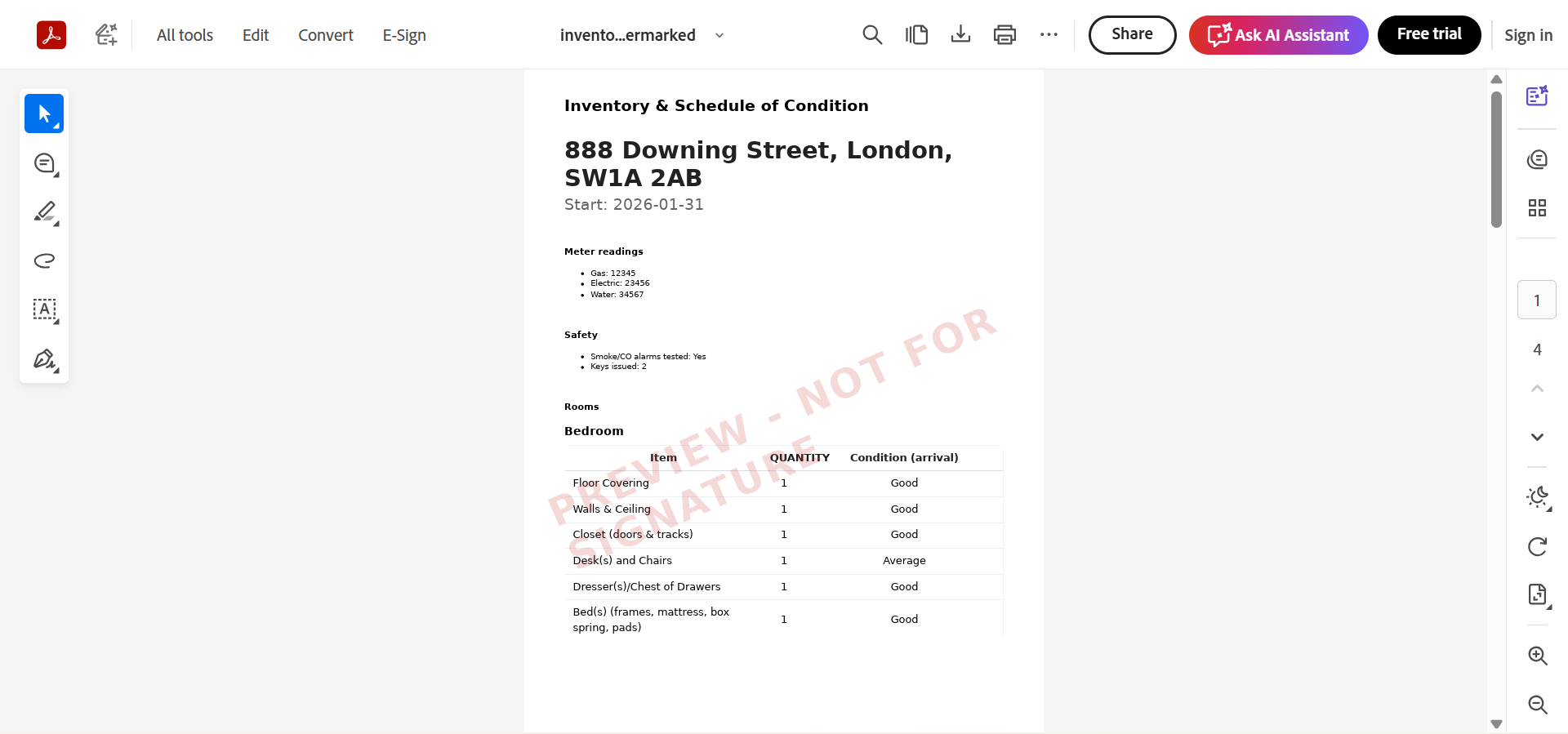
Download a clean PDF (no watermark) if you want to print and sign manually.
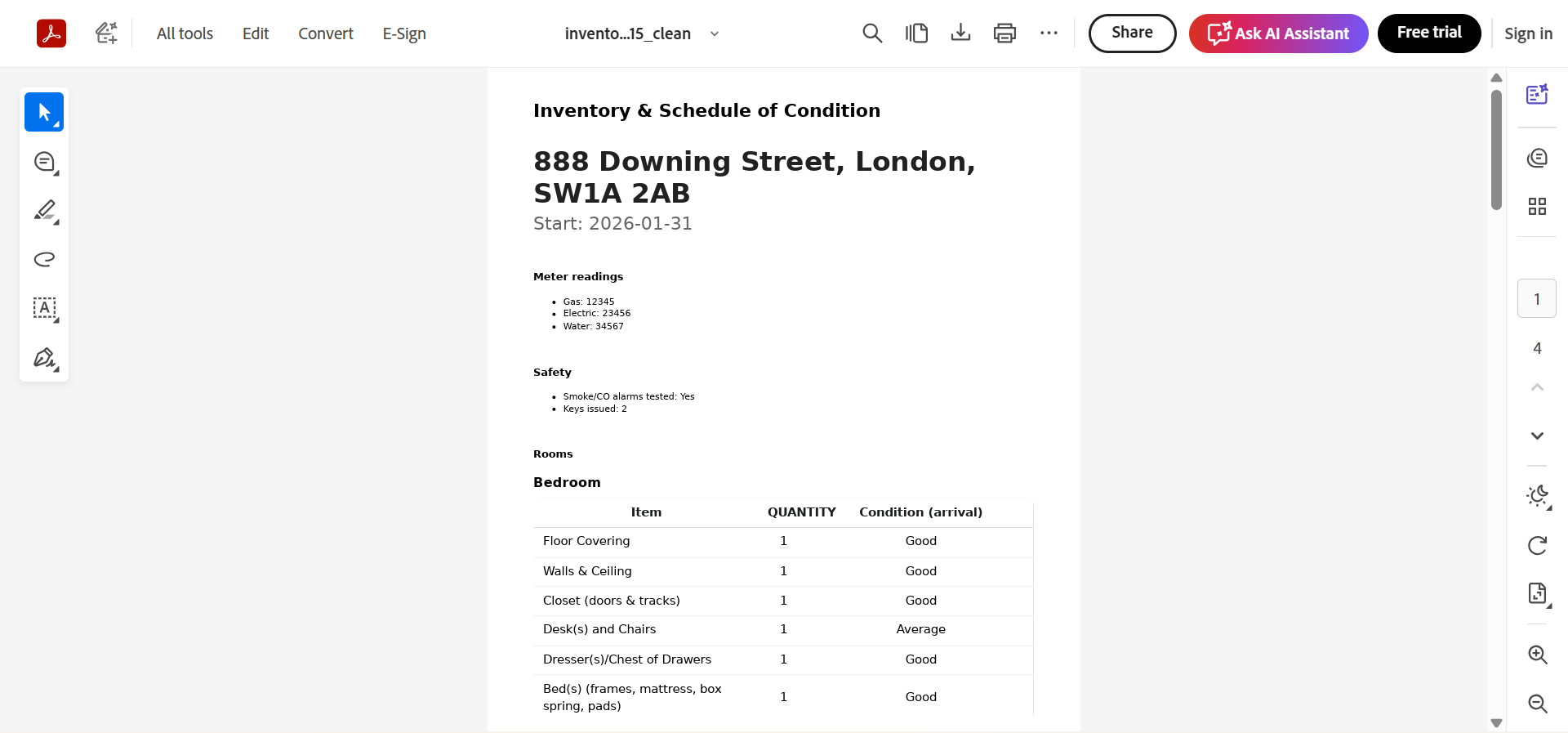
If you choose e-sign, double-check names/emails—emails send immediately after confirmation.
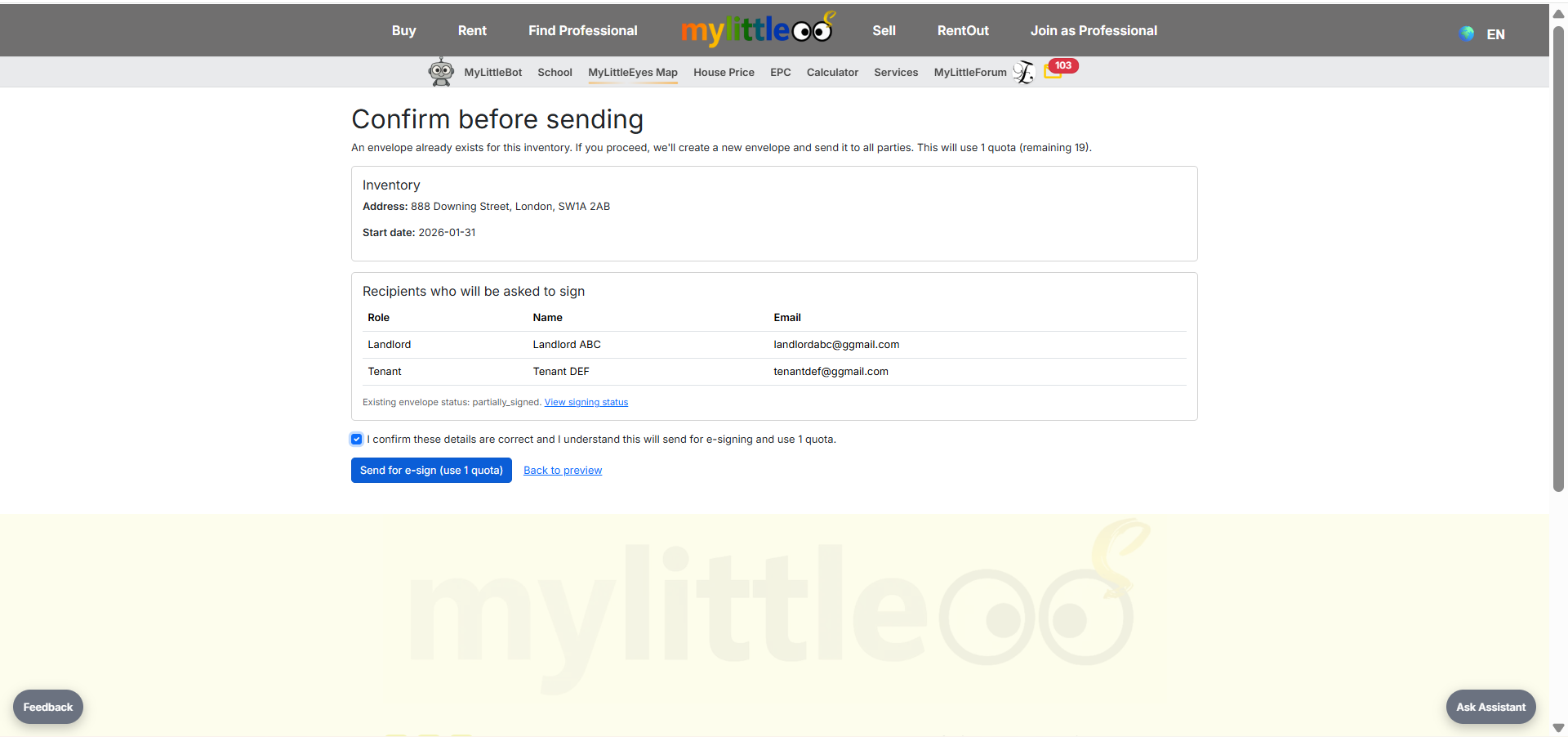
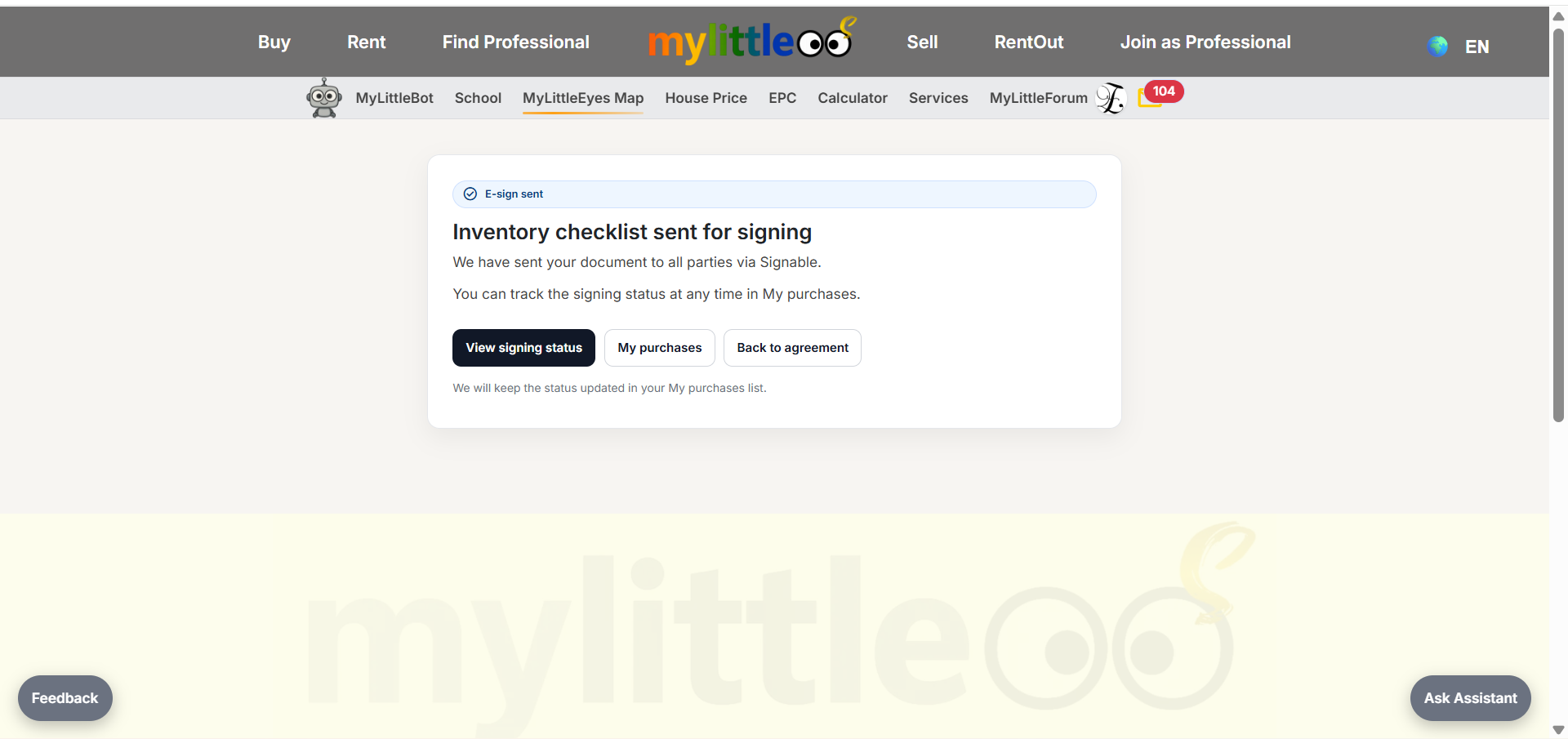
After payment or using a Platinum quota, Signable emails landlord and tenant; click View signing status to track.
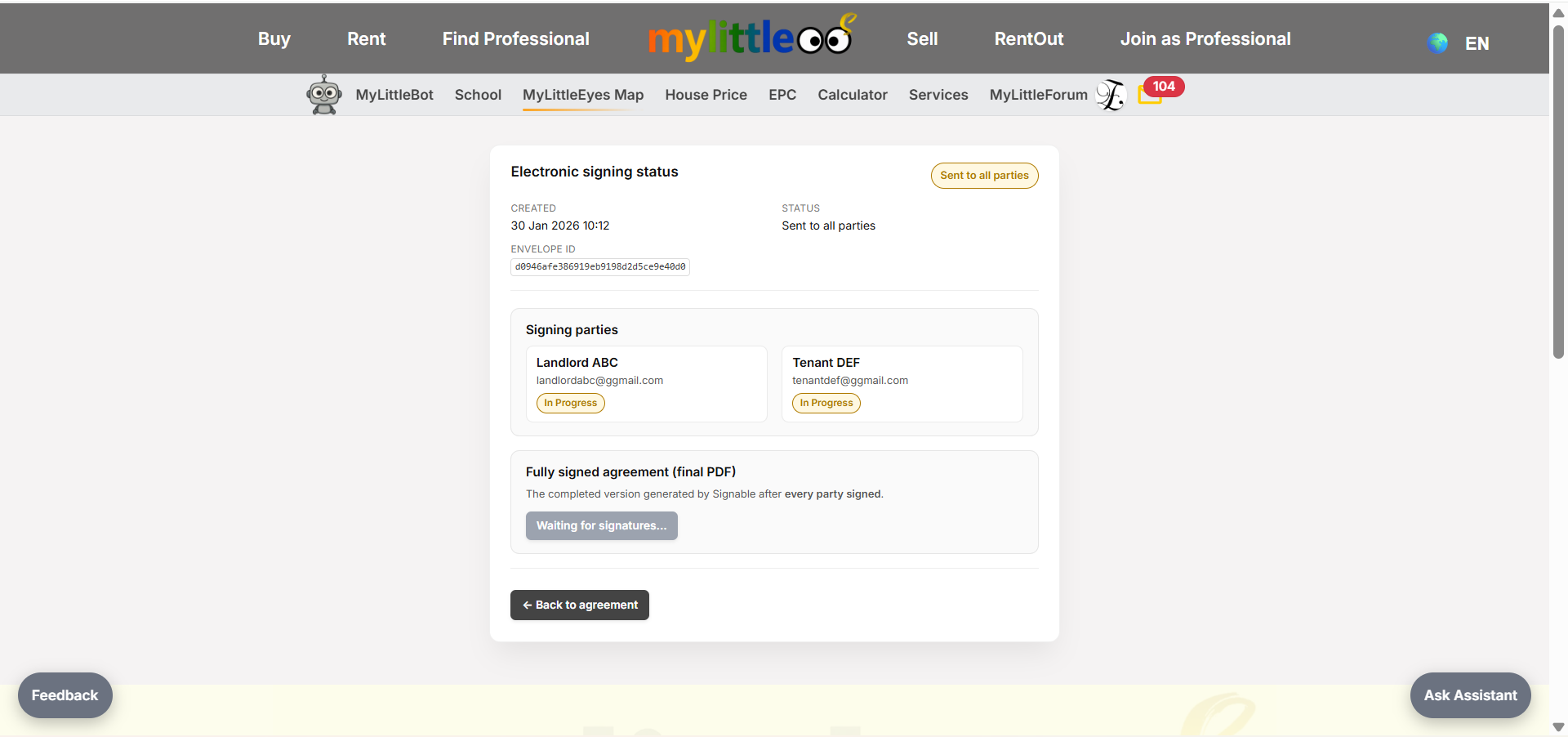
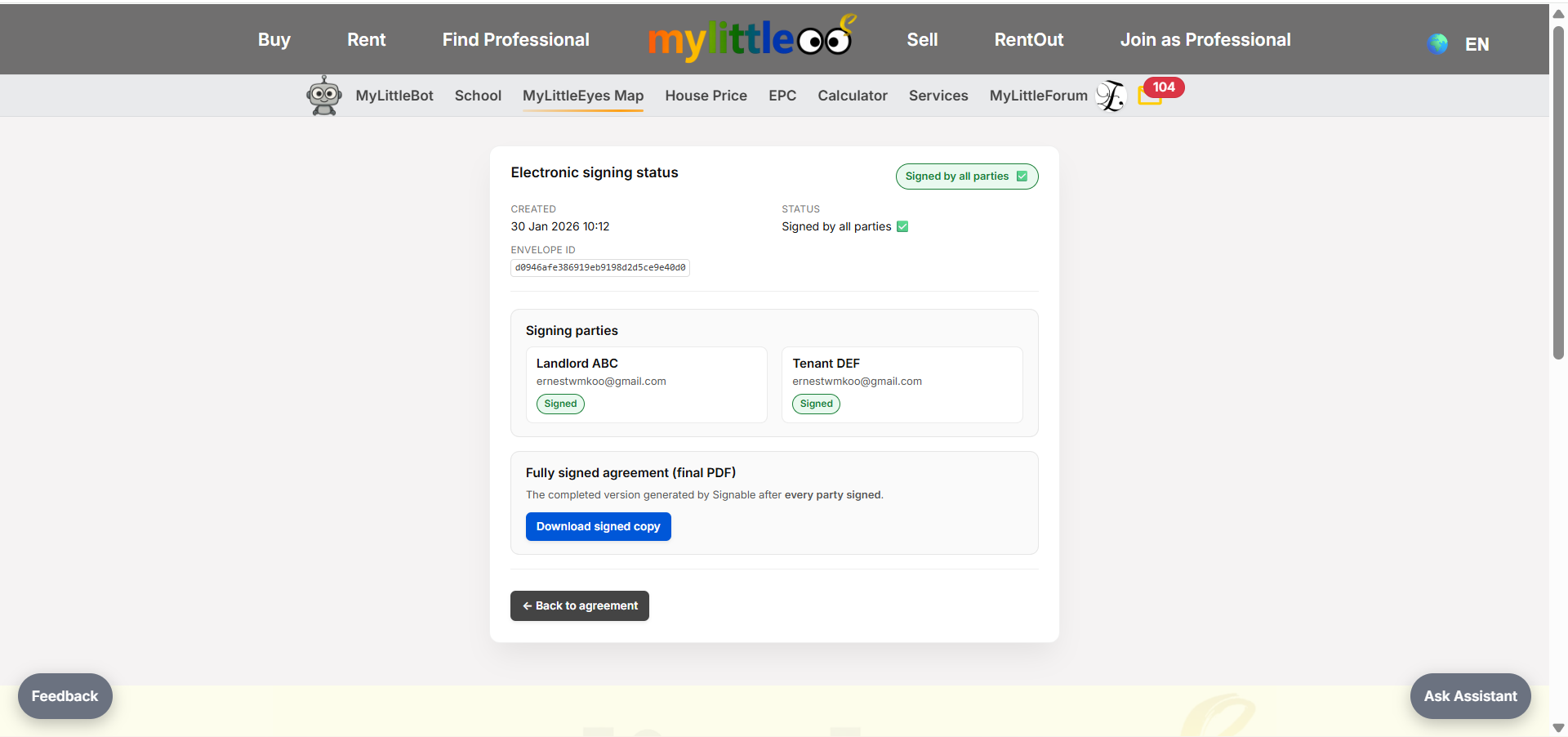
Monitor signing status; when someone signs it updates, and once all sign the document is ready to download.
Both landlord and tenant receive Signable emails to complete e-signature.
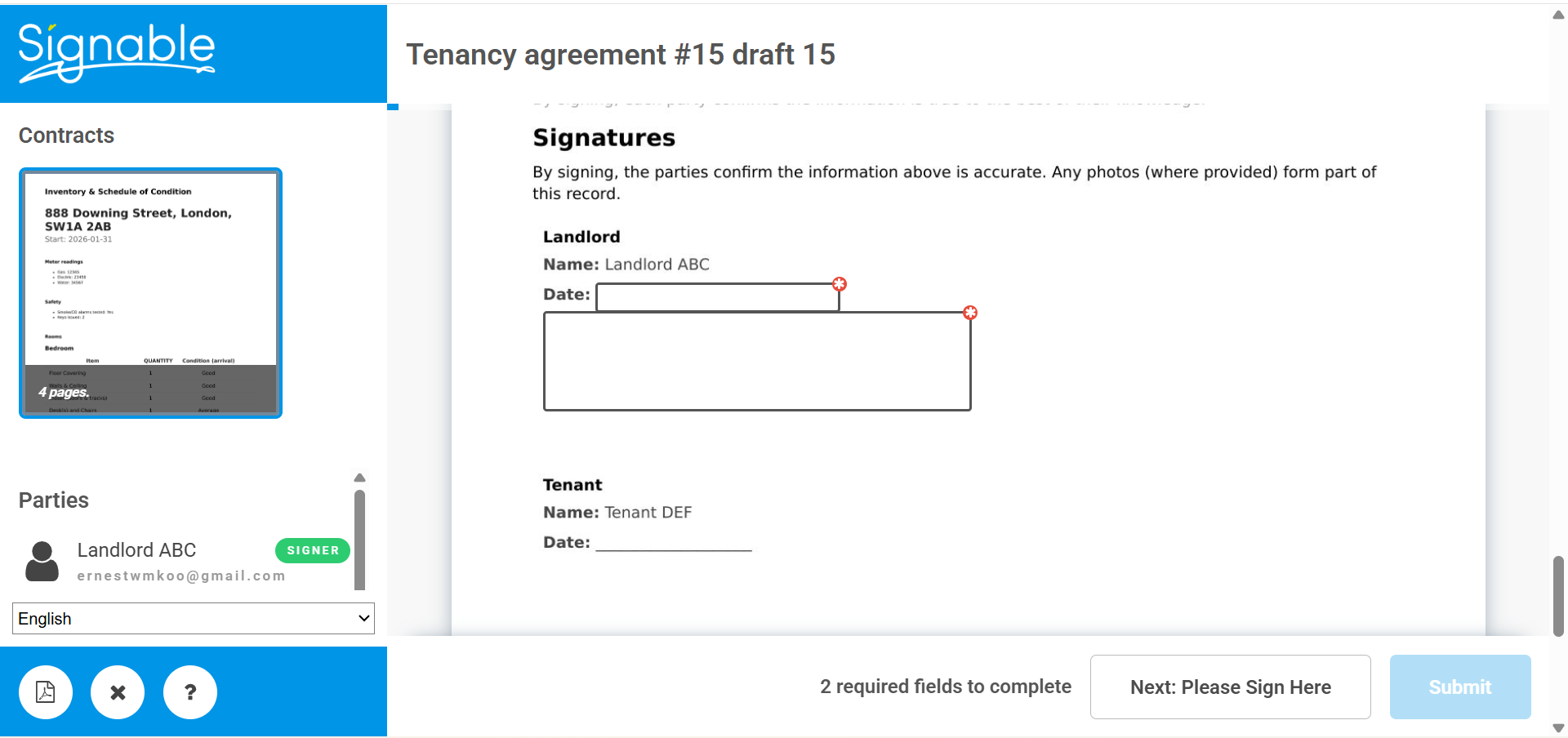
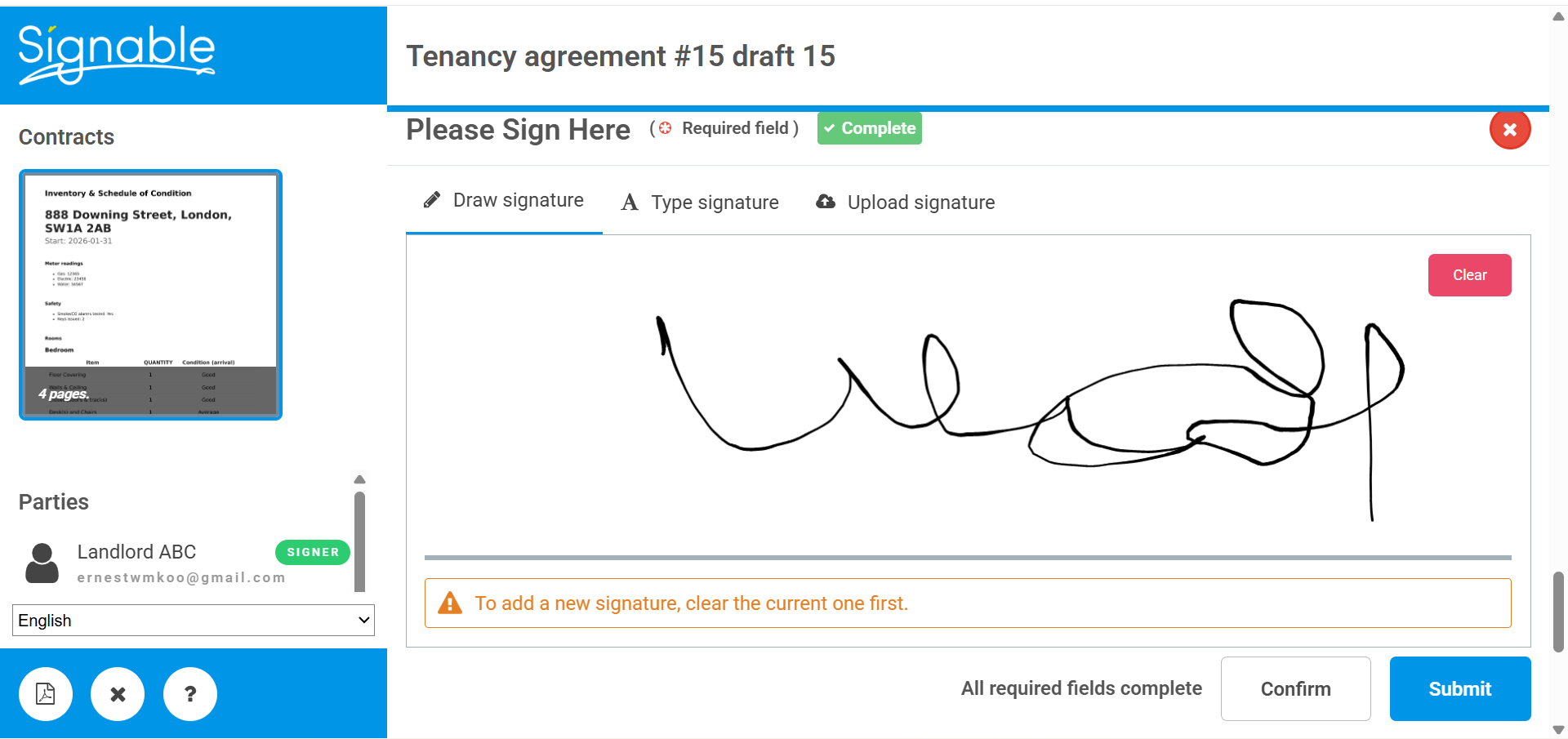
Signers add their signatures and confirm the signing date.
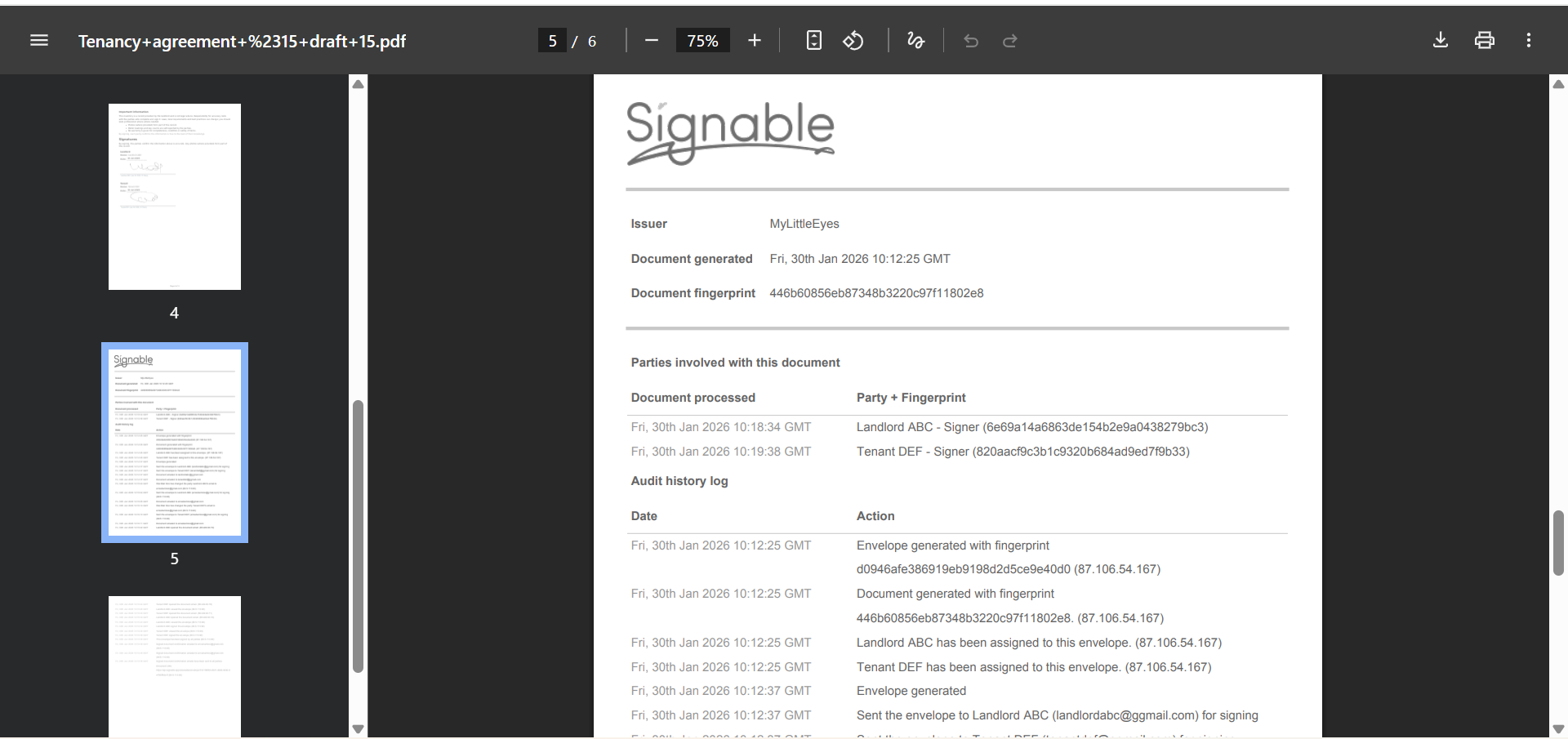
After all parties e-sign, click Signed to download the final copy.
Store the final PDF with both parties’ signatures and signature details (time/date).
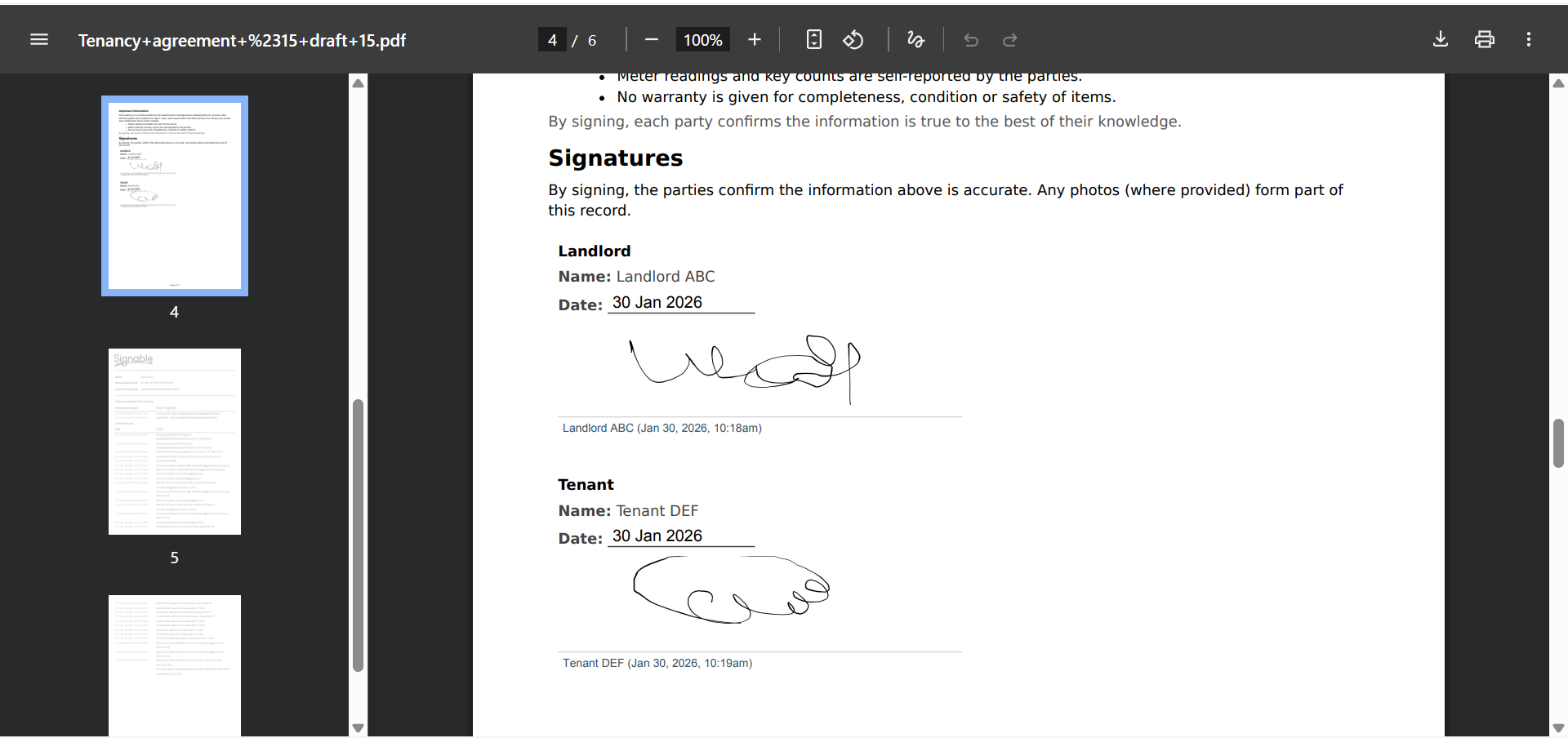
The final PDF includes full signature details such as time and date for each signer.