Launch offer: all Silver listings are free.

Generate the HDA, preview it, and send for e-signature.
Go to /tools/holding-deposit-agreement and start the form.
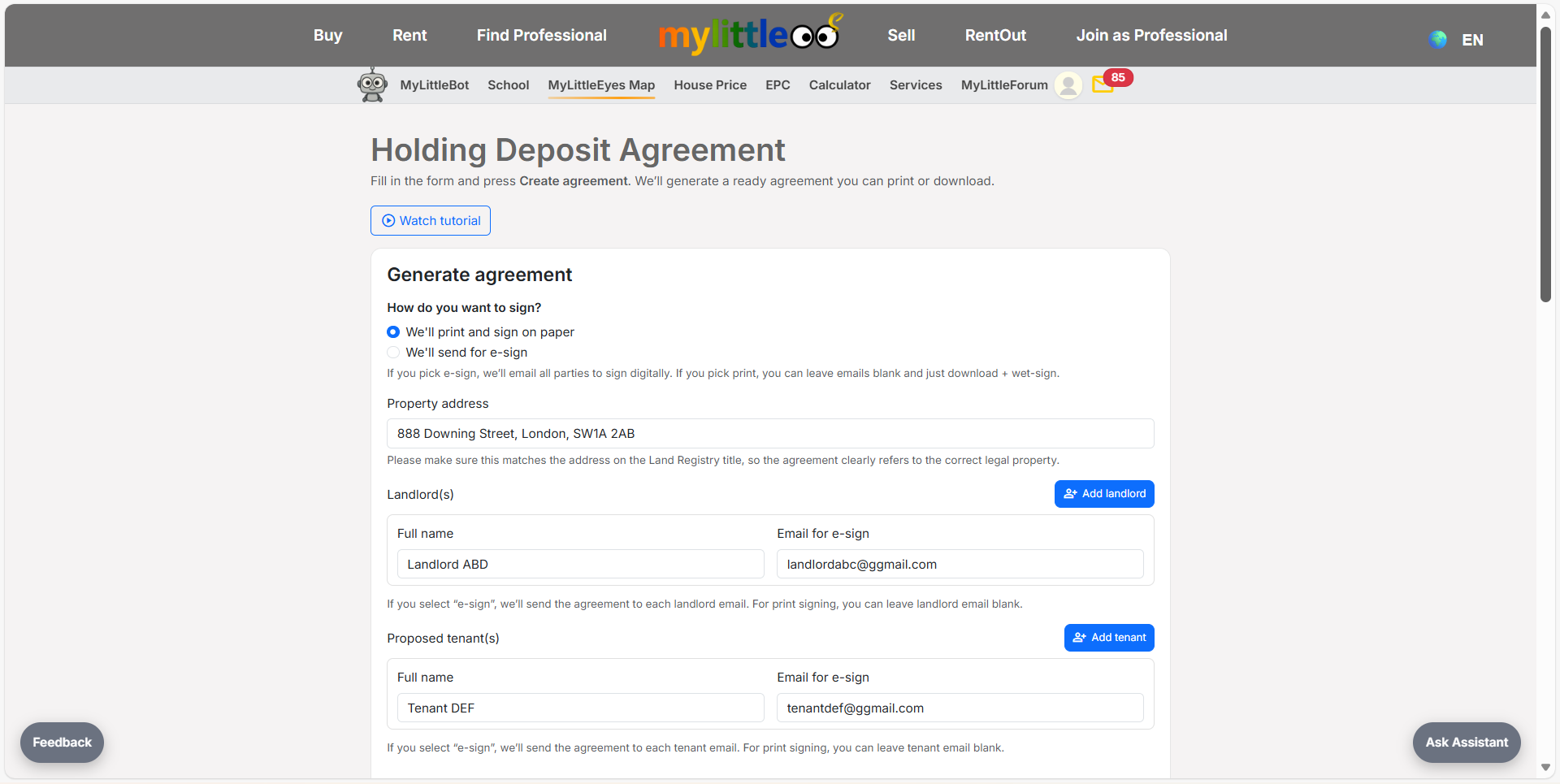
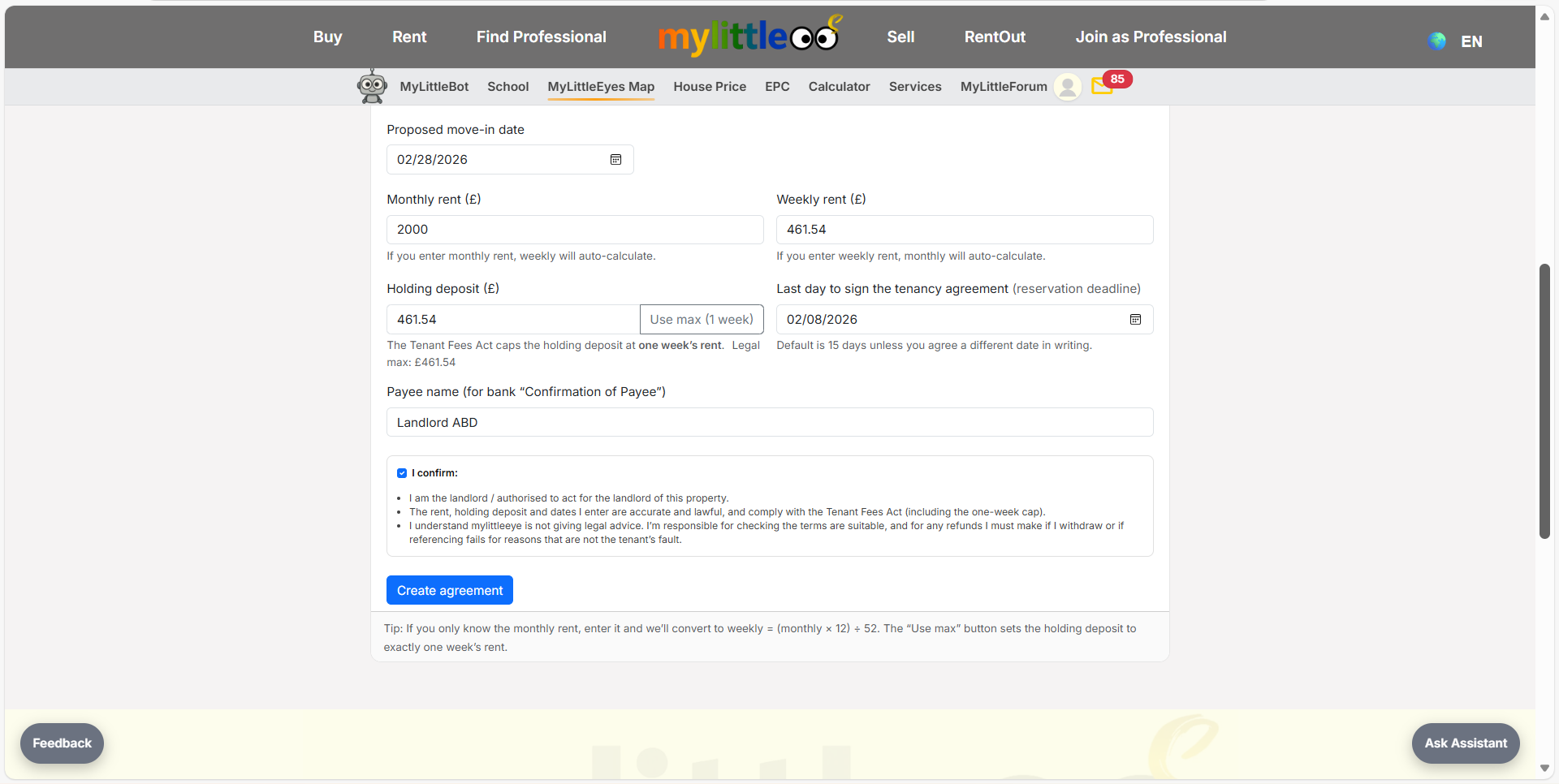
Enter tenant info, holding deposit amount, and agreement basics.
Review the generated HDA and make any edits before moving on.
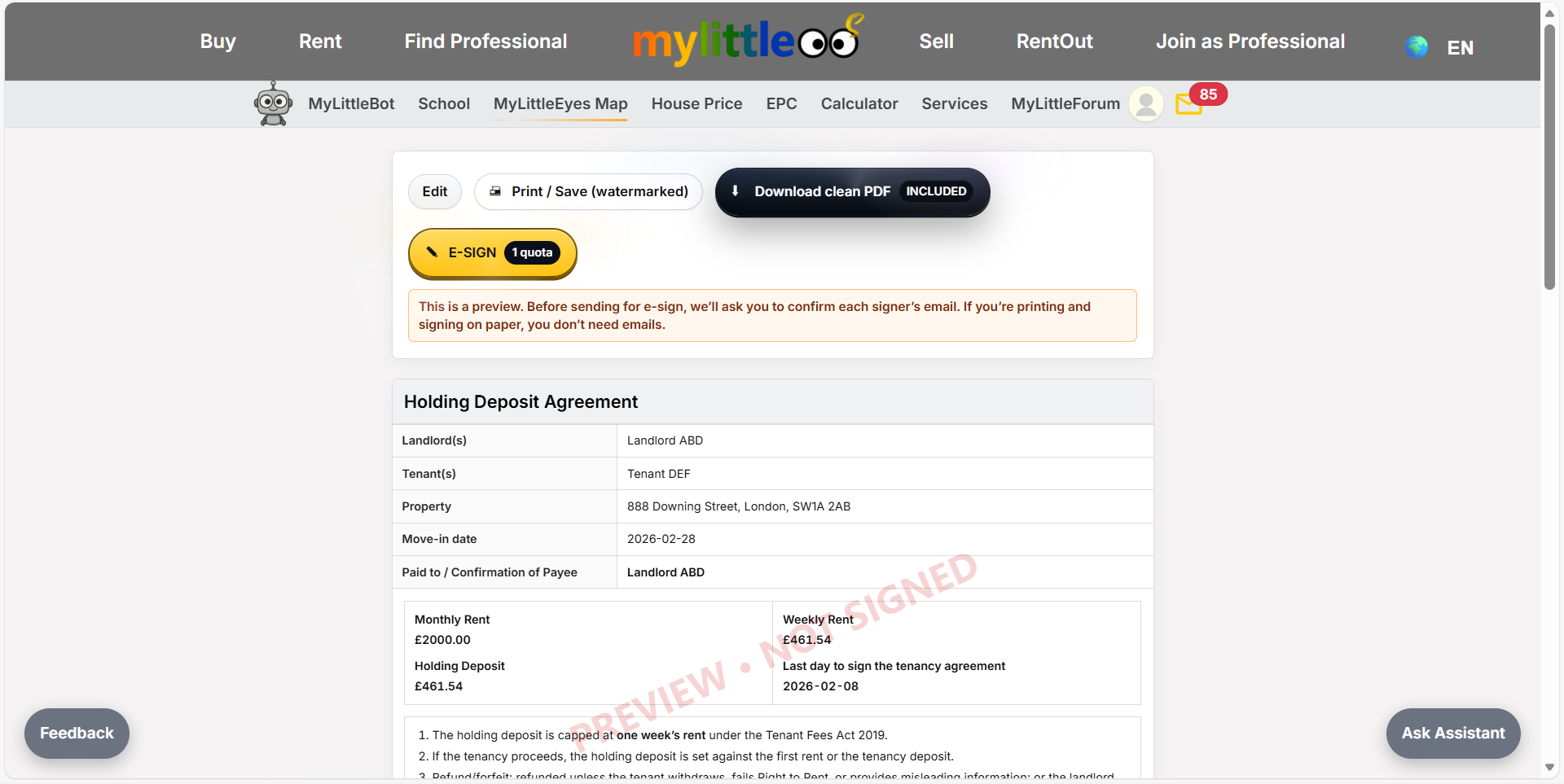
Use Print/Save watermarked to download a reference copy with watermark.
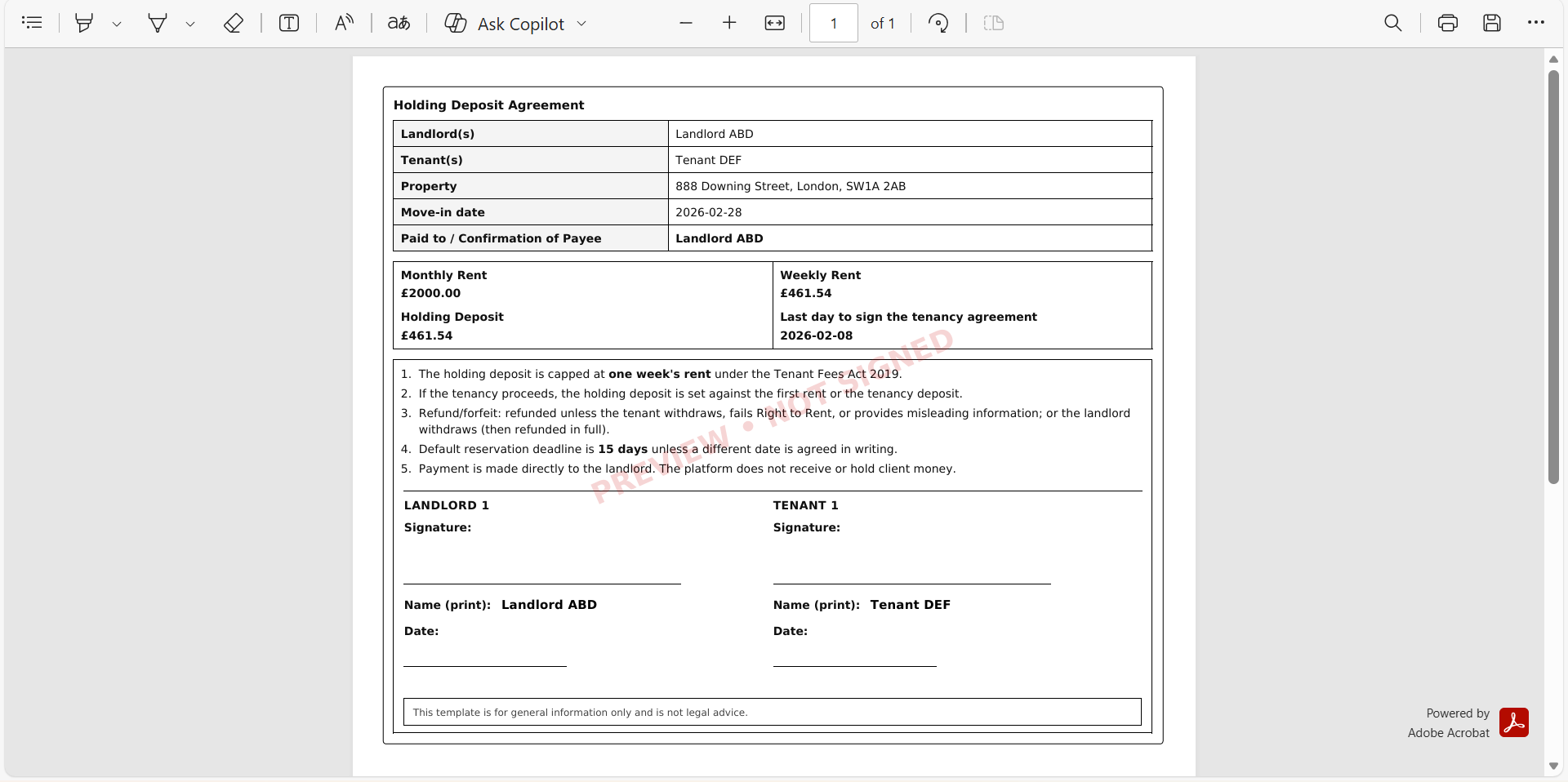
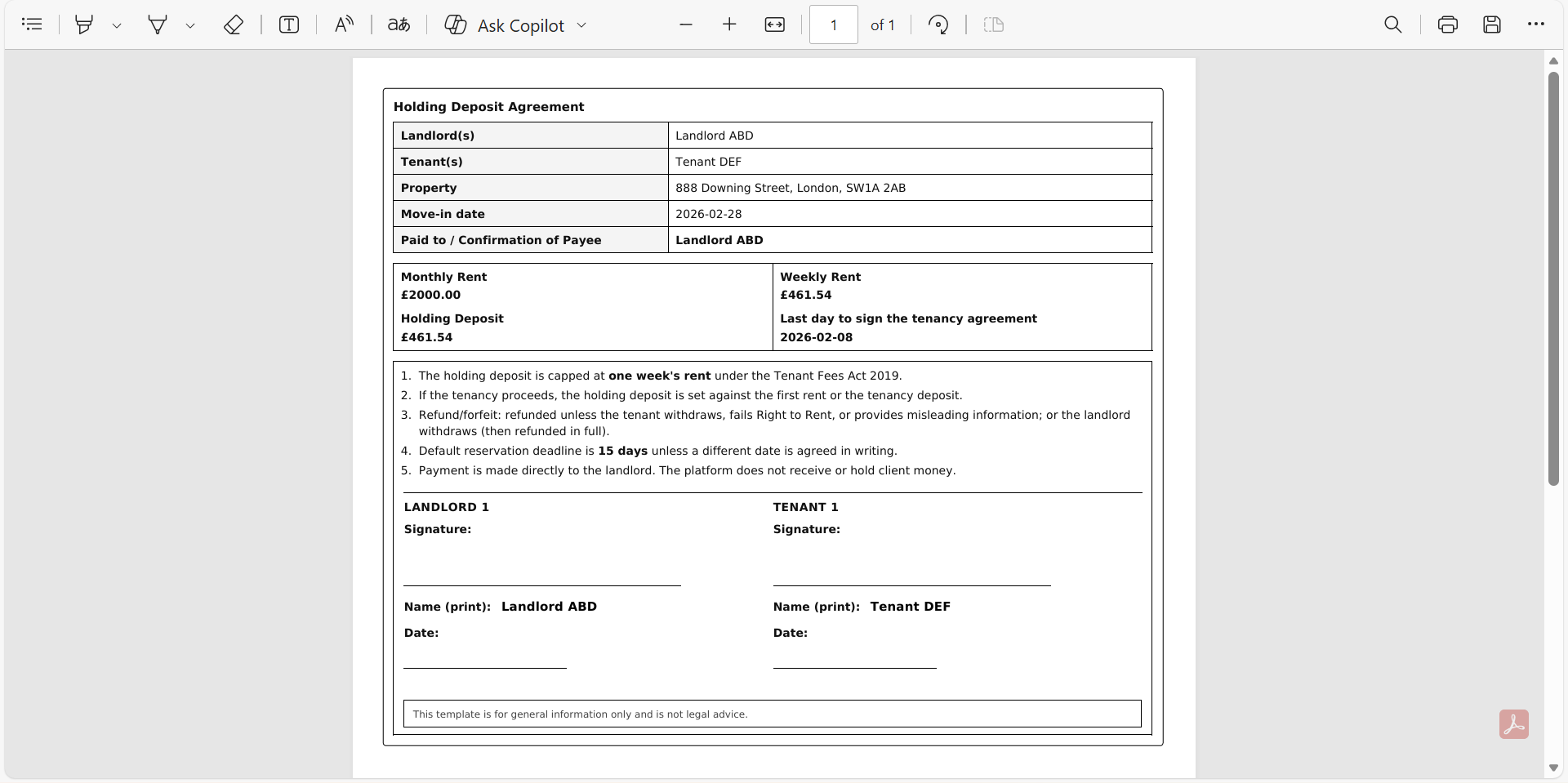
Click Clean copy for a PDF without watermark to print and sign manually.
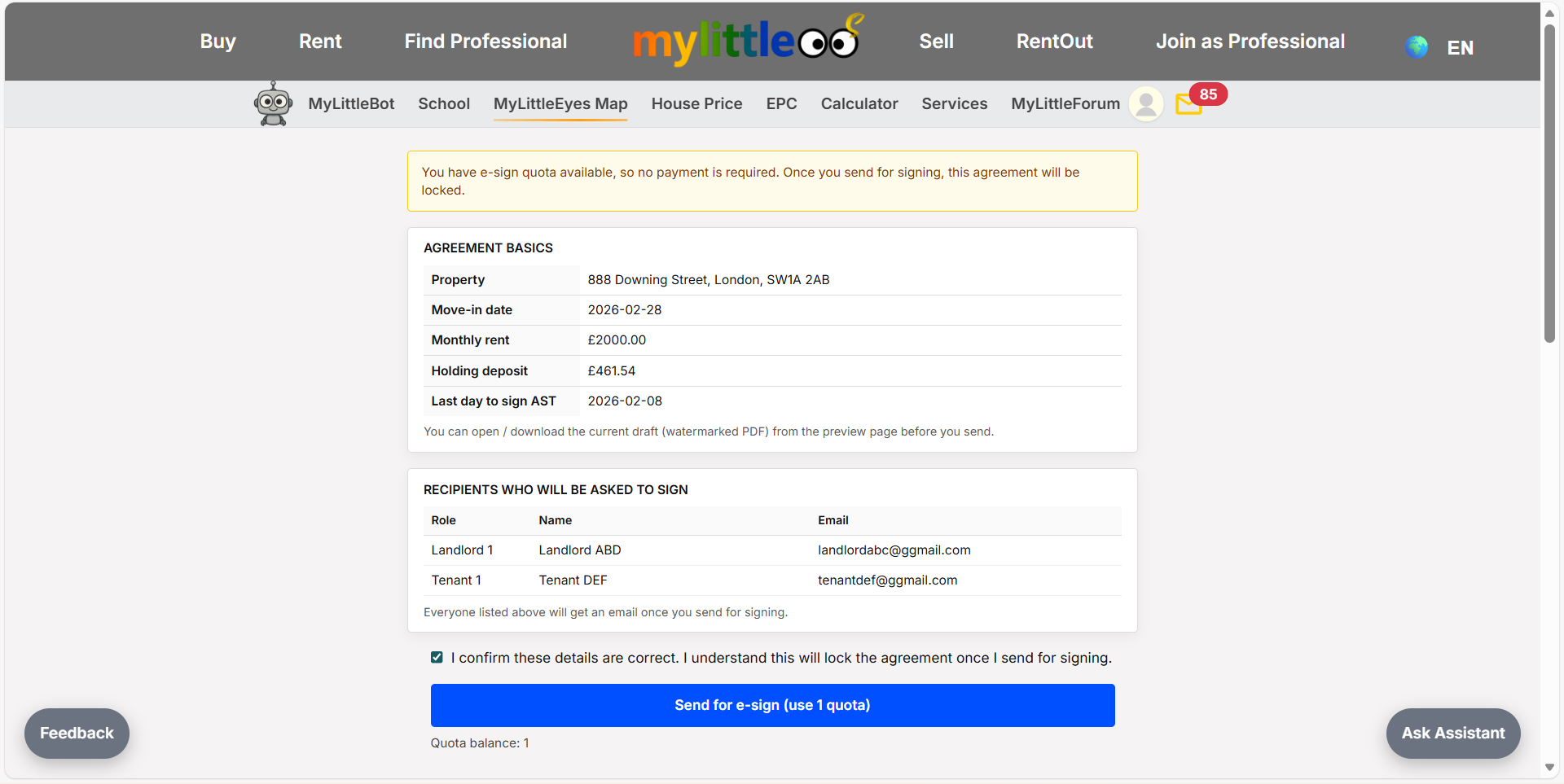
If e-signing, double-check names/emails before sending—they go out immediately.
The system sends e-sign emails to all parties to complete signatures.
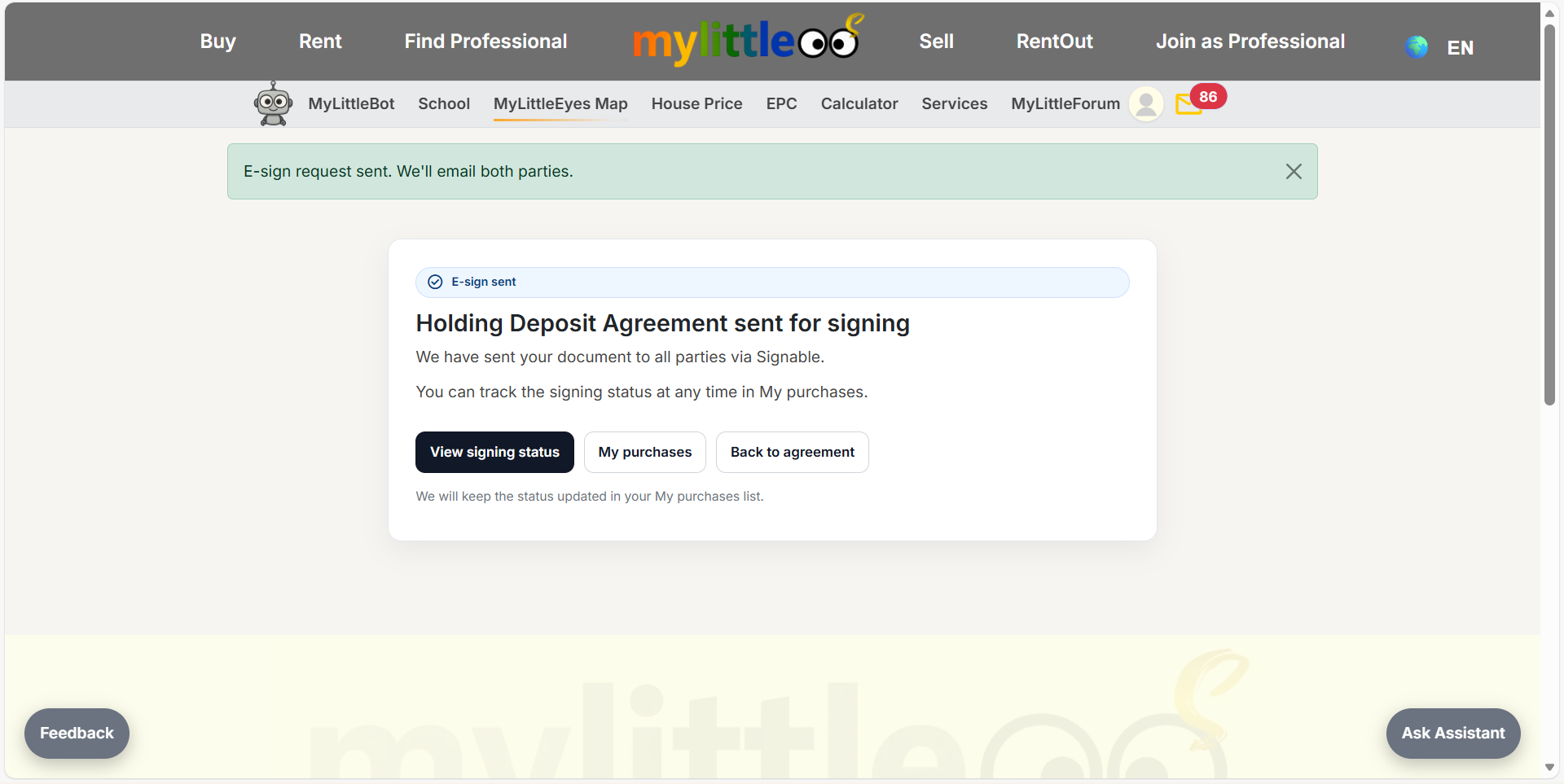
Signable emails the landlord and tenant; each must complete their e-sign steps.
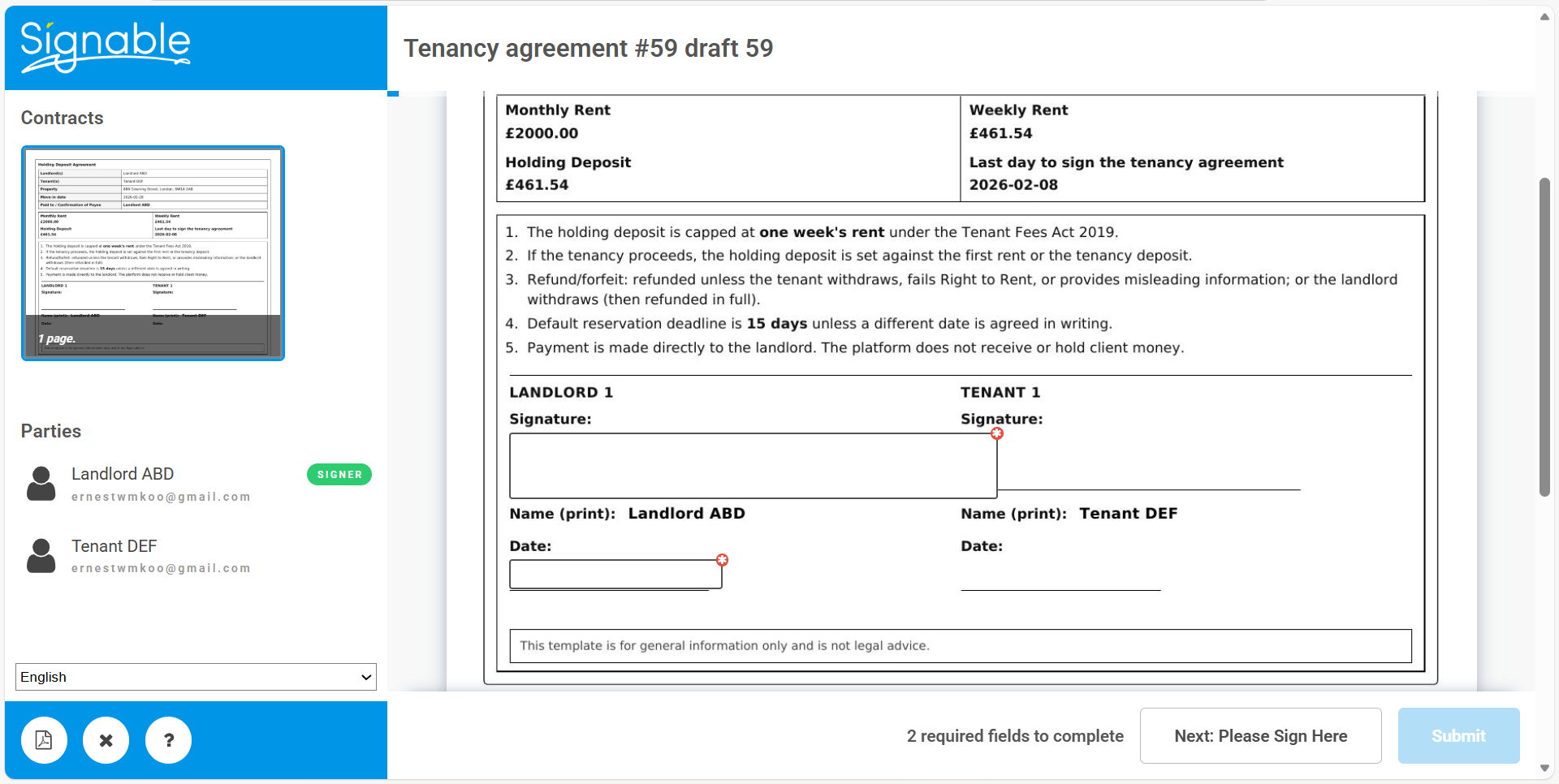
Choose the e-sign date when completing your signature fields.
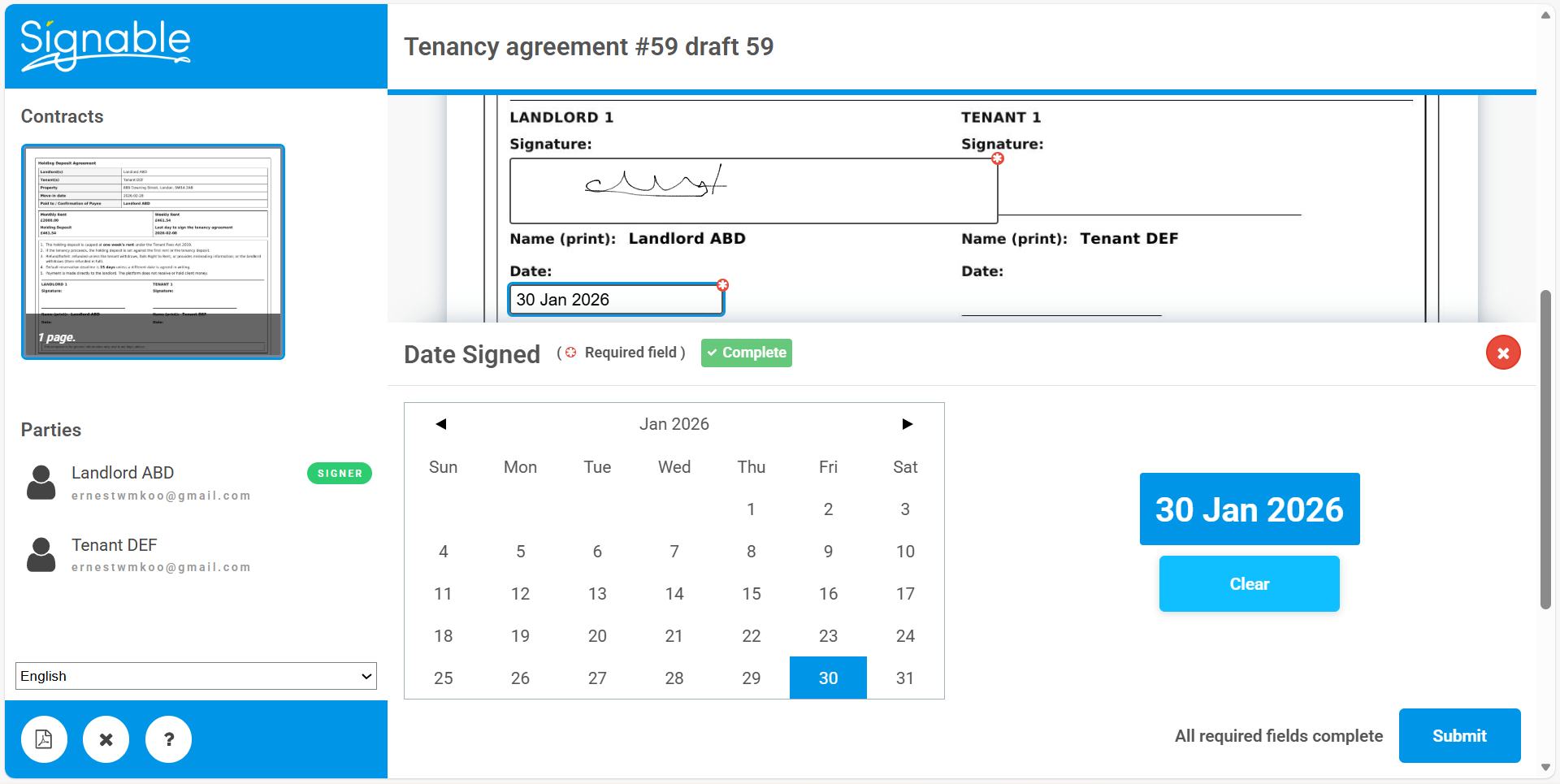
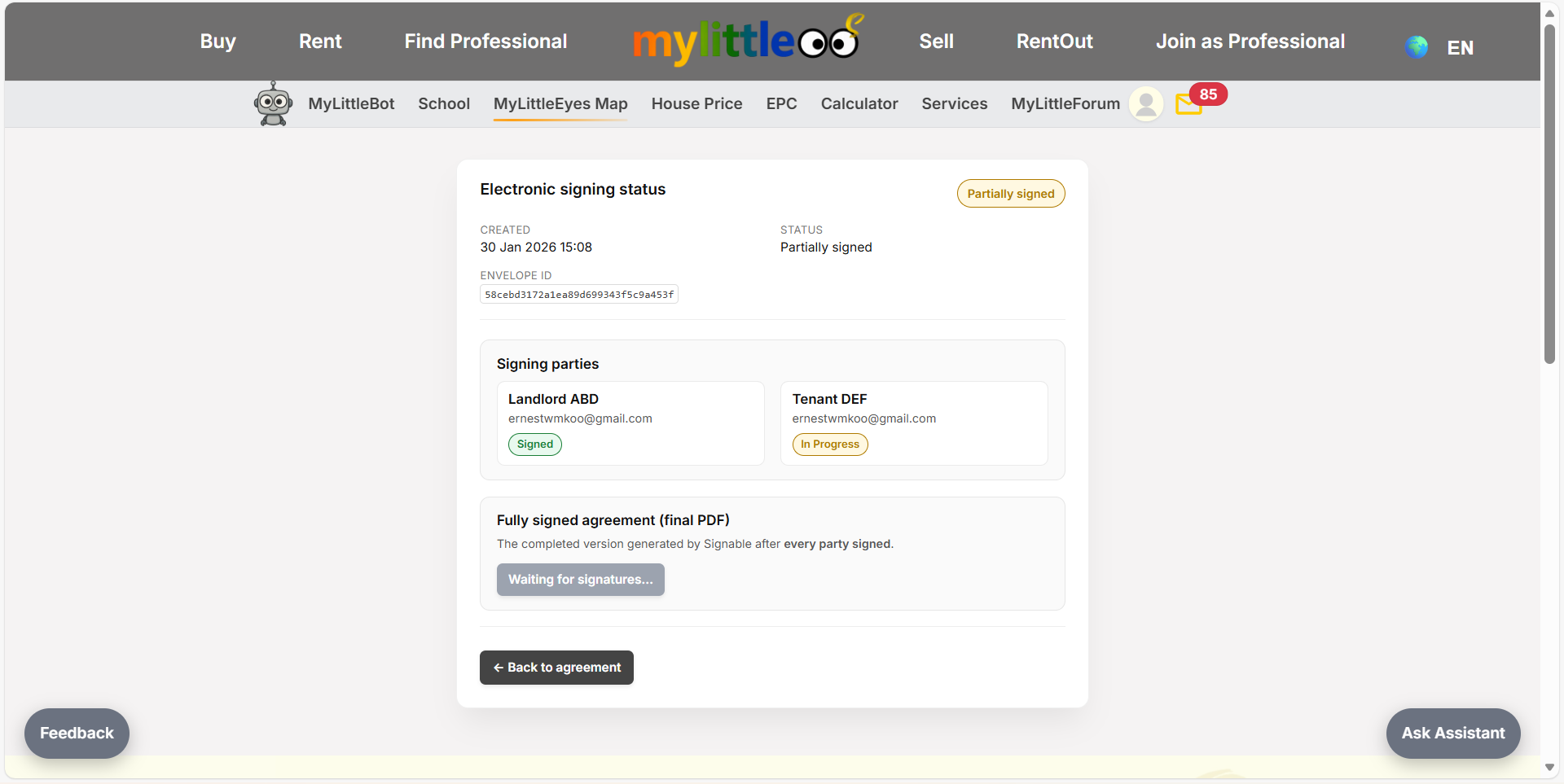
Monitor signing status; once signed it will update to signed.
After all parties sign, a Signed button appears so you can download the final copy.
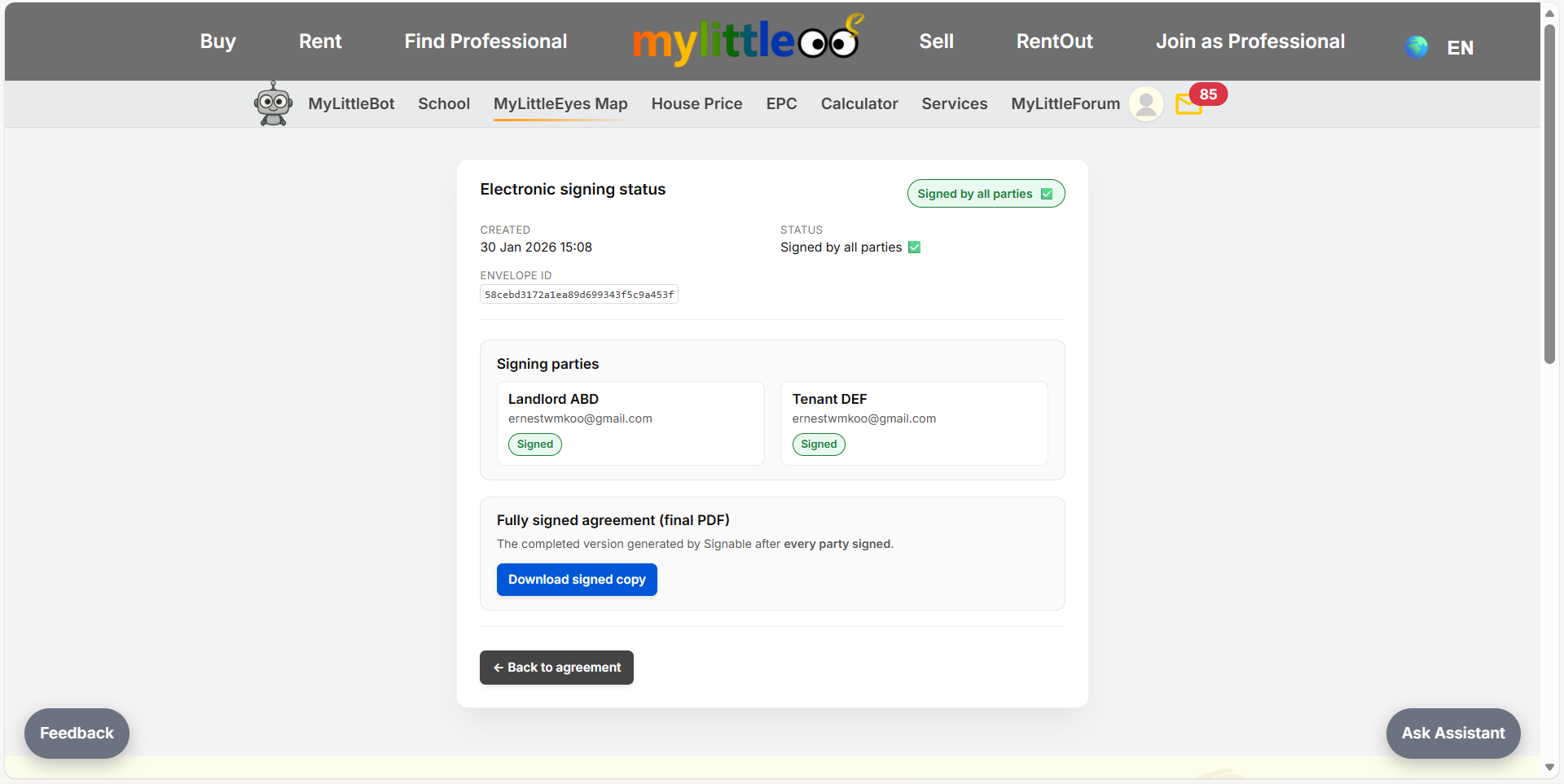
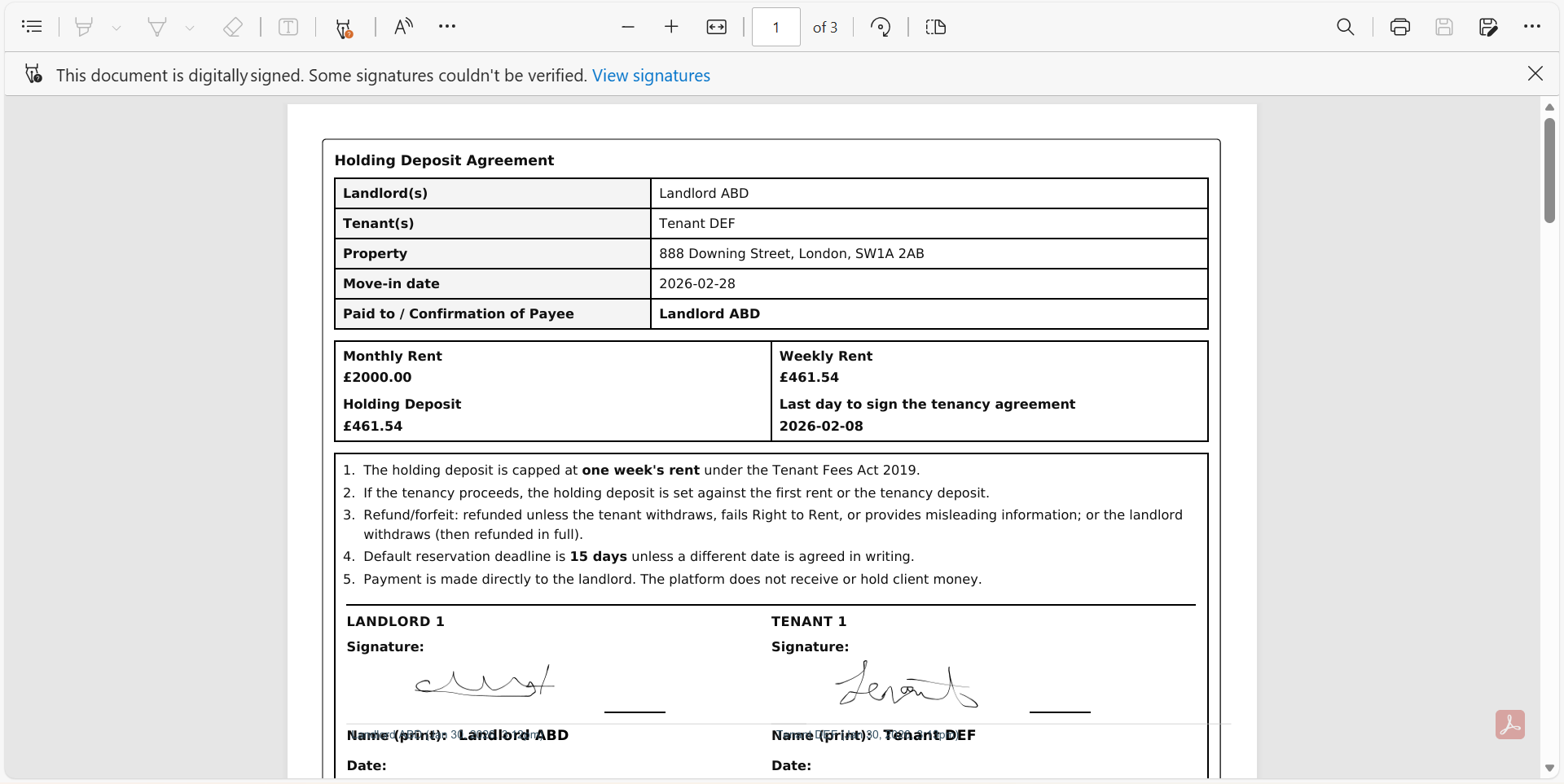
Save the final e-signed PDF, which includes signature details such as time and date.