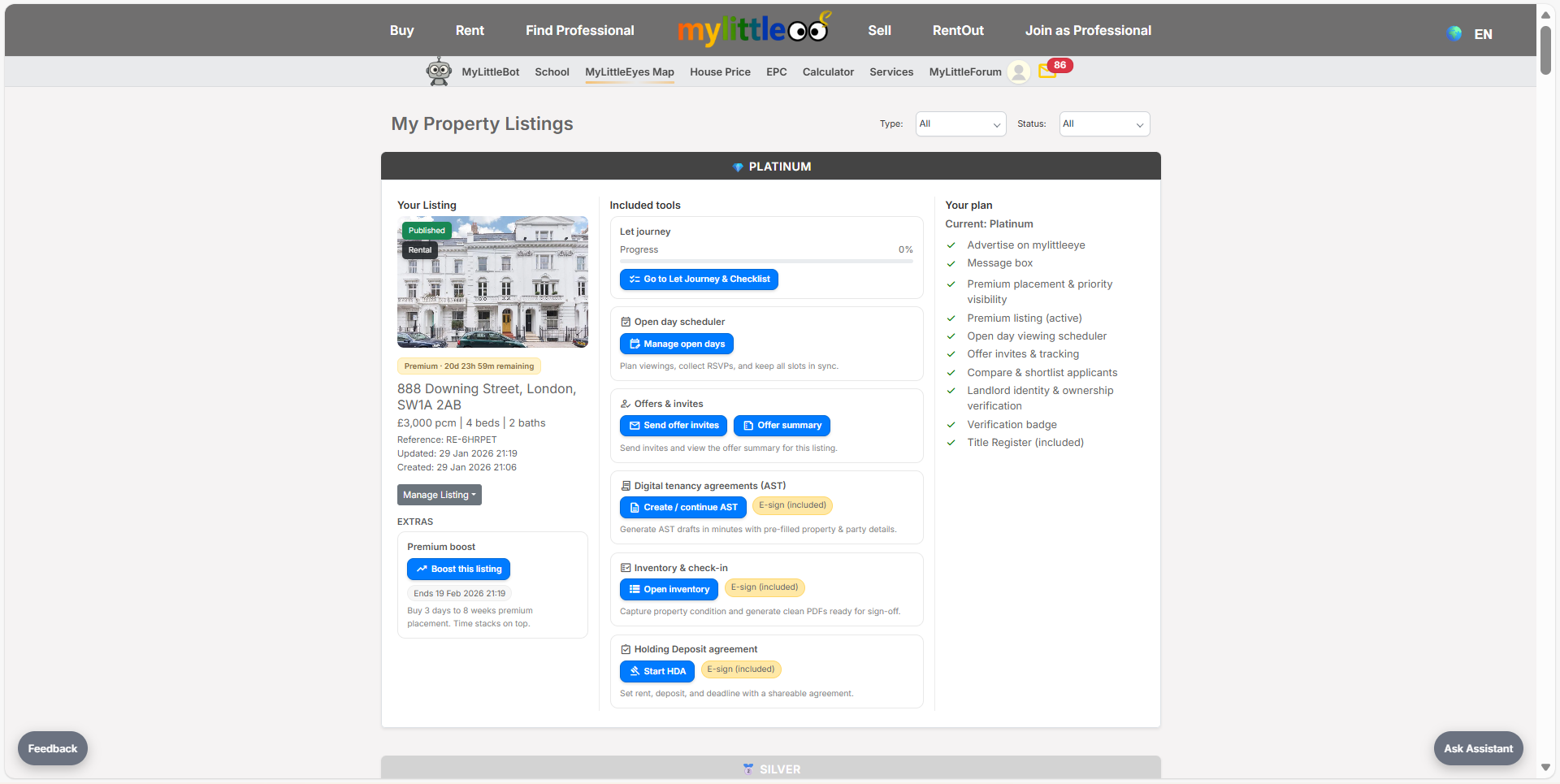
Launch offer: all Silver listings are free.

Capture the address, confirm location, add details and photos, choose a package, and publish your rental.
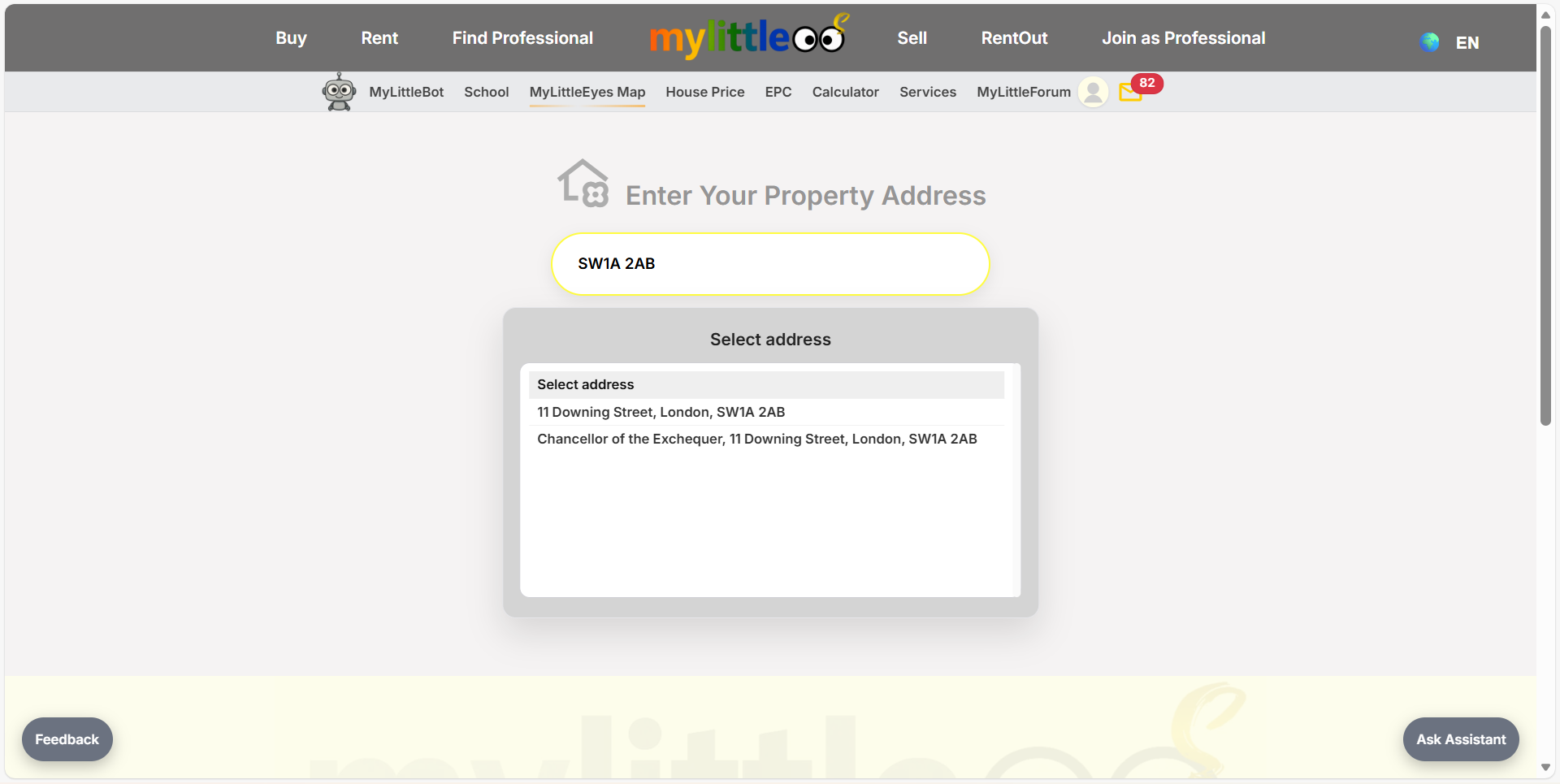
Start Rent Out, type your postcode, and pick the correct address from the lookup list to load the form.
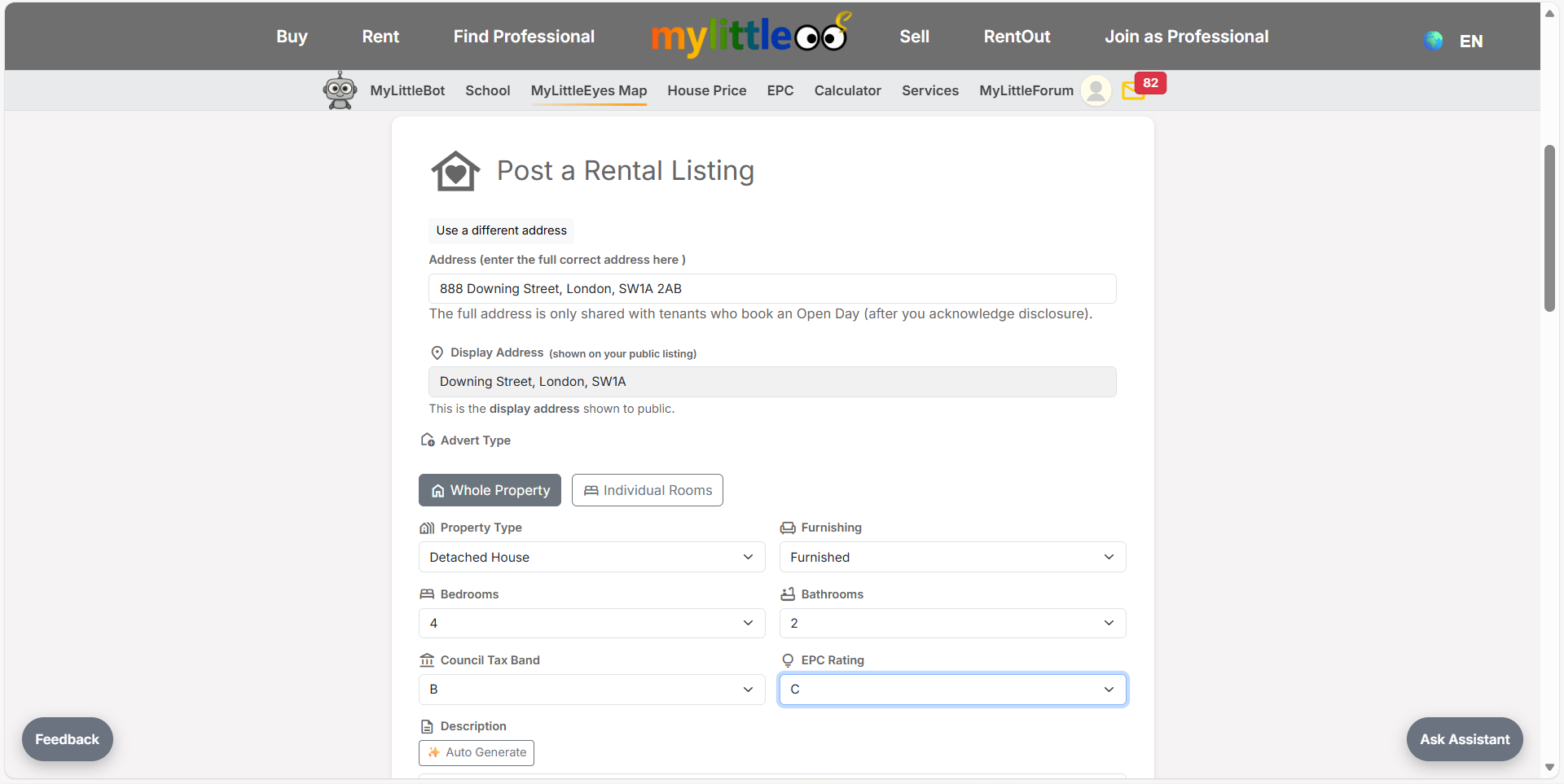
Confirm full and display addresses, choose Whole Property or Rooms, set property type, furnishing, beds, baths, tax band, and EPC.
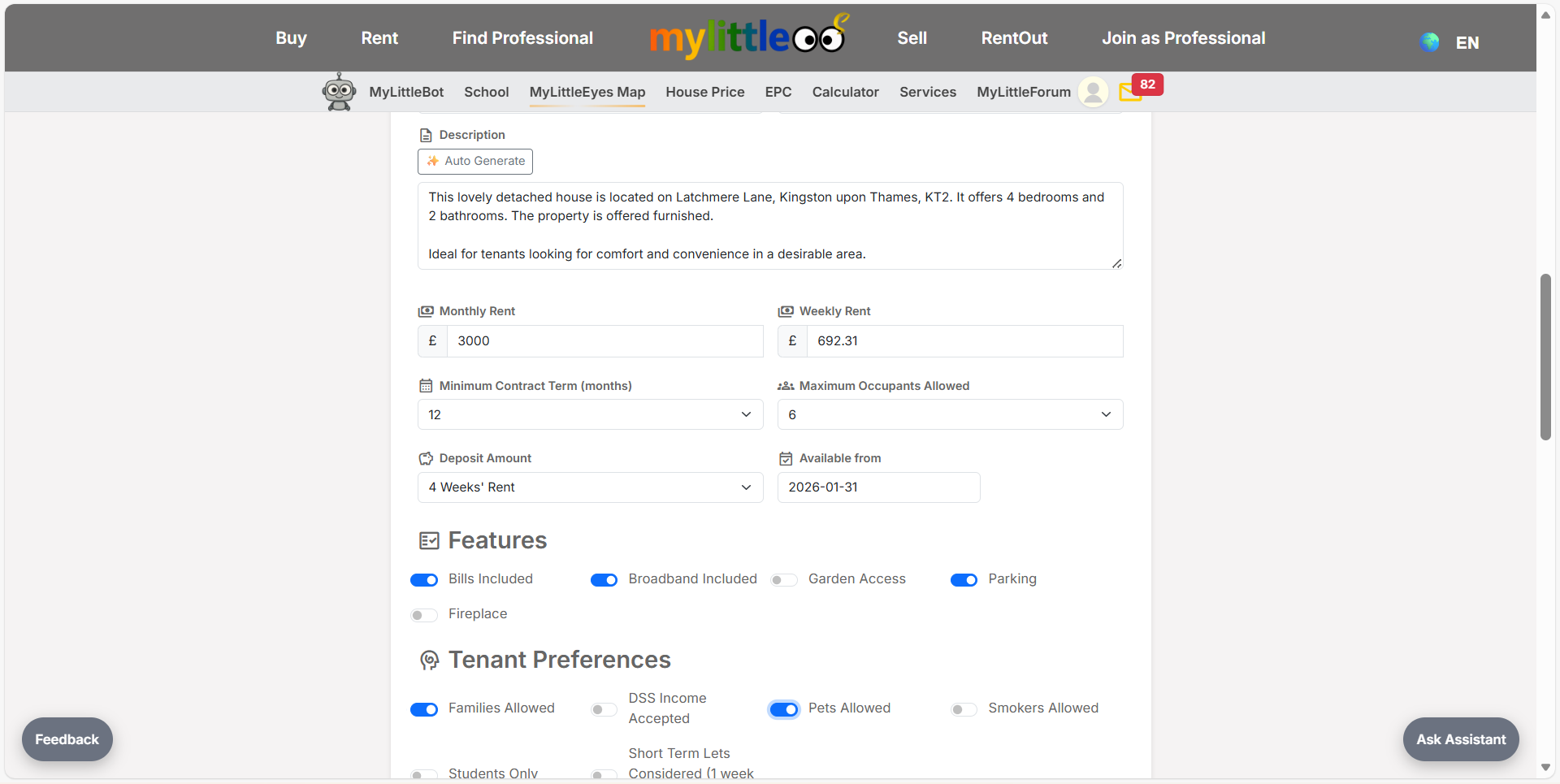
Write a clear description, set monthly/weekly rent, contract term, max occupants, availability date, deposit, and key tenant preferences.
Note viewing availability (optional), toggle remote video viewings if offered, and begin uploading photos/videos.
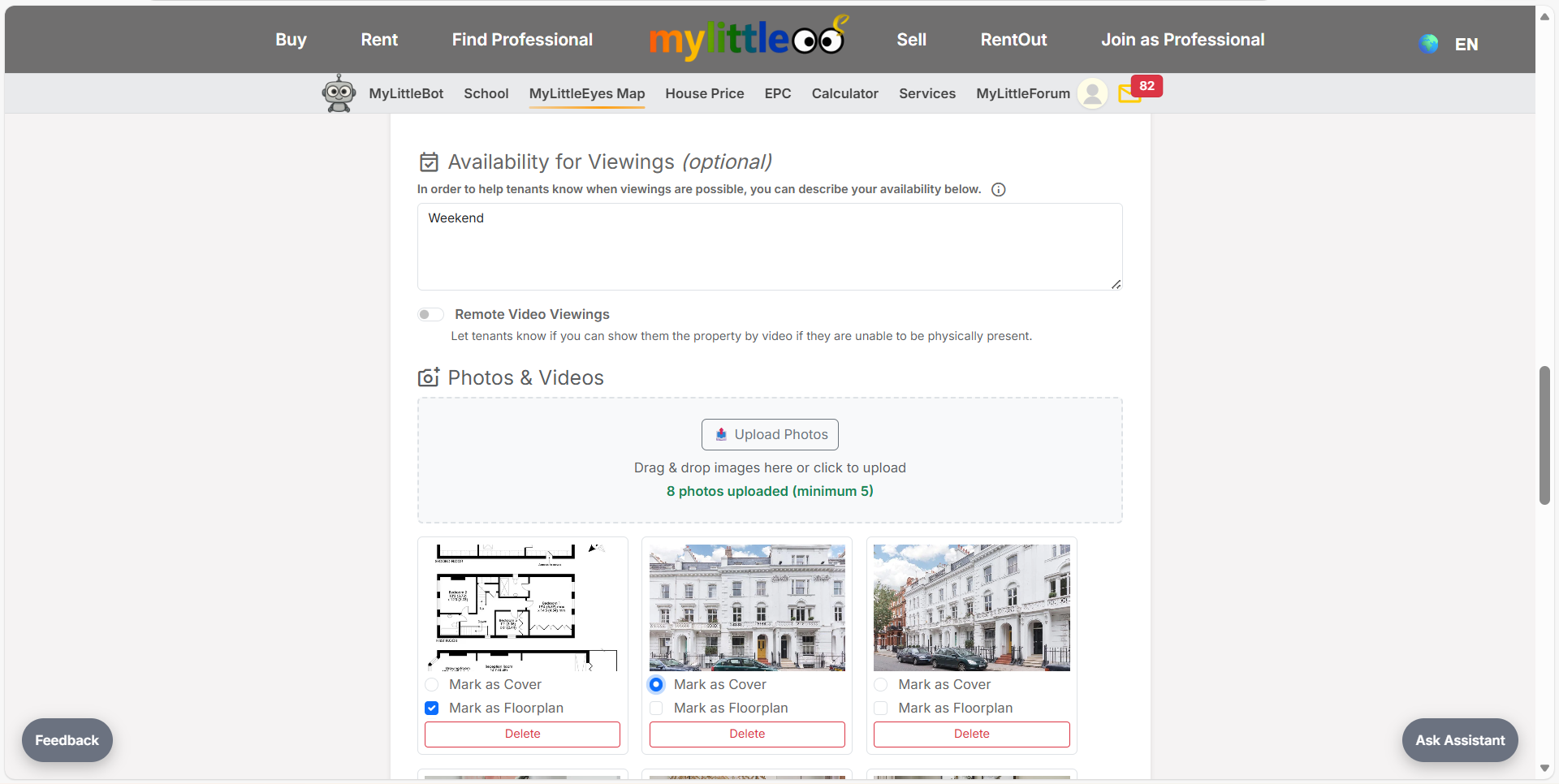
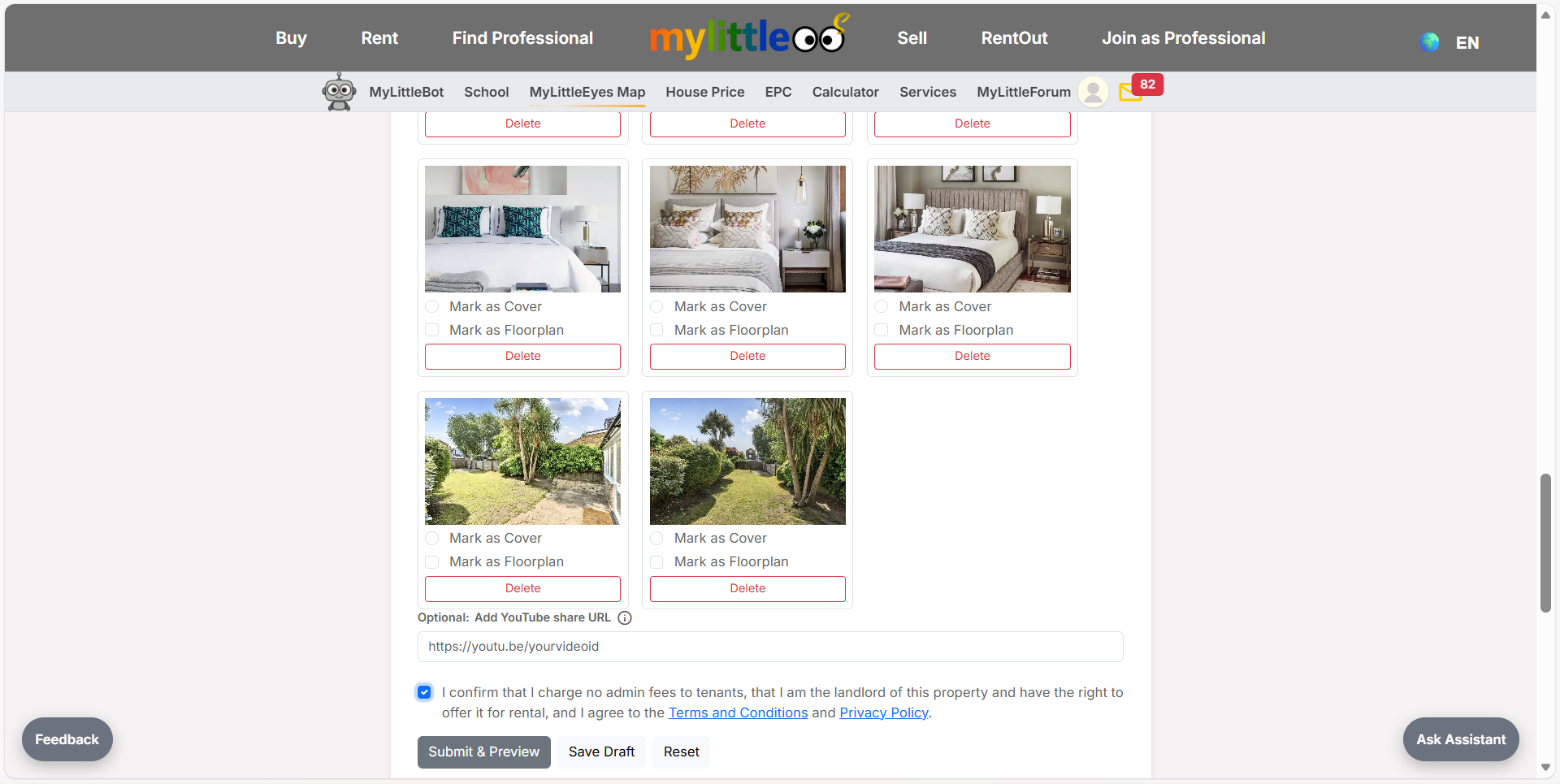
Upload at least five photos, mark the best cover, tag floorplans, and remove or reorder shots before saving.
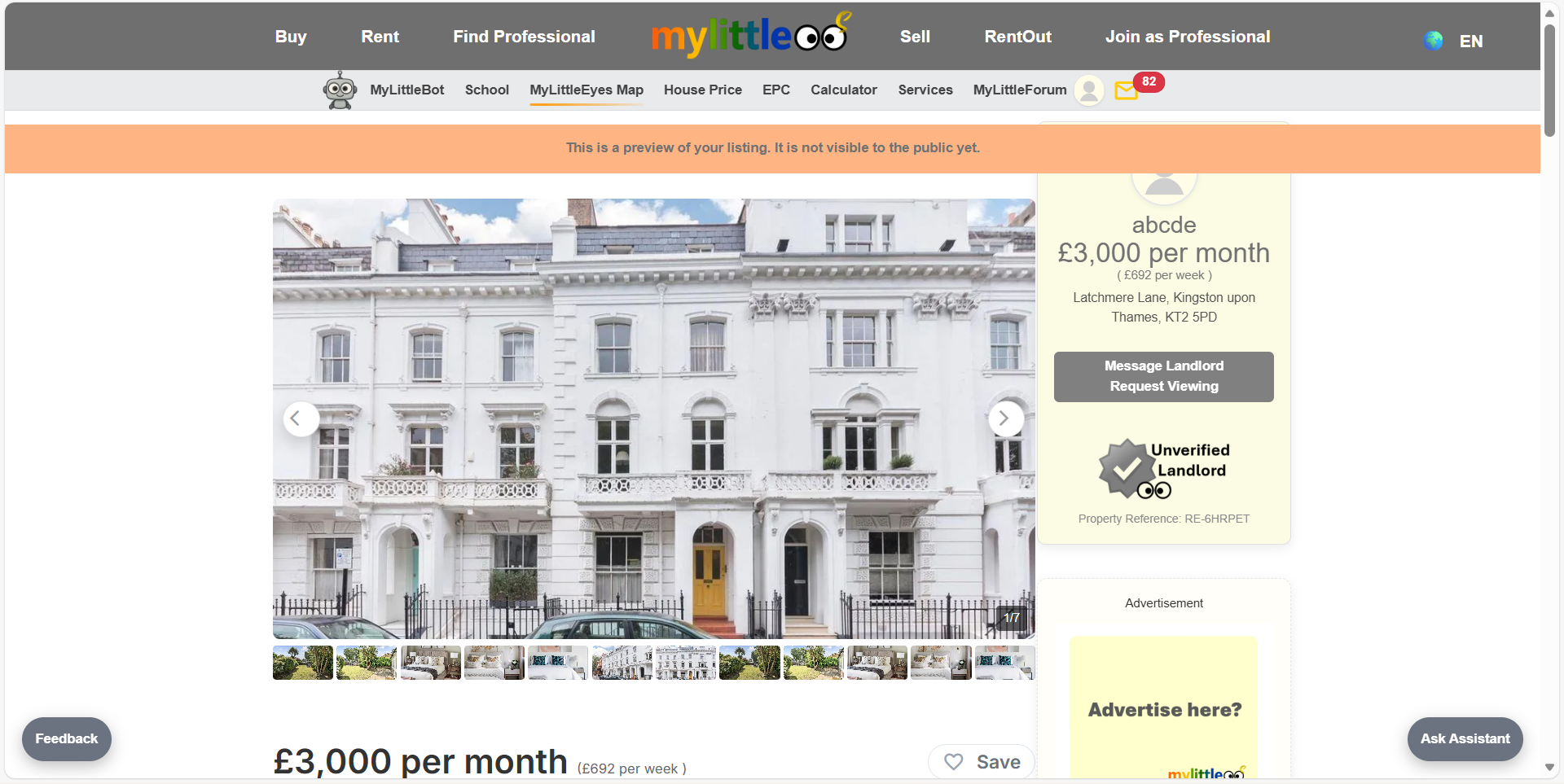
Review the draft page to check gallery, address, pricing, badges, and key action buttons (save or request viewing) so everything looks ready for tenants.
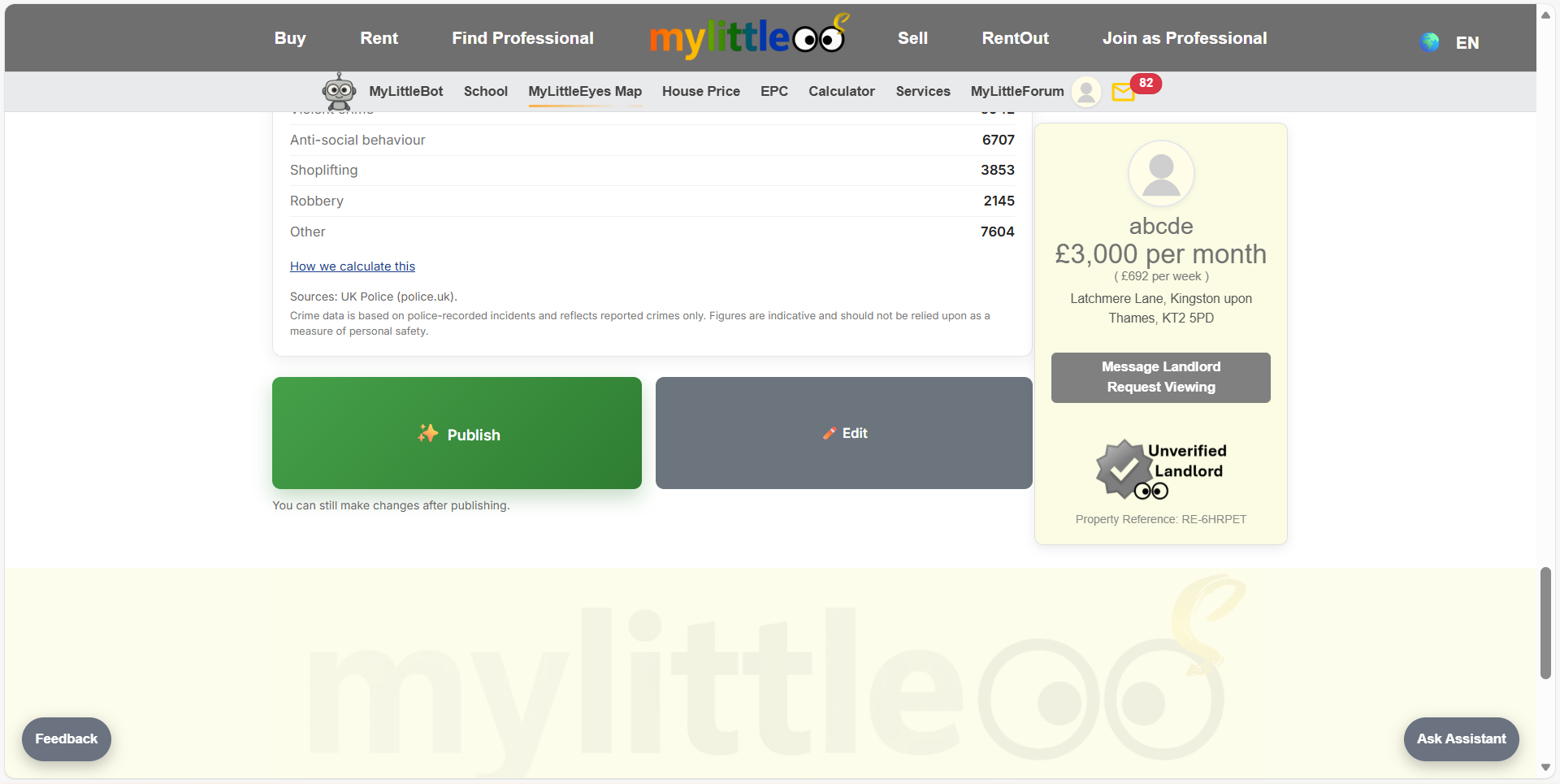
Use Publish to make the listing live or Edit to tweak details; revisit My Listings anytime to review and adjust the live page.
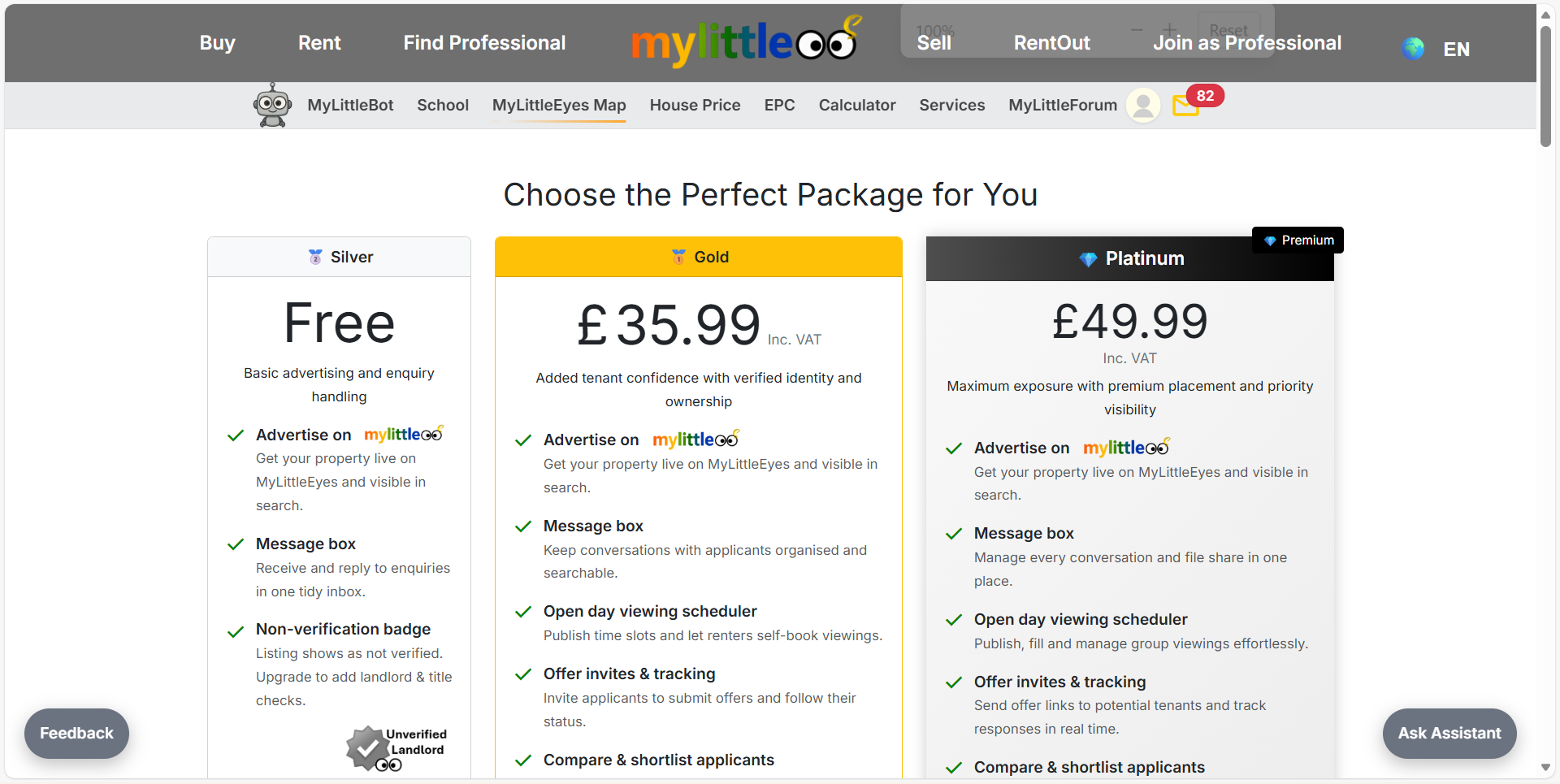
Pick Silver (£4.99 listing fee - waived for early users), Gold, or Platinum, review what each tier includes, and proceed to checkout.
Open My Listings to view your live listing anytime, confirm its package and status, and adjust details or pricing when needed.