Launch offer: all Silver listings are free.

Create your pro account, pass ID checks, add services, and publish a live professional profile.
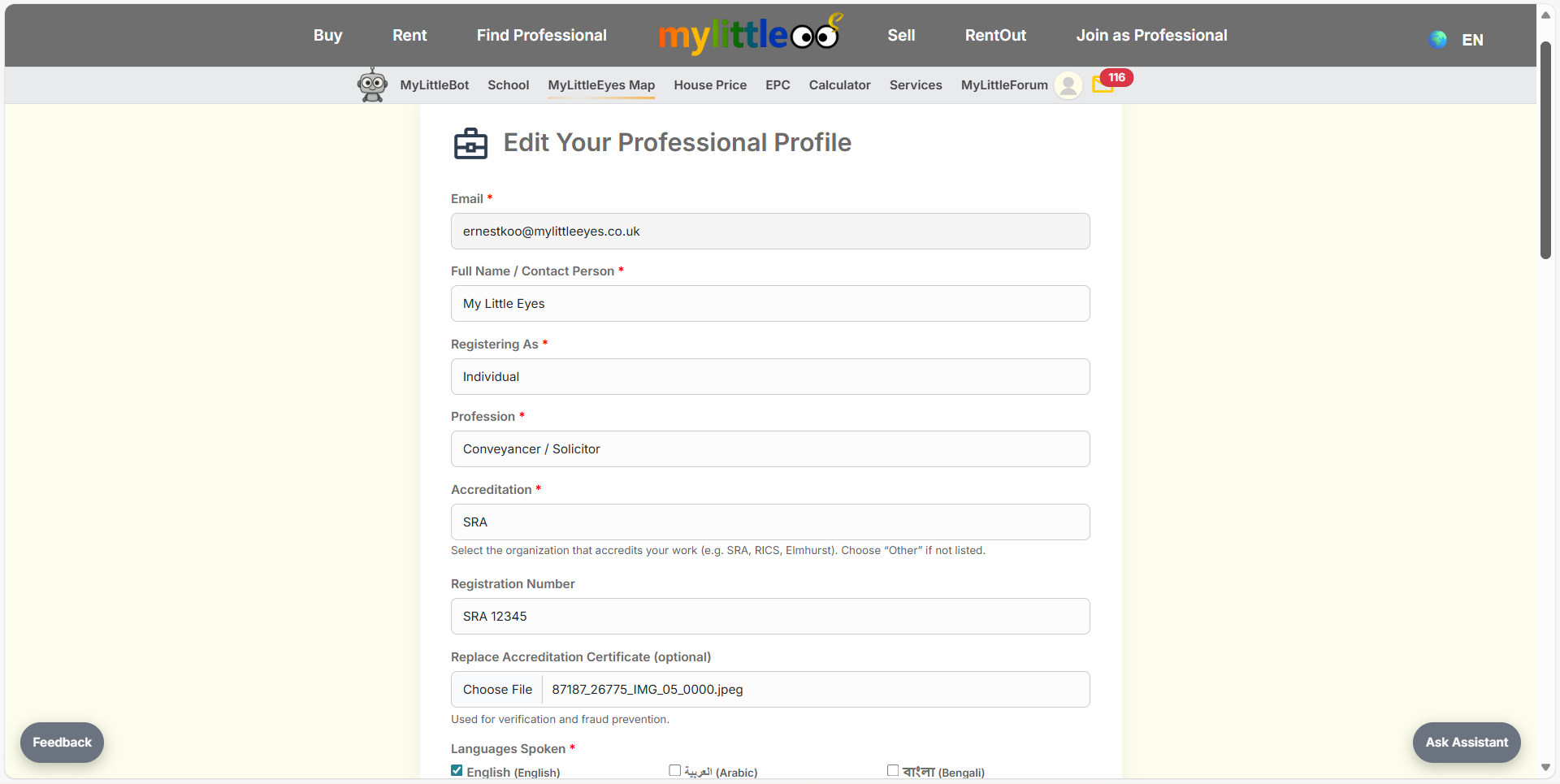
Fill in your professional contact, accreditation, and registration info on the signup form.
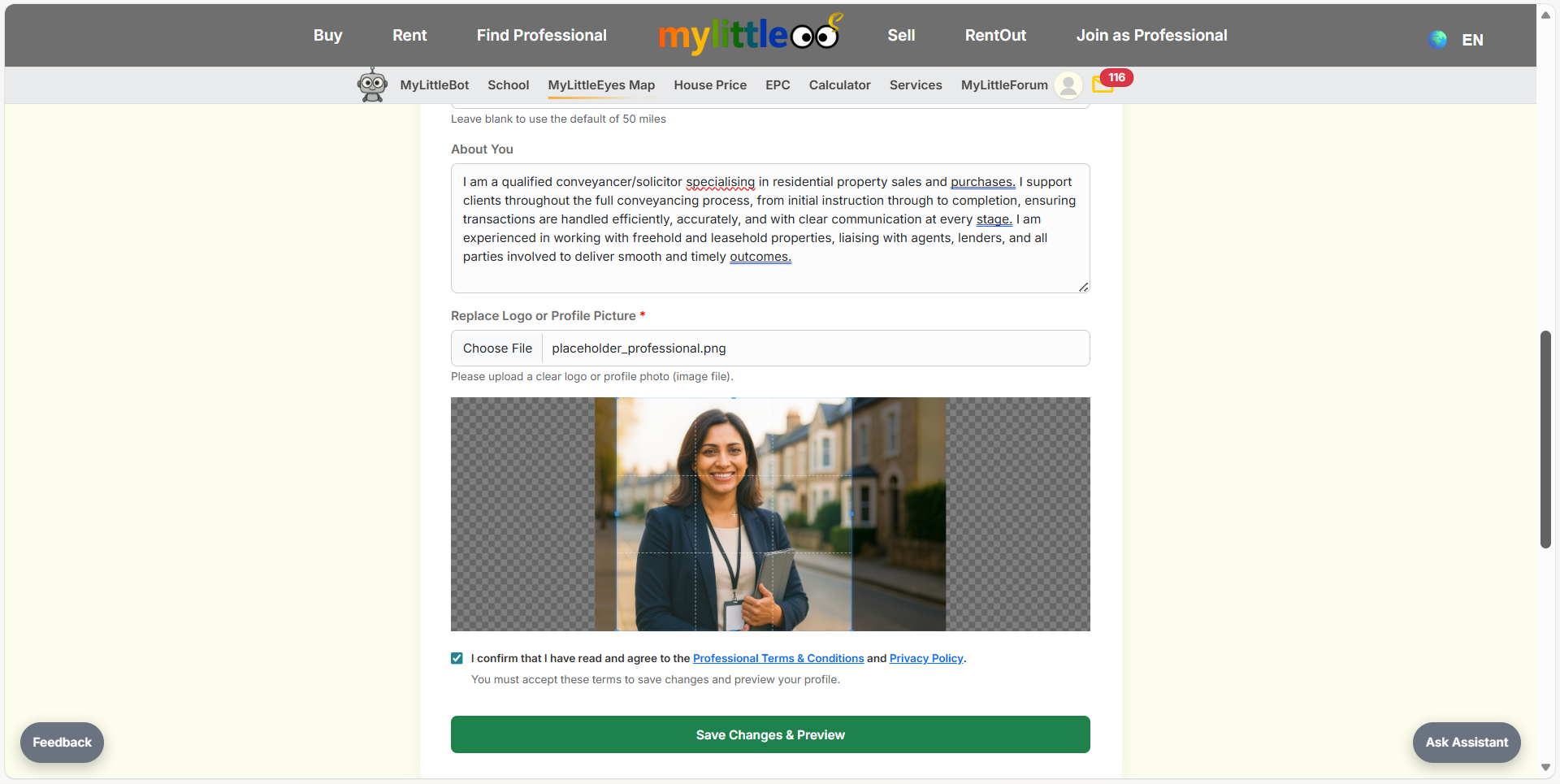
Write your About You summary and upload a clear profile/logo image before saving.
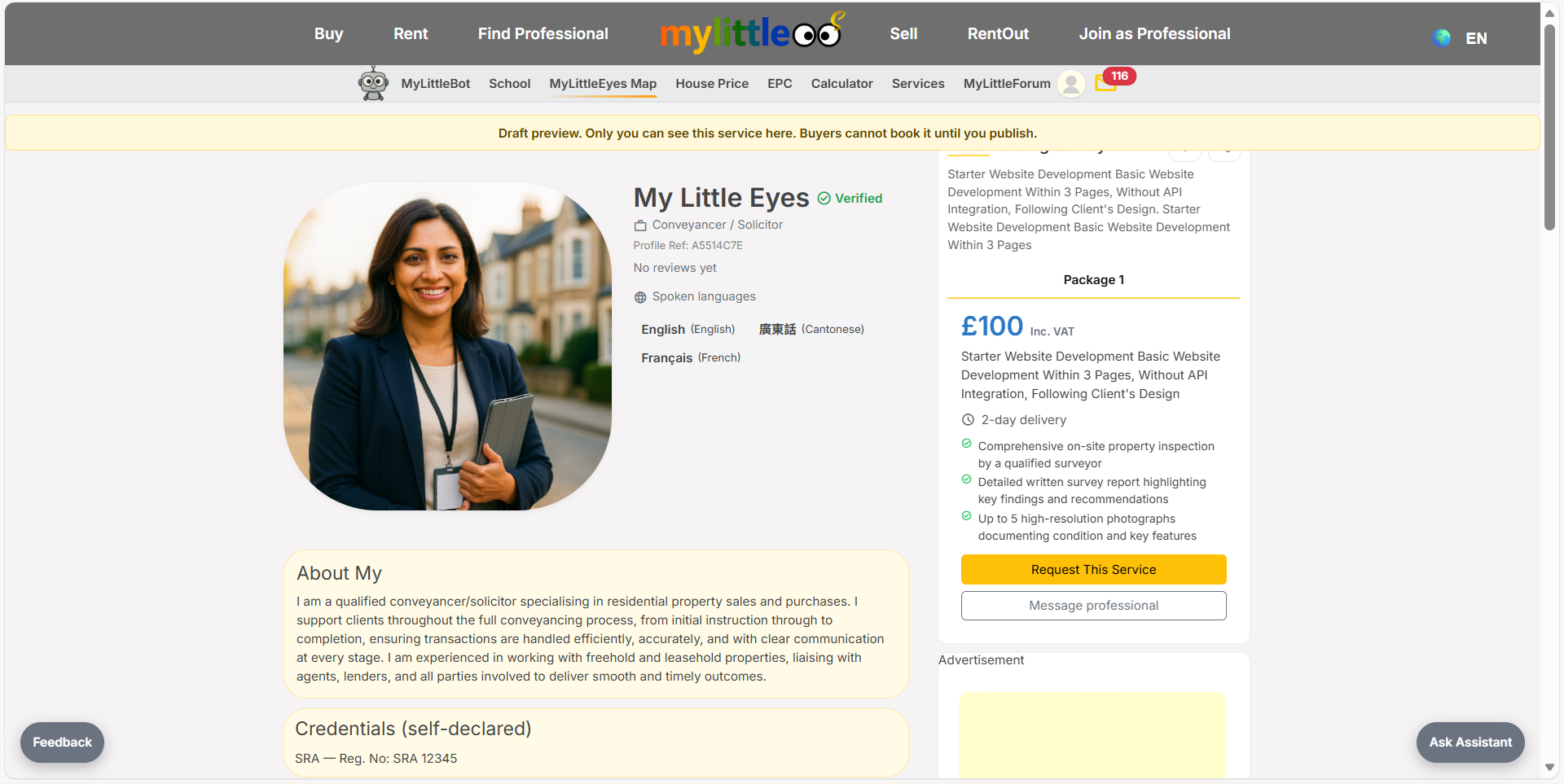
Check the draft profile preview to confirm your details and languages look correct.
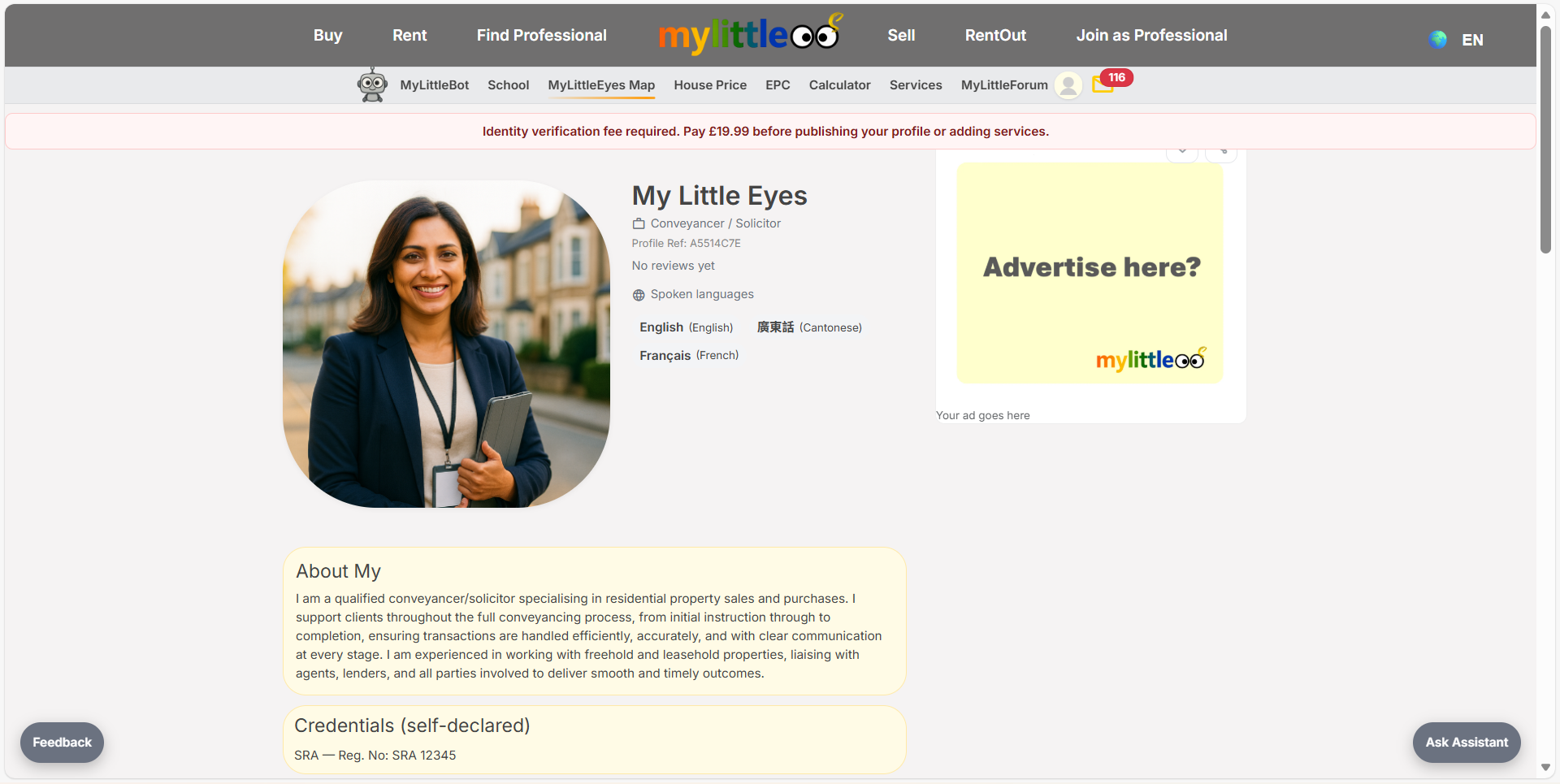
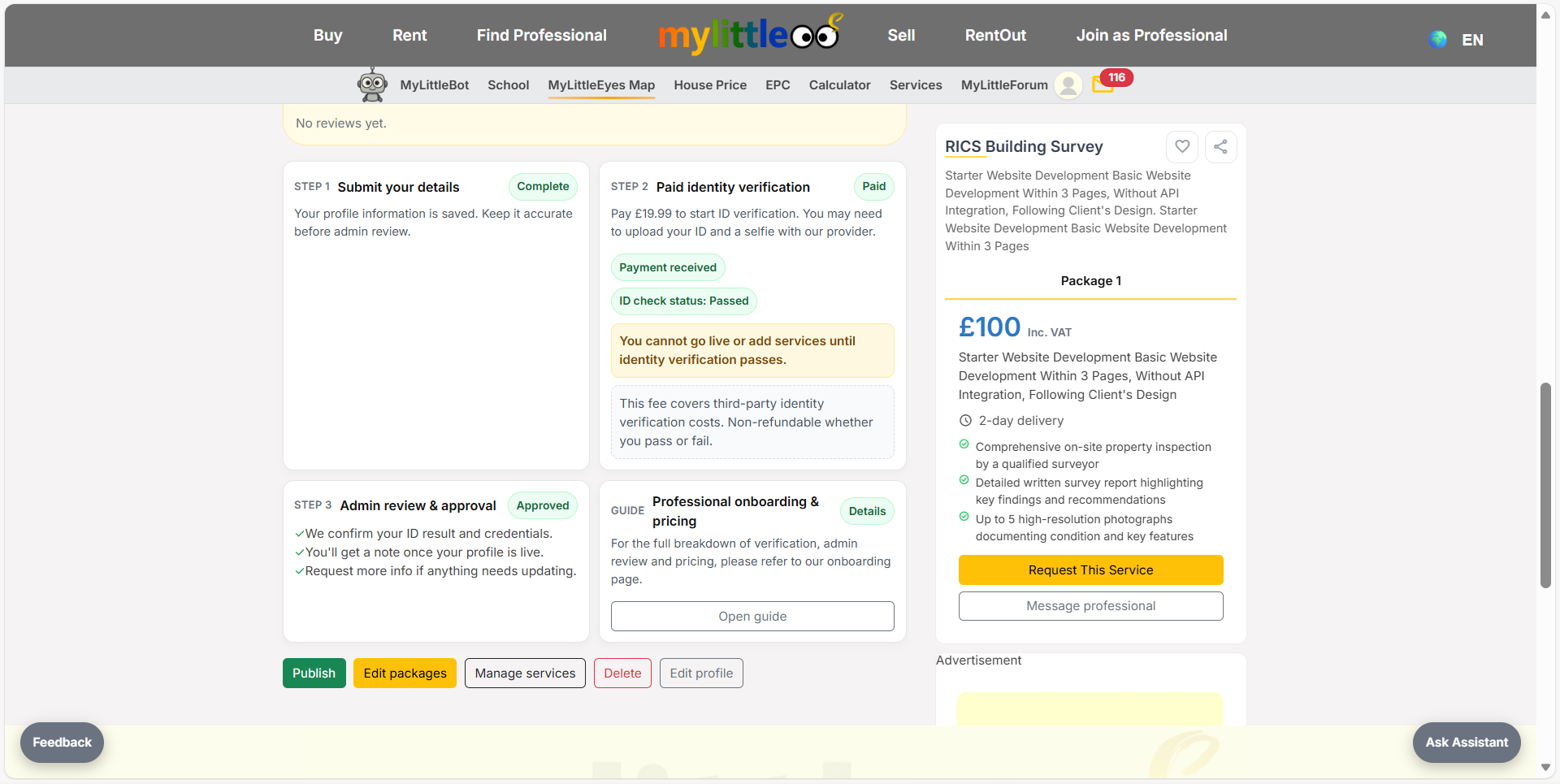
Pay the £19.99 fee and begin identity verification immediately—you must pass before going live.
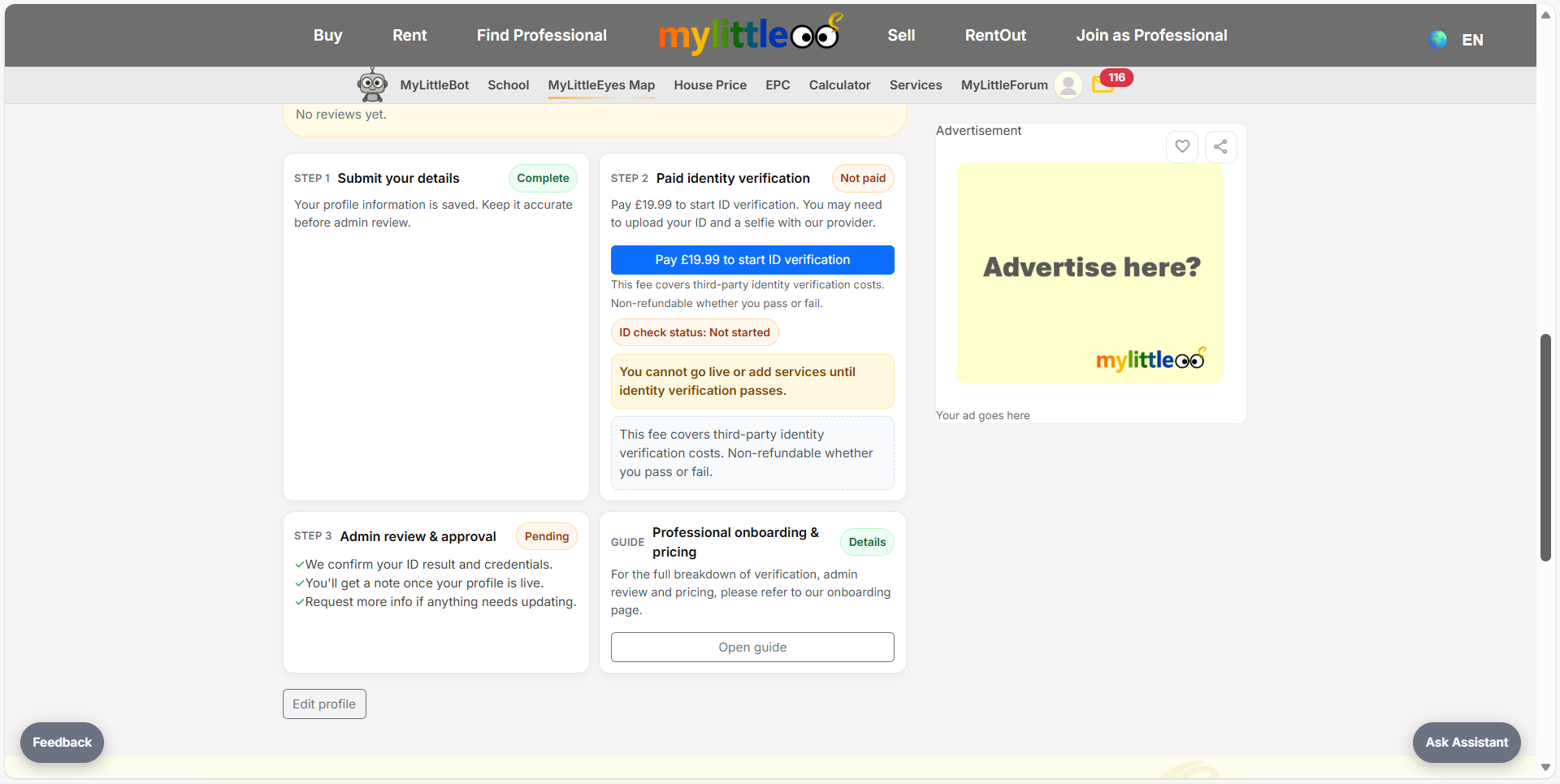
Signable performs the ID check on your behalf; the status shows In progress while it processes.
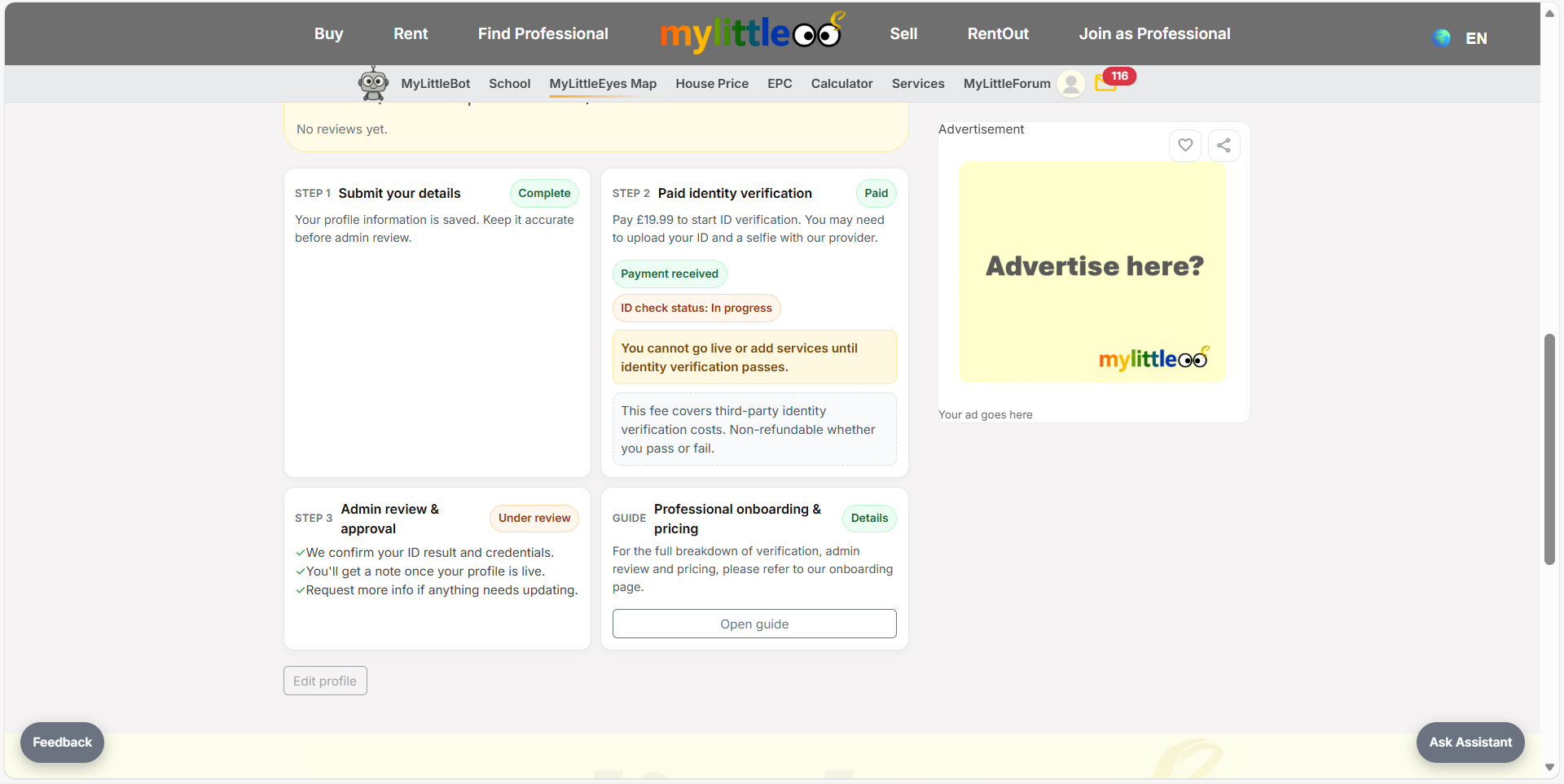
After the check passes, admin approval finalises and you can move on to services.
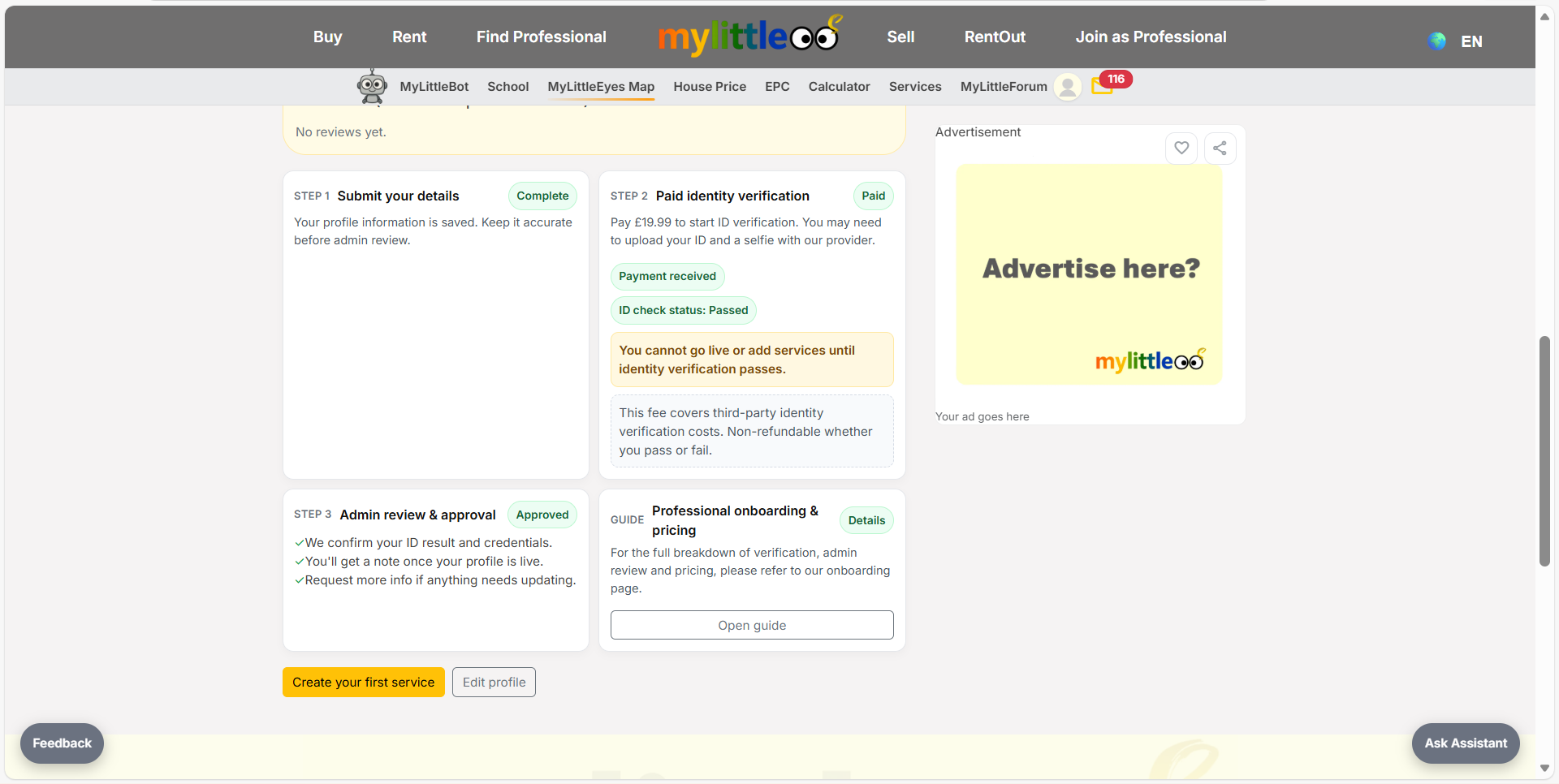
Create a new service and enter its title plus short description.
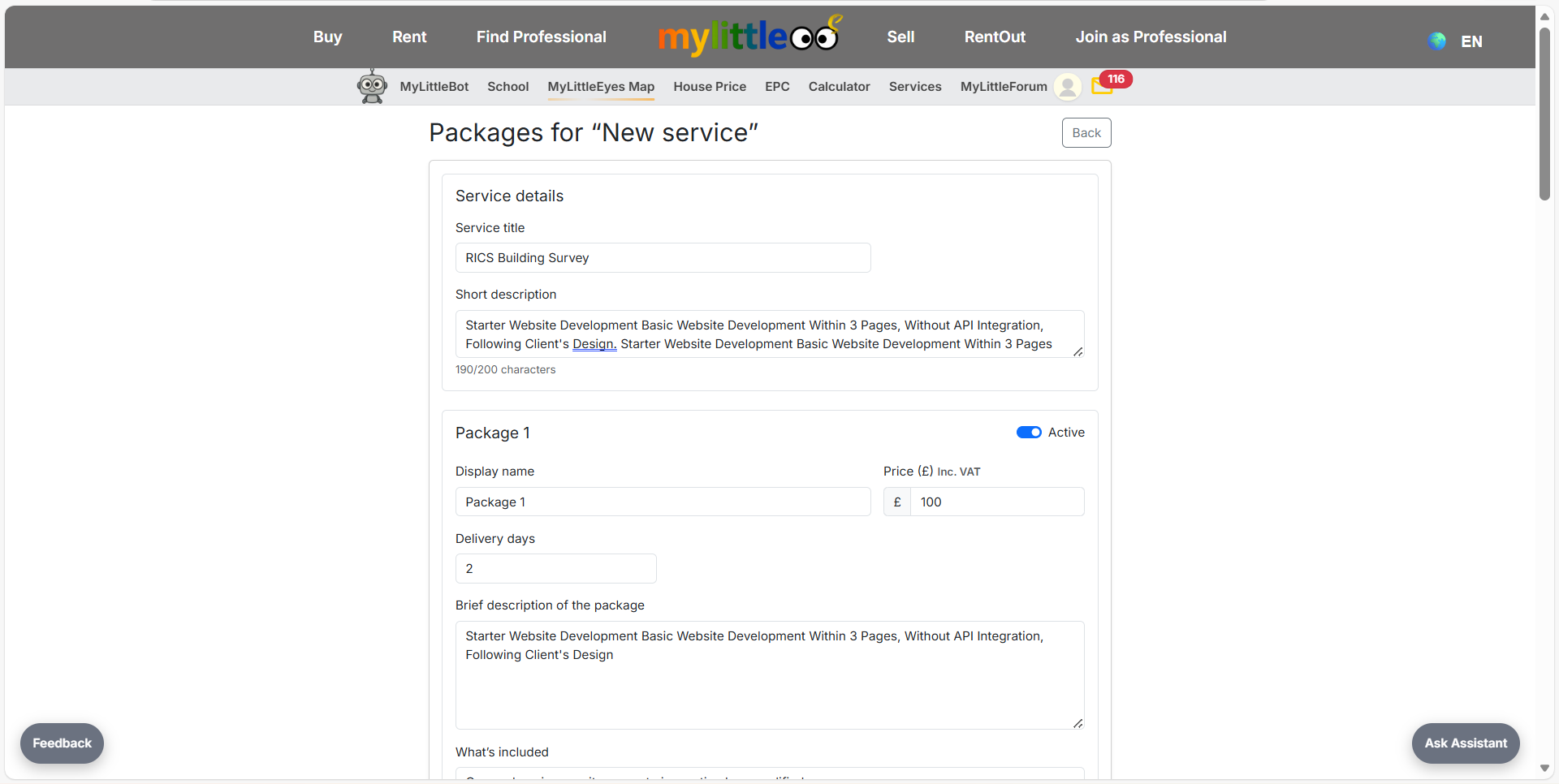
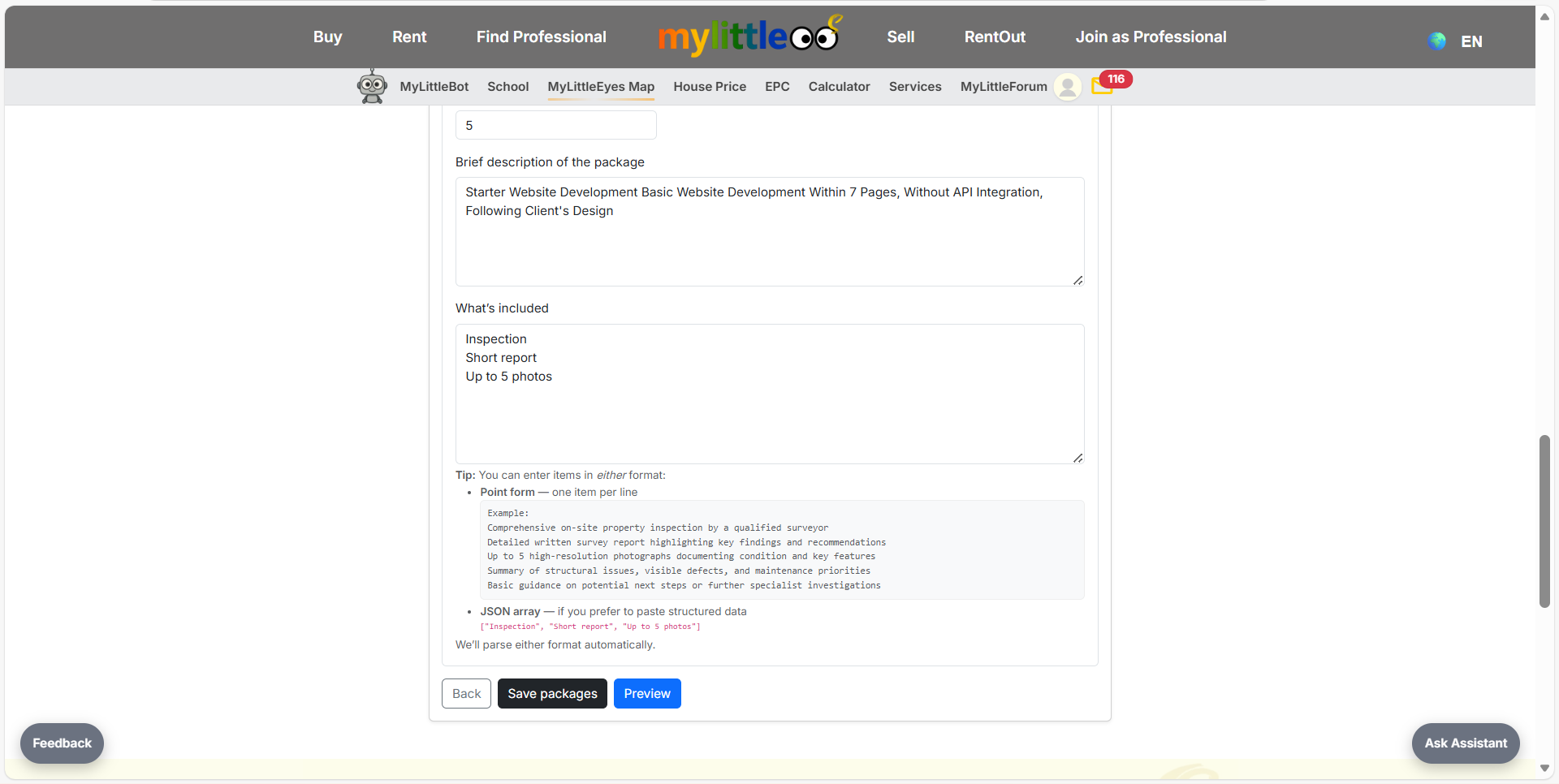
Set price, delivery days, inclusions, and save the package for the service.
Preview how your service appears on your profile; buyers cannot order until you publish.
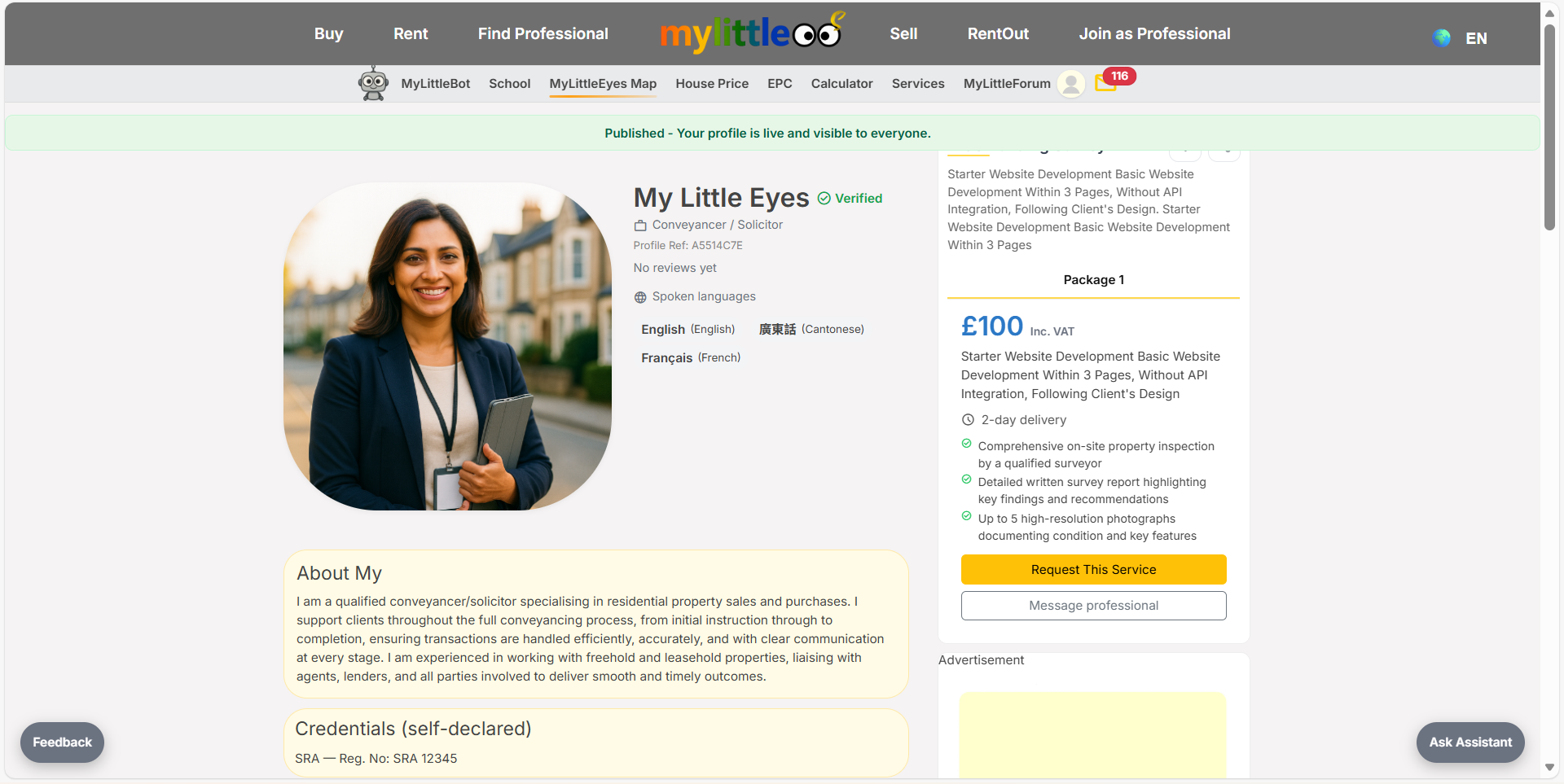
From the profile dashboard, publish so your services become visible and orderable.
Your verified profile is live with pricing, delivery promises, and messaging enabled.