Launch offer: all Silver listings are free.

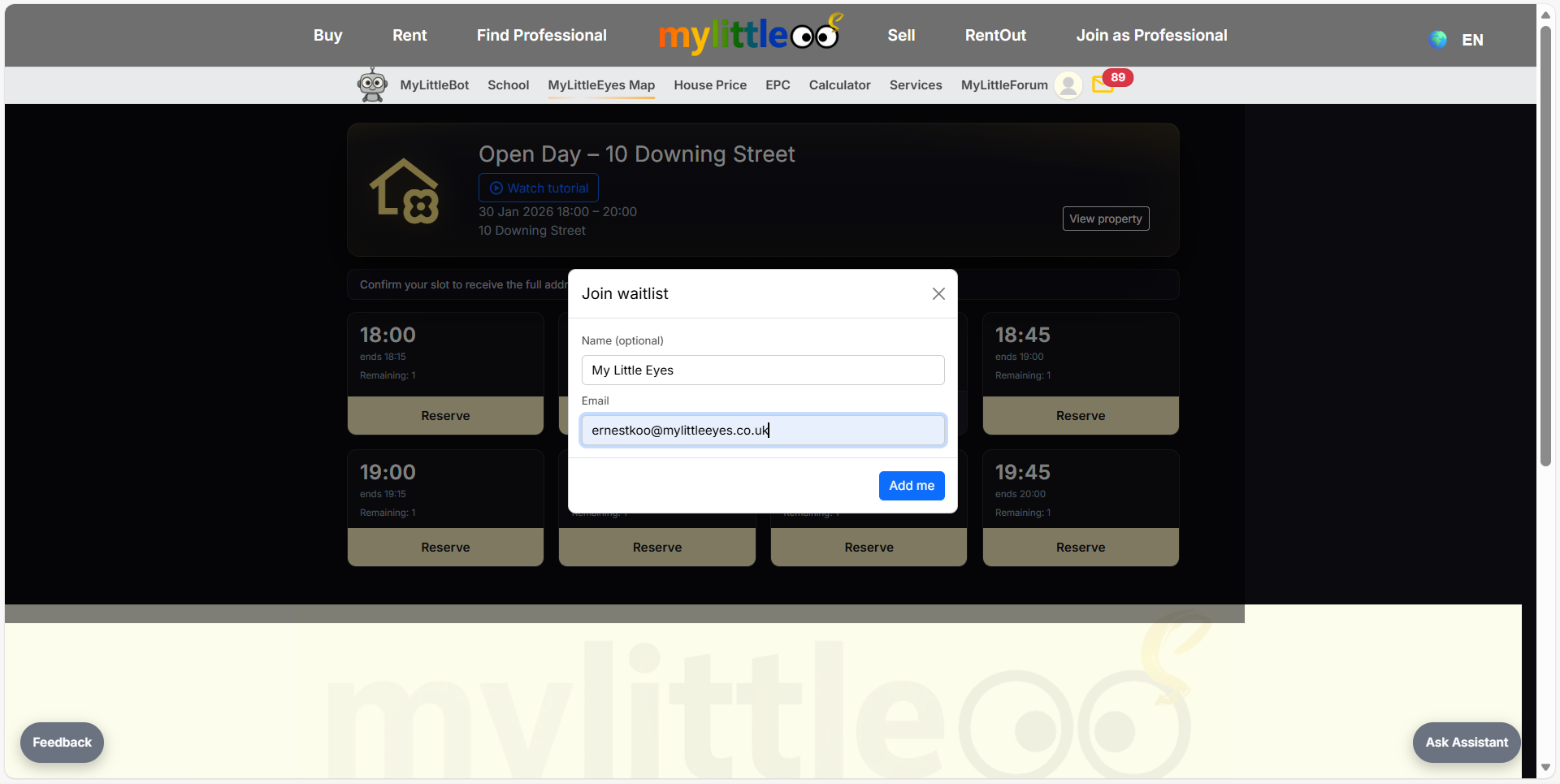
Reserve a slot or join the waitlist on an open day page.
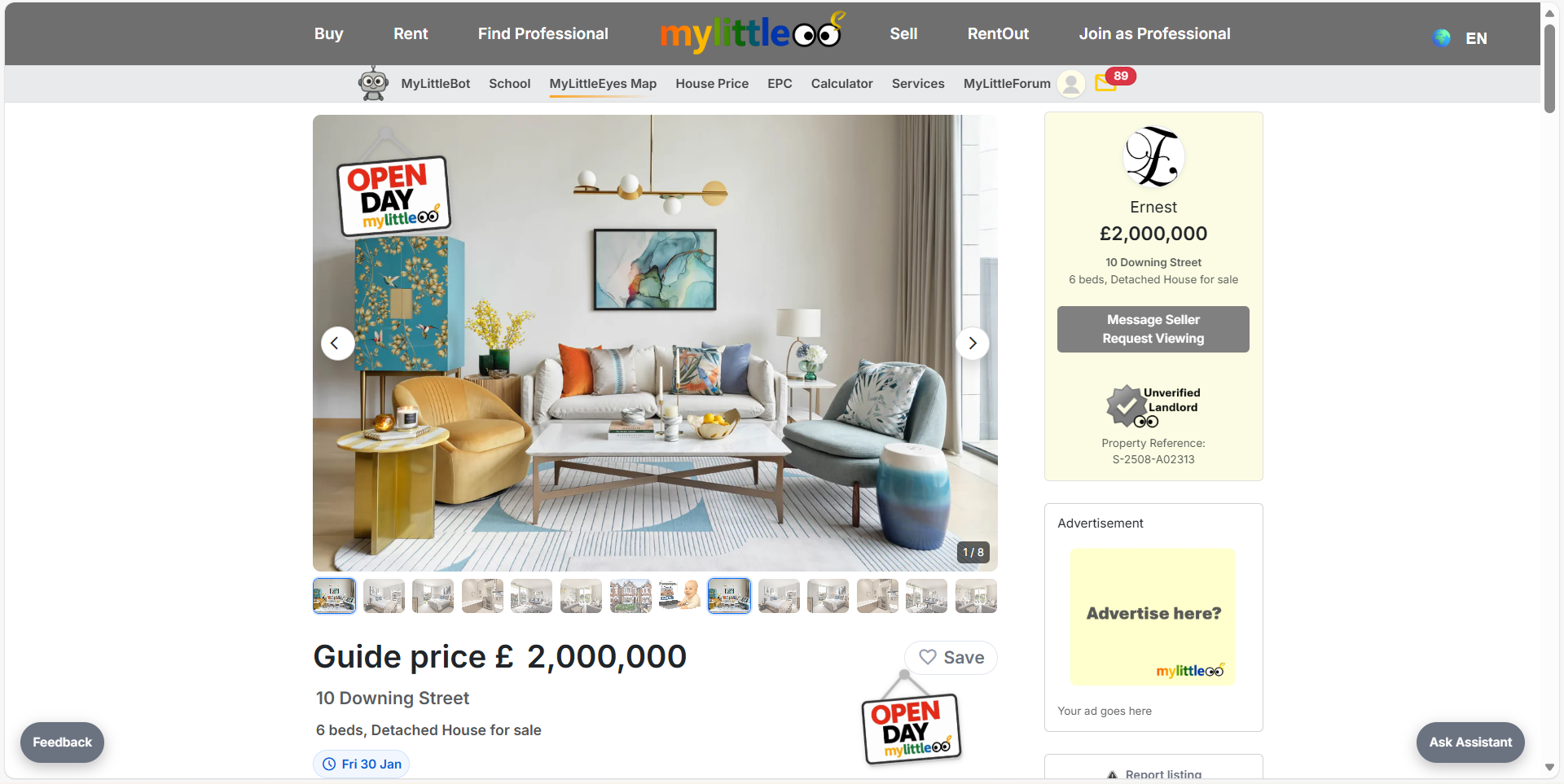
On the property page, look for the Open Day badge and click to view available slots.
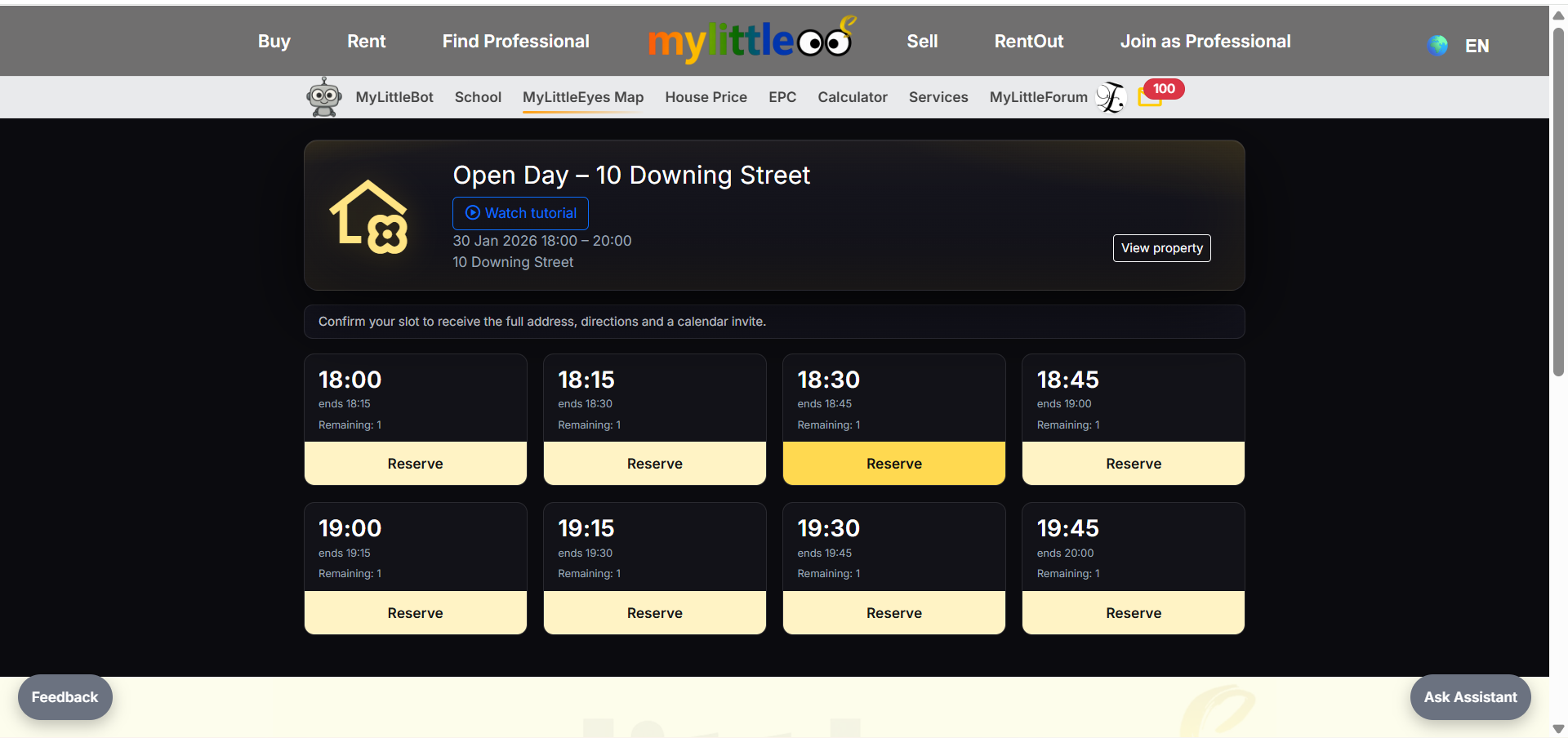
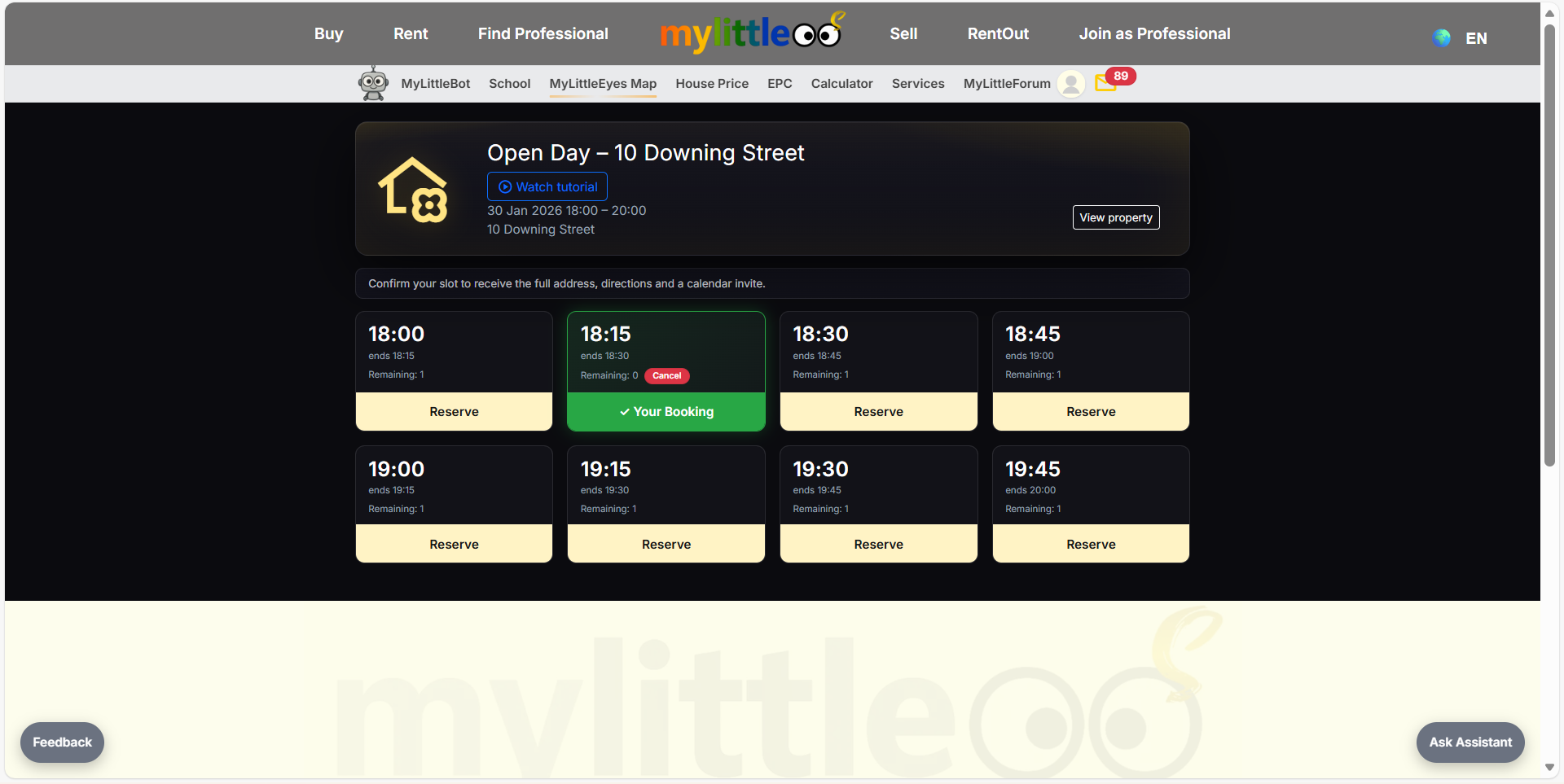
Pick the time that works for you from the available slots shown.
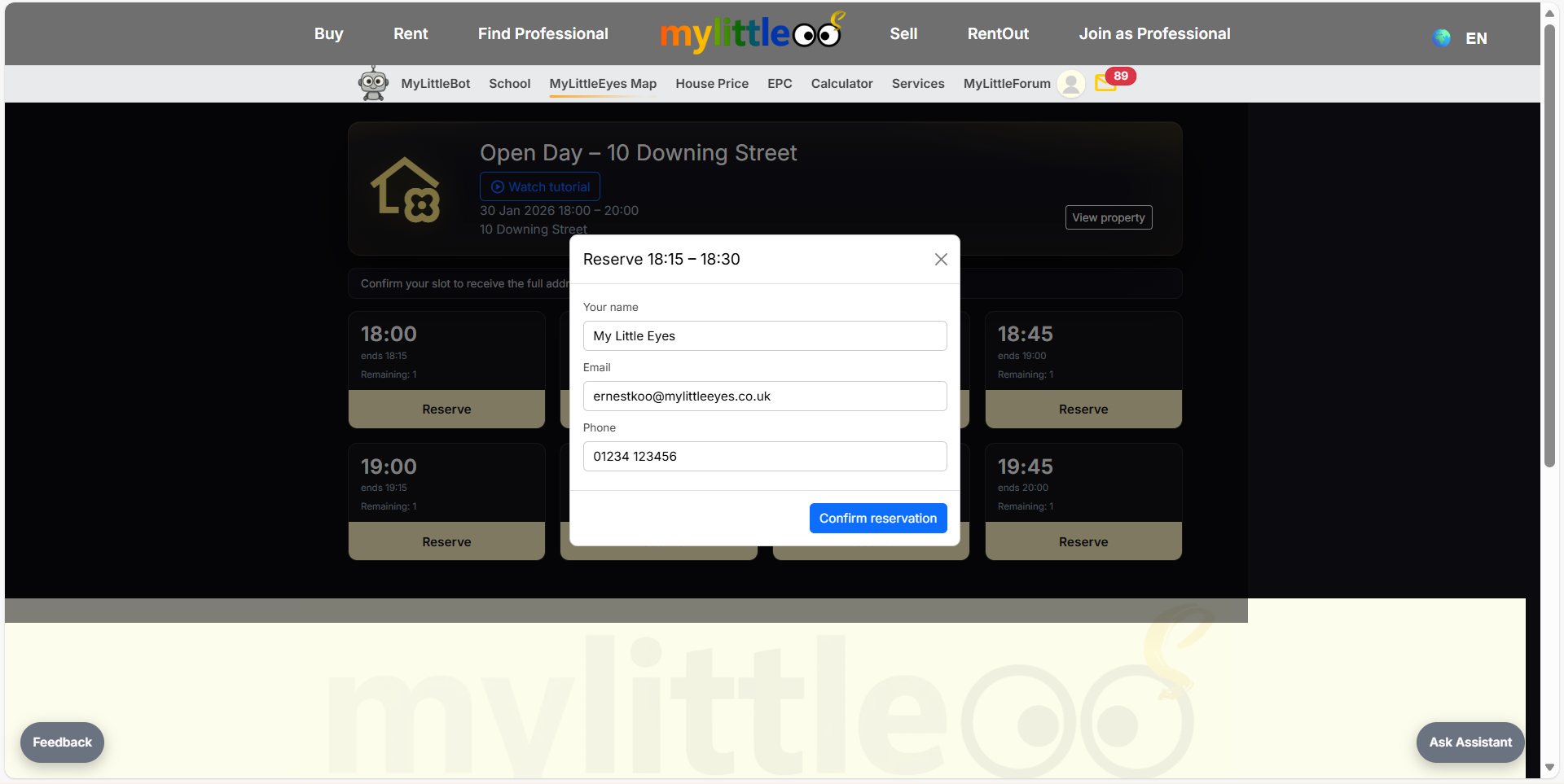
Add your name, email, and phone so the host can confirm and send directions.
Your selected slot now shows as booked with a Cancel button if you need to release it.
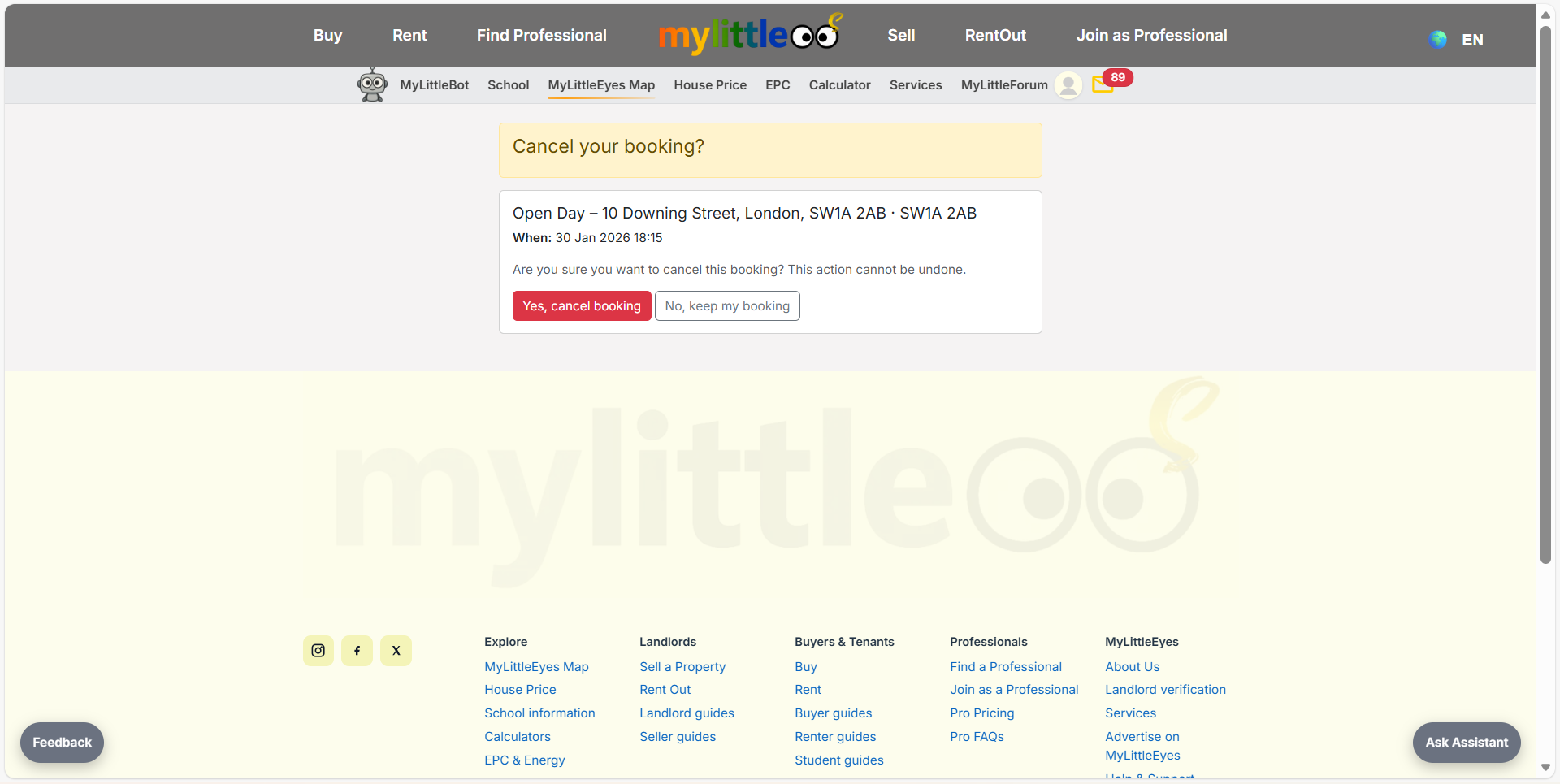
If you cancel, confirm the prompt to free the slot for someone else.
If all slots are taken, choose the waitlist option to be notified when a place opens.